What Should You Look for in a USB-C PD iPhone Charger? How to Choose the Right One for Fast Charging
Last updated: 19 Oct 2026
23 Views
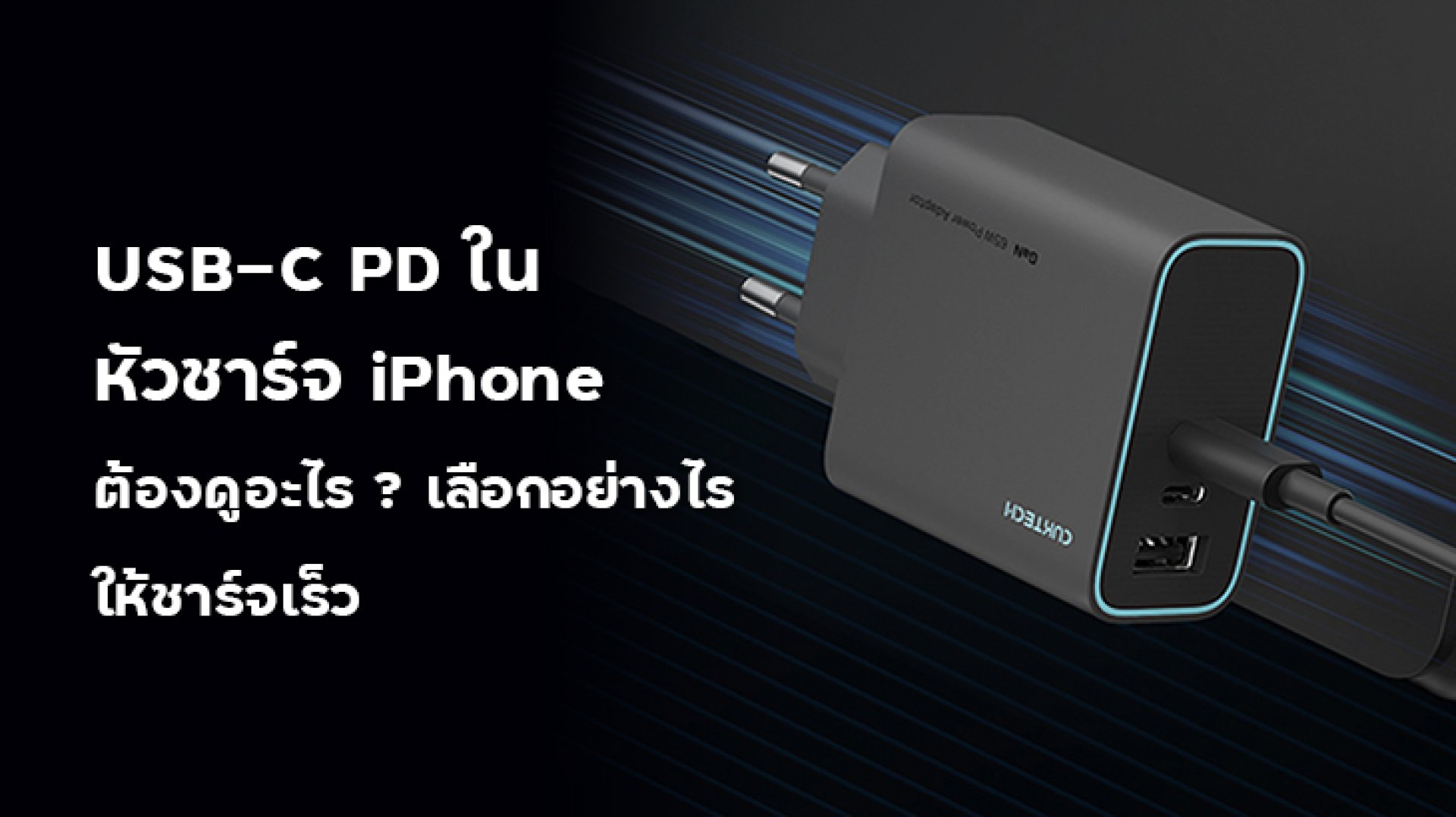
If you want your iPhone to charge faster, choosing a charger with a high wattage rating is not the only thing that matters. You should also check whether it supports USB-C Power Delivery (USB-PD), whether its output specifications are compatible with your iPhone, and whether you are using the correct charging cable. A **USB-C PD iPhone charger** is a practical choice because USB Power Delivery allows the charger and device to negotiate an appropriate power level. However, not every USB-C charger supports USB-PD, and a higher wattage rating does not automatically mean your iPhone will charge at that maximum power. Let's look at the key specifications to check before buying a charger.
**Important:** These wattage ratings are general buying considerations, not a guarantee of charging speed for every iPhone. Always check the specifications for your exact model. A higher-wattage charger can be useful, especially if you also charge an iPad or other compatible devices. However, if your iPhone cannot accept the charger's maximum output, it will not draw the full rated wattage.
1. What Is USB-C PD?
USB-C PD stands for USB Type-C Power Delivery. It is a charging protocol that allows compatible chargers and devices to negotiate the voltage and current needed for charging. It helps compatible devices receive power according to their requirements rather than relying on a single fixed output. When choosing an iPhone charger, it is important to understand the difference between these three terms:- USB-C: The connector type used by the charger or cable.
- USB Power Delivery (USB-PD): A charging protocol that enables compatible devices and chargers to negotiate power.
- Wattage (W): A measurement of electrical power. The charger's maximum wattage does not necessarily equal the power your iPhone will draw.
2. Does an iPhone Need USB-PD for Fast Charging?
Apple supports compatible USB-C power adapters that use USB Power Delivery for wired fast charging. The appropriate adapter and cable depend on the iPhone model. For iPhone 15 and later, use a compatible USB-C charging cable. For earlier iPhone models with a Lightning port, a USB-C to Lightning cable is required for USB-C PD fast charging. Apple's fast-charging guidance also specifies that the required adapter can vary by model. For example, some recent iPhone models support fast charging with a 20W adapter or higher, while certain newer models can benefit from a higher-output adapter. Before buying, check Apple's current charging recommendations for your exact iPhone model.3. How Many Watts Should an iPhone Charger Have?
The right wattage depends on your iPhone model, your charging habits, and whether you want to charge other devices with the same adapter.| Charger Rating | What to Consider |
|---|---|
| 20W | A practical option for many iPhone models that support fast charging with a 20W adapter. |
| 30W | May provide additional flexibility for compatible devices, but does not guarantee a proportional increase in iPhone charging speed. |
| 40W or higher | May be appropriate for newer iPhone models or for charging multiple types of devices, depending on the device's supported charging specifications. |
4. Check the USB-C Port and Power Output
Some chargers have one USB-C port, while others have two or more ports. If you plan to charge multiple devices simultaneously, check how the charger distributes power. For example, a charger advertised as 65W may provide its maximum output when only one port is in use. When another device is connected, the available power may be divided or redistributed between the ports. Before purchasing, check:- The maximum output of each USB-C port.
- Whether the charger supports USB-PD.
- How power is distributed when multiple ports are used.
- Whether the listed wattage applies to a single port or the entire charger.
5. Choose the Correct Charging Cable
Even if your charger supports USB-PD, the cable must also be compatible with your iPhone's connector.- iPhone with USB-C: Use a compatible USB-C charging cable.
- iPhone with Lightning: Use a USB-C to Lightning cable for charging from a USB-C PD adapter.
6. Why Doesn't My iPhone Charge at the Charger's Maximum Wattage?
Buying a high-wattage charger does not mean your iPhone will continuously charge at that power level. Several factors can affect charging speed.- Device limitations: Your iPhone only draws power according to its supported charging specifications.
- Battery level: Charging speed can change as the battery approaches a higher state of charge.
- Temperature: Charging may slow down if the device becomes too hot or too cold.
- Cable compatibility: An unsuitable or damaged cable can affect charging performance.
- Charger compatibility: The charger must support an appropriate charging protocol and output profile.
7. Checklist for Choosing a USB-C PD iPhone Charger
Before making a purchase, use this checklist:- Confirm your iPhone model and charging connector.
- Check that the charger explicitly supports USB Power Delivery if you want USB-PD fast charging.
- Choose a wattage appropriate for your iPhone's supported charging requirements.
- Check the output specifications for each port.
- Make sure the cable is compatible with your iPhone and charger.
- Choose a charger that complies with applicable safety standards.
- If you plan to charge several devices, check the charger's power-sharing specifications.
Frequently Asked Questions (FAQ)
1. Is every USB-C charger a USB-PD charger?
No. USB-C describes the connector, while USB Power Delivery is a charging protocol. Check the charger's specifications to confirm USB-PD support.2. Can I use a 30W or 65W charger with my iPhone?
A compatible, safety-compliant USB-C charger with a higher wattage rating can be used when it supports the iPhone's charging requirements. The iPhone will not automatically draw the charger's maximum rated power.3. Does a higher-wattage charger always charge an iPhone faster?
No. Charging speed depends on the iPhone model, charger compatibility, cable, battery level, and temperature. A higher wattage rating alone does not guarantee faster charging.4. Can I use a third-party USB-C PD charger with an iPhone?
Yes. Apple supports compatible third-party USB-C power adapters that support USB Power Delivery for wired fast charging. Choose a product that complies with applicable safety standards and meets your model's charging requirements.5. Which cable should I use with a USB-C PD charger?
For an iPhone with a USB-C port, use a compatible USB-C cable. For an iPhone with a Lightning port, use a USB-C to Lightning cable for USB-C PD charging.Conclusion
When choosing a USB-C PD iPhone charger, do not focus on wattage alone. Check USB-PD support, the charger's output specifications, cable compatibility, and your iPhone's charging requirements. A 20W charger may be sufficient for many iPhone models, while a higher-output adapter can offer additional flexibility for compatible devices. The best choice is the charger that meets your device's specifications and your everyday charging needs.References
- Apple Support: Fast charge your iPhone
- Apple Support: About Apple USB power adapters
- USB-IF: USB Power Delivery
Related Articles
Related Content