USB-C 100W vs 240W: What’s the Difference and Which Cable Should You Choose?
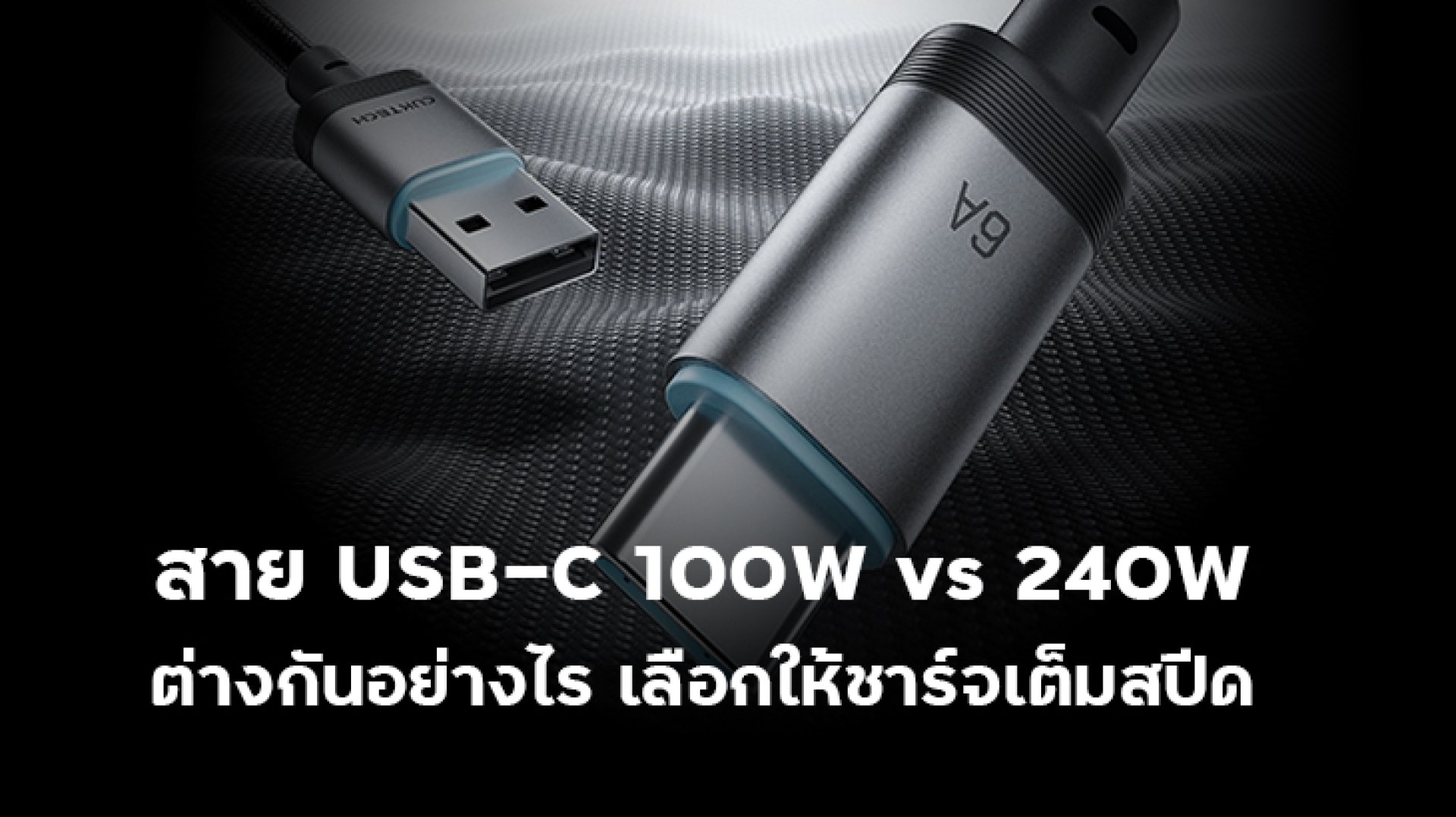
Have you ever bought a 100W or 140W USB-C charger, only to find that your laptop does not seem to charge at its maximum speed?
Or maybe you have seen USB-C cables labeled 100W and 240W and wondered what the actual difference is.
The answer is more complicated than simply looking at the number printed on the package.
100W and 240W USB-C cables are designed for different power capabilities. The difference involves the cable's current capability, supported USB Power Delivery specifications, and, for 240W charging, USB PD 3.1 Extended Power Range (EPR).
USB-IF explains that USB-C cables can have different capabilities. USB PD 3.1 expanded USB Power Delivery from the previous 100W range to as much as 240W over compatible USB Type-C cables and connectors. :contentReference[oaicite:1]{index=1}
So, if you are wondering which is better: a 100W or 240W USB-C cable?, this guide will help you understand the differences and choose the right cable for your devices.
USB-C 100W vs 240W: What Is the Difference?
The biggest difference is the amount of power the cable is designed to support and the USB Power Delivery range it can work with.
Before USB PD 3.1, USB Power Delivery could support up to 100W using a 20V, 5A USB-C cable configuration. USB PD 3.1 introduced Extended Power Range, or EPR, which allows compatible systems to reach up to 240W. :contentReference[oaicite:2]{index=2}
| Feature | 100W USB-C Cable | 240W USB-C Cable |
|---|---|---|
| Maximum Rated Power | Up to 100W | Up to 240W |
| Example Current | Up to 5A | Up to 5A |
| Example Maximum Voltage | 20V | 48V |
| Power Range | Standard Power Range (SPR) | Extended Power Range (EPR) |
| Typical Use | Phones, tablets, laptops | High-power laptops and compatible EPR devices |
One important point is that 100W and 240W do not mean the cable constantly delivers that amount of power.
The actual charging power is negotiated between the charger and the device according to their supported capabilities.
How Does a USB-C Cable Reach 100W?
The basic electrical formula is simple:
Power = Voltage × Current
For example:
20V × 5A = 100W
This is why high-power USB-C cables need to be designed for the appropriate current capability. Having a USB-C connector does not automatically mean that a cable can safely or properly support 100W charging.
When choosing a 100W cable, check its stated power rating and supported specifications rather than relying only on the connector type.
Where Does 240W Come From?
USB Power Delivery 3.1 introduced Extended Power Range (EPR), allowing USB-C Power Delivery to move beyond the previous 100W range.
USB-IF specifies new fixed voltage levels of 28V, 36V, and 48V for higher-power USB PD 3.1 applications. These enable power levels of up to 140W, 180W, and 240W respectively. :contentReference[oaicite:3]{index=3}
| Voltage | Example Current | Power | Power Range |
|---|---|---|---|
| 20V | 5A | 100W | SPR |
| 28V | 5A | 140W | EPR |
| 36V | 5A | 180W | EPR |
| 48V | 5A | 240W | EPR |
This leads to an important point:
5A does not automatically mean 240W.
For example:
- 20V × 5A = 100W
- 48V × 5A = 240W
Both voltage and current determine the final power level.
Does a 240W USB-C Cable Need an E-Marker?
E-Marker technology is important for USB-C cables with higher power capabilities because it allows compatible systems to identify information about the cable.
However, it is important not to confuse an E-Marker with a "fast-charging chip."
An E-Marker does not make a cable charge faster by itself.
It communicates information about the cable's capabilities so that compatible USB-C and USB Power Delivery systems can operate according to the cable's supported specifications.
USB-IF specifically notes that cables implemented with an E-Marker are subject to the applicable USB Power Delivery compliance testing. :contentReference[oaicite:4]{index=4}
For a 240W cable, the cable itself must also meet the requirements for USB PD 3.1 EPR operation. USB-IF's 240W cable logo guidance specifies that a 240W-certified cable must pass the applicable USB PD 3.1 EPR and USB Type-C cable and connector tests. :contentReference[oaicite:5]{index=5}
In simple terms:
- E-Marker: Helps identify and communicate cable capabilities.
- 240W: Indicates the cable's supported power capability.
- USB PD 3.1 EPR: Enables compatible USB-C systems to operate at power levels above the previous 100W range.
Can a 100W Cable and a 240W Cable Be Used Interchangeably?
A 240W cable can generally be used with devices that require less power, provided the cable and devices are compatible with the applicable USB-C and USB Power Delivery requirements.
For example, if your smartphone supports 45W charging, using a 240W cable does not force the phone to receive 240W.
The phone will still operate according to its supported charging capabilities.
In other words:
240W cable + 45W smartphone 240W charging
On the other hand, if a laptop requires more power than the cable is designed to support, the cable can become a limiting factor in the charging system.
Why Should You Check the Cable When Buying a 100W Charger?
A common mistake is thinking:
"If my charger is 100W, I will automatically get 100W charging."
Not necessarily.
A USB-C Power Delivery system involves several components:
- The charger must support the required power level.
- The cable must support the required power and current.
- The device must support the required charging power.
If one part of the system has a lower capability, the overall charging operation may be limited accordingly.
Example: 100W Charger + 60W Cable
Imagine this setup:
- USB-C charger: 100W
- USB-C cable: 60W
- Laptop: supports up to 100W charging
Even though the charger can provide up to 100W and the laptop can accept up to 100W, the cable has a lower power rating.
The cable can therefore become the limiting component of the system.
This is why buying a high-wattage charger is only part of the solution.
Example: 240W Charger + 240W Cable + 140W Laptop
Now consider:
- USB-C PD 3.1 charger: 240W
- USB-C cable: 240W
- Laptop: supports up to 140W
The laptop will not automatically receive 240W.
The device itself supports up to 140W, so its charging system will operate within its supported power range.
The benefit of the 240W cable is that the cable itself does not become the limiting factor when the connected equipment requires a higher power level within its supported capabilities.
Does a 240W USB-C Cable Charge Faster Than a 100W Cable?
Not necessarily.
This is one of the most common misunderstandings about high-wattage USB-C cables.
A 240W cable does not automatically make every device charge faster than a 100W cable.
For example, if a smartphone supports a maximum charging power of 45W:
100W cable up to the phone's supported charging level
240W cable still up to the phone's supported charging level
The higher power rating becomes important when the connected device actually requires a higher power level.
Who Should Choose a 100W USB-C Cable?
A 100W USB-C cable is suitable for many everyday devices, including:
- USB-C smartphones
- Tablets
- Many USB-C laptops
- USB-C power banks
- Other devices requiring up to 100W of power
If all of your devices require less than 100W and you do not need USB PD 3.1 EPR power levels, a good-quality 100W cable may be all you need.
Who Should Choose a 240W USB-C Cable?
A 240W USB-C cable makes more sense for users who have high-power USB-C devices or want additional power headroom for future equipment.
Examples include:
- High-performance laptops supporting USB PD 3.1 EPR
- Devices requiring more than 100W
- Users with USB PD 3.1 EPR chargers
- Users who want one cable for a wider range of power requirements
- Users planning for future high-power USB-C devices
However, if all you charge are smartphones and tablets below 100W, a 240W cable will not automatically make them charge faster.
Which Is Better: 100W or 240W?
| Use Case | Recommended Cable | Why? |
|---|---|---|
| 25W45W smartphone | 100W | More than enough for the device |
| Tablet | 100W | Suitable for typical charging requirements |
| Standard USB-C laptop | 100W | Suitable if the laptop requires no more than 100W |
| 140W laptop | 240W | Suitable for USB PD 3.1 EPR systems |
| Device requiring more than 100W | 240W | Provides the required EPR power capability when supported |
| Future-proofing | 240W | Offers greater power capability for compatible future devices |
Don't Look at Wattage Alone: Check Data Speed Too
Another common mistake is assuming that a 240W cable must also be the fastest cable for data transfer.
Power capability and data transfer capability are separate specifications.
A cable can support 240W charging while offering only basic data transfer. Another cable may support high-speed data, USB4, or display functionality while also supporting a different power level.
USB-IF's cable requirements distinguish power capability from data-rate markings. USB-C to USB-C cables participating in the USB-IF Compliance Program are required to carry the applicable power marking, while applicable cables also need the appropriate data-rate marking. :contentReference[oaicite:6]{index=6}
So, if you plan to use the cable with an external SSD, monitor, docking station, or other high-speed peripherals, check:
- Power Rating
- USB Data Speed
- USB4 support, if required
- DisplayPort Alt Mode, if required
- Thunderbolt compatibility, if required
A 240W label tells you about power capability, not necessarily maximum data speed.
What Should You Check Before Buying a 100W or 240W USB-C Cable?
Before buying a cable, don't rely only on words such as "Fast Charging" or "Super Fast Charging." Check the specifications carefully.
- Power Rating: Check whether the cable is rated for 60W, 100W, 240W, or another power level.
- Current Rating: Check whether it supports the current required by your charging system, such as 3A or 5A.
- USB Power Delivery: Check whether the cable is intended for USB PD applications.
- EPR Support: If you need more than 100W, check for USB PD 3.1 EPR compatibility.
- E-Marker: For applicable high-current USB-C cables, check that the cable's electronically marked capabilities are properly specified.
- Data Speed: If you transfer large files, check the actual USB data-rate specification.
- Display Support: If you need to connect a monitor, check for the appropriate display capability.
- Certification and Manufacturer Information: Choose products with clear specifications and reliable documentation.
Is USB-IF Certification Important?
USB-IF certification can be useful because it provides a way to verify that a product has passed the applicable USB-IF compliance testing.
USB-IF states that USB-C cable capabilities are covered by multiple compliance documents, and cables using E-Marker technology are subject to the applicable USB Power Delivery cable testing requirements. :contentReference[oaicite:7]{index=7}
For 240W USB-C cables specifically, USB-IF's 240W logo guidance requires the cable to pass the relevant USB PD 3.1 EPR and USB Type-C cable and connector tests before using the certified 240W logo. :contentReference[oaicite:8]{index=8}
Certification is therefore another useful factor when comparing cables, especially when purchasing a high-power cable.
100W vs 240W USB-C Cable: Which One Should You Buy?
If your devices require less than 100W, a good-quality 100W USB-C cable is enough for many users.
If you have a laptop or another USB-C device that requires more than 100W, a properly specified 240W USB-C cable is the better choice when the charger and device also support USB PD 3.1 EPR.
The most important thing is not to assume that:
240W cable = faster charging in every situation
Instead, think of it this way:
The cable needs to support at least the power capability required by the charging system.
For example, if your laptop requires 140W, using a cable designed for only 60W can become a limitation. Using a suitable 240W cable gives the system enough cable-side power capability, assuming the charger and laptop also support the required USB PD 3.1 EPR mode.
Final Takeaway
The difference between USB-C 100W and 240W cables is mainly about power capability and the USB Power Delivery range they are designed to support.
A 100W cable can be an excellent choice for smartphones, tablets, power banks, and many laptops.
A 240W cable becomes more relevant for high-power laptops and other devices that support USB PD 3.1 Extended Power Range.
USB PD 3.1 introduced 28V, 36V, and 48V fixed voltage levels, enabling compatible systems to reach 140W, 180W, and 240W respectively. :contentReference[oaicite:9]{index=9}
But remember: a higher cable wattage does not automatically mean faster charging.
The actual charging speed depends on the complete system:
- Charger
- Cable
- Device
- USB Power Delivery capabilities
- Negotiated power level
If you want your device to charge at its maximum supported speed, choose a cable with enough power capability for the device and make sure the charger and charging protocol support the same power level.
FAQ: USB-C 100W vs 240W
Is a 240W USB-C cable better than a 100W cable?
Not necessarily. A 240W cable supports a higher power level, but if your devices require less than 100W, a good-quality 100W cable may already be sufficient.
Can I use a 100W USB-C cable with a 240W charger?
The devices may still connect and operate, but the cable can become a limiting factor if the system requires more power than the cable is designed to support.
Can I use a 240W USB-C cable with a 45W smartphone?
Yes, provided the cable and device are compatible with the applicable USB-C and charging requirements. The phone will still charge according to its own supported charging capability rather than automatically receiving 240W.
Does a 240W USB-C cable require USB PD 3.1?
For 240W USB Power Delivery operation, USB PD 3.1 Extended Power Range is the relevant technology. The charger, cable, and device must all support the required capabilities.
Does 5A mean a USB-C cable supports 240W?
No. Power depends on both voltage and current. For example, 20V × 5A equals 100W, while 48V × 5A equals 240W.
Is a 240W cable faster for data transfer than a 100W cable?
Not necessarily. Power capability and data transfer speed are separate specifications. Check the cable's USB data-rate rating if high-speed data transfer is important to you.
Related Articles
- What Is an E-Marker? Why Do 100W and 240W USB-C Cables Need an E-Marker Chip?
- What Is PPS 5A? Why Does Samsung 45W Charging Need PPS?