Power Bank Keeps Turning Off When Charging Earbuds? Causes and How to Fix It
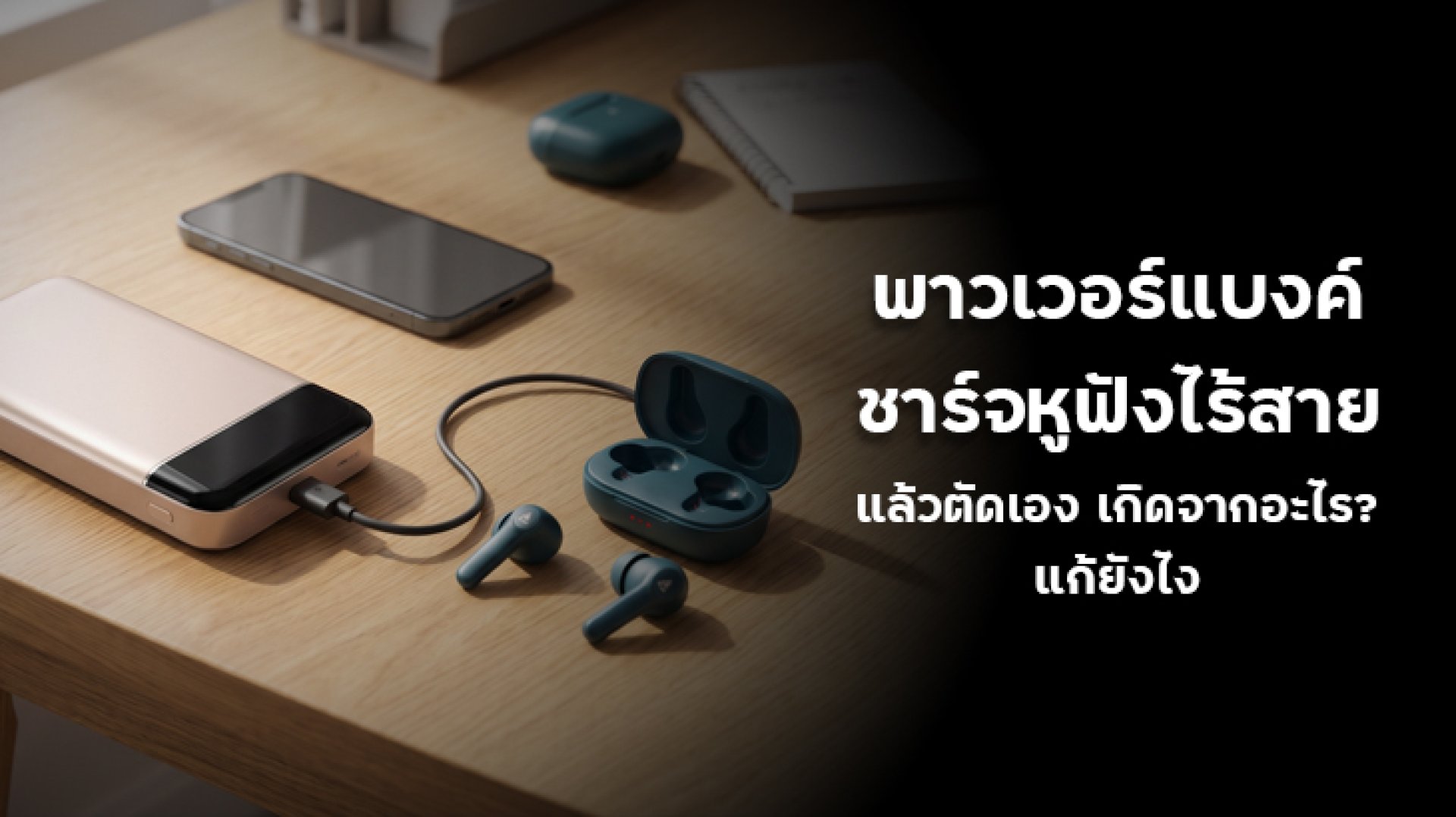
Have you ever connected your wireless earbuds to a power bank, only to find that charging stops after a few minutes? Your power bank still has plenty of battery, but the charging indicator suddenly turns off. If your power bank keeps turning off when charging earbuds, the problem may be related to the low power consumption of wireless earbuds and the power bank's automatic shut-off system.
Wireless earbuds and their charging cases use much less power than smartphones. Some power banks may interpret this low power demand as an indication that no device is connected. They then automatically stop supplying power, even though your earbuds still need charging.
Let's explore why this happens, how to fix it, and what features to look for when choosing a power bank for wireless earbuds.
Why Does a Power Bank Keep Turning Off When Charging Wireless Earbuds?
Wireless earbuds have relatively small batteries and require less charging power than smartphones. When the earbuds are nearly fully charged, their power consumption may decrease even further.
If the power bank cannot detect this low power demand consistently, it may automatically stop supplying electricity. This is one of the most common reasons a power bank works normally with a phone but stops charging wireless earbuds.
1. Low Charging Current
One of the most common causes is low current consumption. Wireless earbuds use small batteries, so their charging cases generally require much less power than smartphones or tablets.
Some power banks have a minimum load detection threshold. If the connected device draws less current than this threshold for a certain period, the power bank may assume that no device is connected and turn off its output.
This can happen when:
- The earbuds draw very little current during charging.
- The charging case battery is almost full, reducing its power demand.
- The power bank cannot consistently detect the low electrical load.
As a result, your power bank keeps turning off when charging earbuds, even though the earbuds have not reached full battery capacity.
2. Automatic Shut-Off Protection
Many power banks include an Auto Shut-off function. This feature automatically disables the output when the device detects little or no power consumption for a certain period.
It is designed to reduce unnecessary energy consumption and prevent the power bank from supplying power when nothing is connected.
However, wireless earbuds can sometimes draw so little current that the power bank mistakenly interprets the charging process as an inactive connection.
Keep in mind that each power bank model has its own load detection threshold and shut-off timing. There is no single current level or time limit that applies to every product.
3. No Low Current Charging Mode
Some power banks include a Low Current Mode or a similar feature designed for small electronic devices such as wireless earbuds, smartwatches, and Bluetooth accessories.
Without this feature, a power bank may have difficulty maintaining a stable output when charging devices that consume very little power.
Different manufacturers may use different names for this function, including Small Device Mode or other low-power charging modes. Some products may also describe related behavior as trickle charging, but these terms are not necessarily interchangeable across brands.
Always check the product manual to confirm whether your specific power bank supports low-current charging and which ports can use the feature.
4. A Damaged Charging Cable or Loose Connector
The power bank may not be the only possible cause. A damaged cable or loose connector can also interrupt charging.
Small charging cases often use compact USB-C or other charging connectors. If the cable is damaged, the connector is loose, or the charging contacts are dirty, the connection may become unstable.
Check the following:
- Does the charging cable have visible cracks or damaged sections?
- Does the connector fit securely into the charging case?
- Is there dust or debris inside the charging port?
- Does the problem continue when using another compatible cable?
If replacing the cable solves the problem, there may be no need to replace the power bank.
5. A Problem with the Earbuds' Charging Case or Battery
Sometimes, the issue originates from the earbuds rather than the power bank. The charging case may have a worn battery, a faulty charging circuit, or a damaged charging port.
If the case also stops charging when connected to a compatible USB wall adapter, the problem may be related to the case, cable, or internal battery rather than the power bank.
Look for other symptoms, such as unusual indicator light behavior, a battery that drains quickly, or a charging case that cannot reach a full charge.
How to Fix a Power Bank That Keeps Turning Off When Charging Earbuds
Before buying a new power bank, try these troubleshooting steps. They can help you identify whether the problem comes from low-current detection, the cable, the charging port, or the earbuds themselves.
1. Enable Low Current Mode if Available
Check your power bank's manual or product specifications to see whether it supports Low Current Mode, Small Device Mode, or a similar function.
The activation method varies by model. Some power banks require you to double-press the power button, while others use a long press or a dedicated button.
Do not assume that the activation method is the same across different brands or models. Follow the instructions provided by the manufacturer.
When enabled, this mode may adjust the power bank's output behavior to support devices with very low power consumption, reducing the chance of automatic shut-off during charging.
2. Replace the Charging Cable
Try another compatible, good-quality charging cable. Make sure the connector fits securely and that there is no visible damage or contamination on the cable or charging port.
If the earbuds charge normally with a different cable, the original cable may be the cause of the interruption.
3. Test the Earbuds with a USB Wall Charger
Connect the earbuds' charging case to a reputable USB wall adapter using a compatible cable.
If the case charges normally with the wall adapter but stops when connected to the power bank, the power bank's low-load detection system may be responsible.
If charging stops with both power sources, inspect the charging case, cable, and battery for possible problems.
4. Try Another Power Bank Port
Some power banks have multiple output ports, such as USB-A and USB-C. Their output characteristics and operating conditions may differ.
Check the product manual to see whether a particular port supports low-current devices or a dedicated small-device charging mode.
If the manufacturer specifies a suitable port for wireless earbuds or other low-power accessories, use that port instead of testing connections randomly.
5. Check the Earbuds' Charging Case
If changing the cable and power source does not solve the problem, inspect the charging case for unusual behavior.
Possible warning signs include:
- The indicator light flashes unexpectedly.
- The case battery drains unusually quickly.
- The case does not reach a full charge.
- The charging port appears damaged.
If you notice these symptoms, contact the earbuds manufacturer or an authorized service center. Do not open the charging case or attempt to repair its internal battery yourself.
What Type of Power Bank Is Best for Wireless Earbuds?
If you want one power bank for both your smartphone and wireless earbuds, do not choose based only on battery capacity or maximum wattage. The more important consideration for earbuds is whether the power bank can maintain a stable output when connected to a low-power device.
| Feature | Why It Matters |
|---|---|
| Low Current Mode | Helps support devices with low power consumption, including earbuds and smartwatches. |
| Suitable Load Detection | Reduces the chance of the power bank mistakenly detecting no connected device. |
| Compatible USB Output Port | Allows you to use a port specified by the manufacturer for small electronic devices. |
| Electrical Protection | Helps protect against conditions such as overcurrent, overvoltage, and overheating, depending on the model. |
| Reliable Brand and Warranty | Makes product specifications, support, and after-sales service easier to verify. |
Another important point is that a 65W, 100W, or 140W power bank is not automatically better for charging earbuds. Maximum output power and low-current charging compatibility are two different things.
For example, a 100W power bank may be suitable for charging a laptop, but if it does not support low-current devices, it may still turn off when connected to wireless earbuds.
Why Does a Power Bank Charge a Phone but Not Wireless Earbuds?
Smartphones and wireless earbuds have very different power requirements. A smartphone generally draws more power during charging, while wireless earbuds use much smaller batteries and require significantly less charging current.
A power bank may detect a smartphone without any problem because the phone draws enough current to keep the output active. However, when you connect wireless earbuds, their low power consumption may fall below the power bank's load detection threshold.
If the power bank has an automatic shut-off function, it may stop supplying power even though the earbuds are still charging.
This does not necessarily mean the power bank is defective. It may simply lack the low-current charging capability required by your earbuds.
Frequently Asked Questions About Power Banks Stopping While Charging Earbuds
Why does my power bank keep turning off when charging wireless earbuds?
The most common reason is that the earbuds draw less current than the power bank can reliably detect. The Auto Shut-off system may interpret the low power demand as an inactive connection and stop supplying power. A damaged cable, USB port, or charging case may also cause interruptions.
Can I charge Bluetooth earbuds with a power bank?
Yes. You can charge Bluetooth earbuds with a power bank as long as the output voltage and charging method are compatible with the charging case. Check whether the power bank supports low-current devices or includes a Low Current Mode.
How many mAh does a power bank need to charge wireless earbuds?
You generally do not need a high-capacity power bank because wireless earbuds have relatively small batteries. A 5,000mAh or 10,000mAh power bank can charge them, provided it supports compatible low-current output. Capacity is less important than charging compatibility.
Will Low Current Mode always solve the problem?
Not necessarily. Low Current Mode can reduce interruptions caused by low-load detection, but the charging cable, output port, and earbuds must also be compatible. Check the specifications of your particular power bank.
Can repeated charging interruptions damage wireless earbud batteries?
Occasional charging interruptions do not automatically mean that the battery is damaged. However, if the problem happens repeatedly, identify and fix the cause to ensure proper charging. Stop using the equipment if you notice excessive heat, a burning smell, or a swollen battery.
Conclusion: Choose a Power Bank That Supports Low-Current Charging
If your power bank keeps turning off when charging earbuds, the problem is often related to low current consumption and the power bank's automatic shut-off system. It does not necessarily mean that the power bank is defective.
Start by enabling Low Current Mode if your model supports it. Then check the charging cable, try another compatible output port, and compare the results with a reliable USB wall adapter. These steps can help identify whether the issue comes from the power bank or the earbuds' charging case.
When choosing a new power bank, do not focus only on battery capacity or maximum wattage. Check whether it supports low-power accessories such as wireless earbuds and smartwatches. A power bank with suitable low-current charging support may be a better choice than a higher-wattage model that cannot maintain a stable output for small devices.
References
- USB Implementers Forum (USB-IF) USB specifications and USB Power Delivery information: https://www.usb.org/
- International Electrotechnical Commission (IEC) International electrical standards: https://www.iec.ch/
- Apple Support Charging information and accessory support: https://support.apple.com/