How Many Watts Is a 3A Charging Cable? 3A vs 5A: Which Should You Choose?
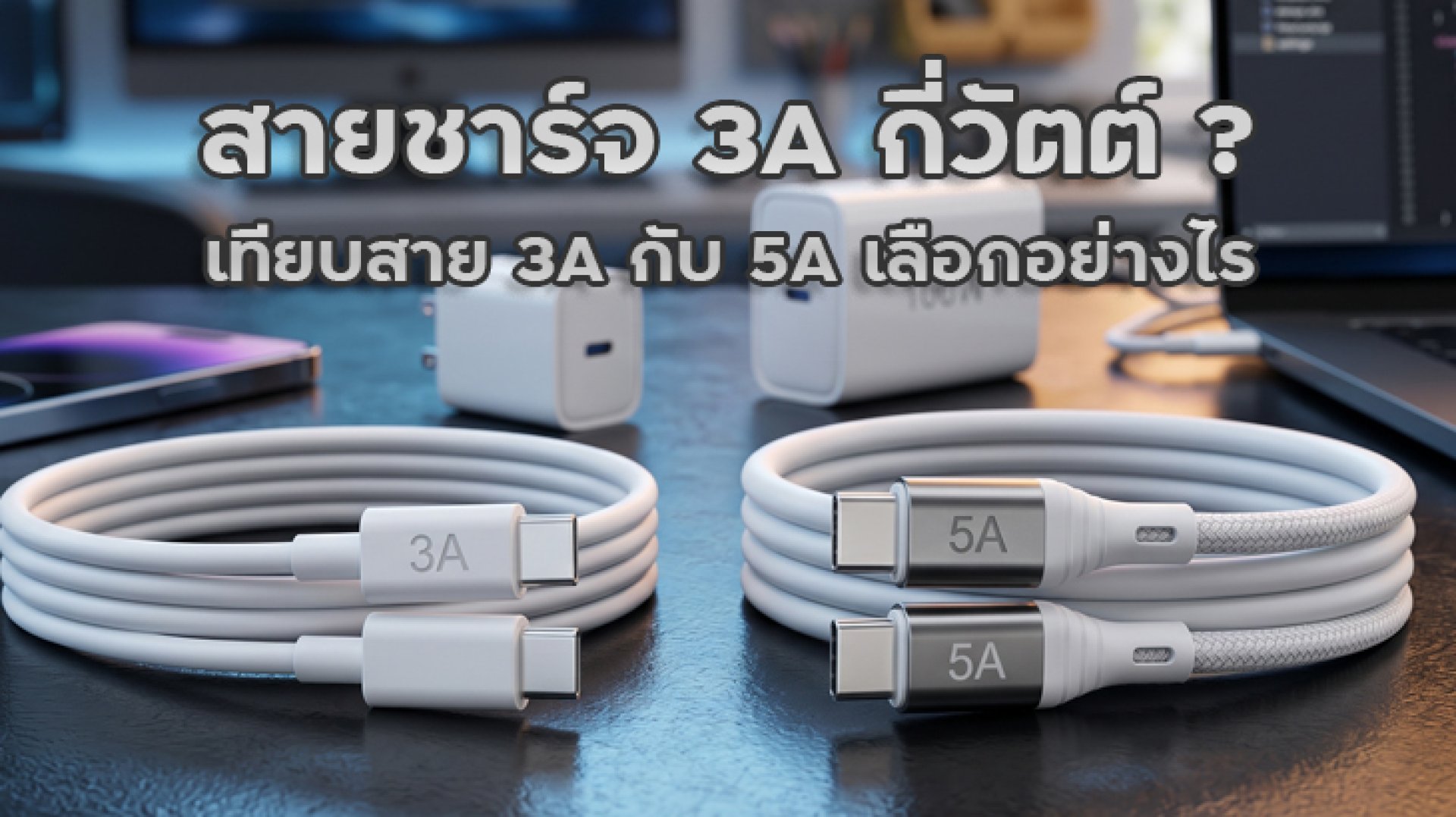
How many watts is a 3A charging cable? This is a common question when shopping for a USB-C cable. Some cables are rated at 3A, while others support 5A. But which one charges faster? And if you already own a 65W or 100W charger, do you really need a 5A cable? The answer is that a 3A cable does not have one fixed wattage rating. Its power capacity depends on the voltage used by the charging system.
The calculation is straightforward: multiply voltage (V) by current (A) to get power (W). This means the answer to how many watts is a 3A charging cable depends on the voltage. A 3A cable can support different power levels under different voltage conditions, but you must also check the cable's specifications and supported charging standards.
How Many Watts Is a 3A Charging Cable?
To calculate the power capacity of a charging cable, use this basic electrical formula:
Power (W) = Voltage (V) × Current (A)
If a cable supports a maximum current of 3A, its calculated power capacity changes depending on the voltage supplied by the charger.
| Voltage | Current | Calculated Power |
|---|---|---|
| 5V | 3A | 15W |
| 9V | 3A | 27W |
| 12V | 3A | 36W |
| 15V | 3A | 45W |
| 20V | 3A | 60W |
As the table shows, a cable rated for 3A can correspond to different power levels depending on the operating voltage. For example, 20V at 3A equals 60W. However, this does not mean every cable labeled 3A automatically supports 60W in all situations. You must check the cable's rated voltage, current, and charging specifications.
3A vs 5A Charging Cables: What Is the Difference?
The main difference between a 3A and a 5A charging cable is the maximum current each cable is designed to support. At the same voltage, a 5A cable can carry more current and therefore support higher calculated power. However, using a 5A cable does not automatically make every phone charge faster.
| Feature | 3A Cable | 5A Cable |
|---|---|---|
| Rated current | Up to 3A | Up to 5A |
| Power at 5V | 15W | 25W |
| Power at 20V | 60W | 100W |
| Typical applications | Phones and devices within the cable's rated capacity | Devices requiring higher current, including some laptops |
| What to check | Voltage and power rating | Supported standard and E-Marker requirements |
Important: The wattage figures above are calculated examples based on voltage multiplied by current. They are not a guarantee that every cable with a 3A or 5A label supports those power levels. Always check the manufacturer's specifications and the applicable charging standard.
Who Should Choose a 3A Cable?
A 3A cable is suitable for phones and other devices that operate within the cable's rated current and power limits. For example, a device charging at 5V 3A or 20V 3A may work with an appropriately rated 3A cable, provided that the cable, charger, and device support the required charging mode.
If your phone and charger do not require more than 3A, a good-quality 3A cable may be all you need. Check the product specifications rather than relying on the 3A label alone, since cables can differ in their supported voltage and charging standards.
Who Should Choose a 5A Cable?
A 5A cable is designed for charging systems that require more than 3A, provided the charger, cable, and device support the same charging standard. One common example is USB Power Delivery at 20V 5A, which delivers up to 100W and is useful for some laptops and other high-power devices.
For USB-C cables designed to carry more than 3A under USB Power Delivery, an E-Marker chip is generally required under the applicable USB-C specifications. This chip allows the charging system to identify the cable's capabilities. However, having an E-Marker alone does not guarantee support for every power level. The cable must still be rated for the required voltage, current, and power.
Why Doesn't a 5A Cable Always Charge Your Phone Faster?
It is easy to assume that replacing a 3A cable with a 5A cable will immediately increase charging speed. In reality, fast charging depends on several components working together. The cable is only one part of the charging system.
1. Your Phone Has a Maximum Charging Limit
Imagine your phone supports a maximum charging input of 27W. Even if you connect it to a 100W charger and a compatible 5A cable, the phone will not automatically draw 100W. It will request power according to its supported charging capabilities and operating conditions.
2. The Charger Must Support the Required Charging Standard
Different chargers support different charging protocols, including USB Power Delivery (USB PD) and proprietary fast-charging technologies. If your phone uses a specific fast-charging system that the charger does not support, it may fall back to a lower charging speed.
3. The Cable Must Support the Required Current and Power
If a charging system requires more than 3A but the cable is rated for only 3A, the system cannot use a charging mode that exceeds the cable's capabilities. Choosing a compatible 5A cable is important when using high-power USB PD charging modes.
4. Temperature and Battery Level Affect Charging Speed
Phones may reduce charging power when the device becomes too warm or when the battery approaches full capacity. This is part of normal charging management designed to protect the device and battery. As a result, charging speed can change even when you use the same charger and cable.
How to Choose Between a 3A and 5A Cable
If you are unsure whether to buy a 3A or 5A cable, start by checking the specifications of your phone, charger, or laptop. You do not always need the cable with the highest power rating. The right choice is the one that supports your actual charging requirements.
Using a 20W30W Charger
For many standard phone-charging setups using a 20W or 30W charger, a properly rated 3A cable may be sufficient. However, check the charging protocol supported by your phone and charger, especially if your device uses a proprietary fast-charging technology.
Using a 65W Charger
A 65W charger does not automatically require a 5A cable in every situation. The required cable depends on the voltage and current used by the charging mode. For example, 20V at 3A equals 60W, while 65W at 20V requires 3.25A.
A 3A cable rated for 60W would not be suitable for delivering the full 65W through a 20V 3.25A mode. A compatible 5A cable rated for 100W may provide the required current capacity, but the charger and device must also support the same charging mode.
Using a 100W Charger
If you want to use USB Power Delivery at 20V 5A for up to 100W, choose a USB-C cable rated for 5A and compliant with the relevant specifications. A 3A cable cannot support the 20V 5A operating mode required for 100W.
Using a Cable with a Laptop
Some laptops require more power than typical smartphones. Before buying a cable, check the laptop manufacturer's recommended charging wattage, such as 45W, 65W, or 100W. Then choose a cable that supports the required voltage, current, and USB PD standard.
Can a 5A Cable Support 240W?
Some USB-C cables rated for 5A can support up to 240W when specifically designed and certified for USB Power Delivery 3.1 Extended Power Range (EPR). This power level uses up to 48V at 5A.
The calculation is:
48V × 5A = 240W
However, not every 5A cable supports 240W. A standard 5A cable may be rated for 100W or another power level. To use 240W, the cable must specifically support USB PD 3.1 EPR at 240W. The charger and connected device must also support the required EPR charging mode.
When buying a cable for a high-power laptop, do not rely on the 5A label alone. Check whether the cable is rated for 100W or 240W and confirm that it supports the charging standard your devices require.
Important Things to Check Before Buying a Charging Cable
- Check the power rating: Look for the cable's supported wattage and current rating instead of relying only on marketing terms such as fast charging.
- Check charging standards: For high-power USB PD charging, choose a cable that clearly specifies its supported capabilities and compliance.
- Check E-Marker support: USB-C cables designed for currents above 3A must meet the relevant requirements, including E-Marker identification where specified.
- Choose a suitable cable length: Cable length and design can affect electrical performance. Choose a product tested and rated for its advertised power level.
- Buy from a reliable manufacturer: Do not choose a cable based on low price alone. Check the manufacturer's product information and specifications.
- Inspect the cable regularly: Stop using a cable if its insulation is damaged, its connector is loose, or it shows unusual heating.
Conclusion: How Many Watts Is a 3A Charging Cable?
So, how many watts is a 3A charging cable? It depends on the voltage. For example, 5V 3A equals 15W, while 20V 3A equals 60W. A 5A cable can support higher current, such as 20V 5A for 100W or 48V 5A for 240W when the cable is specifically rated for USB PD 3.1 EPR.
For everyday phone charging, a quality 3A cable may be sufficient if it supports your phone's and charger's requirements. If you use a high-power charger, charge a laptop, or need a USB PD mode above 3A, choose a compatible 5A cable with the correct power rating and certification.
The key is not simply choosing the cable with the highest amp rating. Check voltage, current, wattage, charging standards, and device compatibility together. The best cable is the one that safely supports your actual charging needs.
Frequently Asked Questions About 3A and 5A Charging Cables
How many watts is a 3A charging cable?
A 3A charging cable does not have one fixed wattage. Its calculated power depends on voltage. For example, 5V 3A equals 15W, 9V 3A equals 27W, and 20V 3A equals 60W. Always check the cable's actual specifications.
How many watts is a 5A charging cable?
It depends on the voltage. For example, 20V 5A equals 100W, while 48V 5A equals 240W when using a cable specifically rated for USB PD 3.1 EPR.
Can I use a 5A cable with a regular smartphone?
Yes, provided the cable, charger, and phone are compatible. However, a 5A cable will not automatically make your phone charge faster. The phone only draws power supported by its charging system.
Can I use a 100W charger with a 3A cable?
You may be able to use the charger at a lower power level that stays within the cable's rating, but a 3A cable cannot support the 20V 5A mode required for 100W. Choose a compatible 5A cable if you need the full 100W charging capability.
Which charges faster: a 3A or 5A cable?
A 5A cable supports more current, but actual charging speed depends on the phone, charger, charging protocol, and power requested by the device. The amp rating alone does not determine charging speed.
Does every 5A cable support 240W?
No. A 5A cable may support 100W or another power level. For 240W, choose a cable specifically rated for USB PD 3.1 EPR at 240W.
References