Can a Power Bank Charge a Laptop? How Many Watts Do You Need?
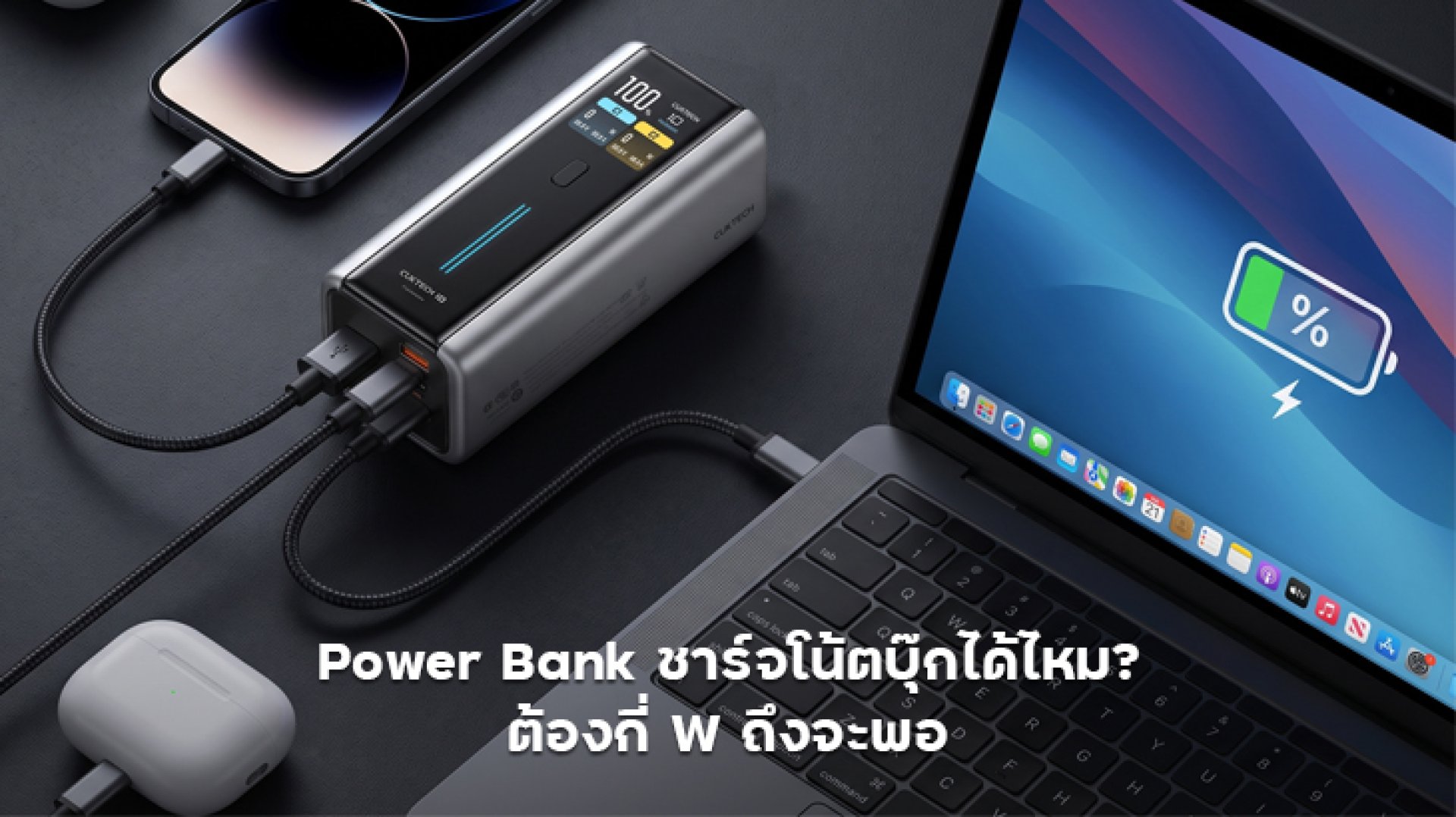
Can a Power Bank Charge a Laptop?
Yes, a power bank can charge a laptop, but not every power bank is suitable for every laptop.
The laptop must support charging through USB-C, and the power bank needs to provide the appropriate charging standard and power output. The key specifications to check include output wattage, USB-C Power Delivery (USB PD), supported voltage and current profiles, and the capabilities of the USB-C port.
Capacity alone, such as 10,000mAh or 20,000mAh, does not tell you whether a power bank can charge a laptop effectively.
For example, Microsoft lists different power requirements for different Surface devices. Some Surface Laptop models require at least 45W, while higher power levels may be recommended for faster charging. This shows why the laptop model matters when choosing a power bank.
In other words, asking whether a power bank can charge a laptop is only the first question. The more important question is: How many watts does your laptop actually need?
How Many Watts Do You Need to Charge a Laptop?
There is no single wattage that works for every laptop. However, you can use the following ranges as a general starting point.
| Power Bank Output | Typical Use | Recommendation |
|---|---|---|
| 30W | Low-power devices and some compatible compact laptops | Not the ideal choice for most laptops |
| 45W | Compact laptops and some USB-C PD notebooks | Suitable for laptops designed around 45W charging |
| 65W | Ultrabooks and many everyday laptops | A good starting point for portable laptop charging |
| 100W | Laptops requiring higher charging power | A good choice when you need additional power headroom |
| 140W+ | Some high-performance laptops supporting USB PD 3.1 | Check the laptop and power bank specifications carefully |
These wattage ranges are guidelines rather than universal requirements. Laptop manufacturers can specify different minimum and recommended charging levels for different models.
Can a 45W Power Bank Charge a Laptop?
Yes, in some cases. If your laptop supports USB-C Power Delivery and is designed to charge at around 45W or less, a 45W power bank may be sufficient.
Microsoft, for example, lists a minimum requirement of 45W for certain Surface Laptop models and recommends 60W for fast charging on those models. This means a 45W power bank may provide power, but it may not deliver the fastest possible charging speed.
Another important point is that the 45W rating on a power bank represents its maximum supported output under the specified conditions. Actual charging power depends on the USB PD profiles supported by both devices.
Is a 65W Power Bank Better for Laptops?
For people who want a power bank specifically for everyday laptop use, 65W is a useful middle ground.
It provides more power than a 45W unit and is suitable for many compact laptops and Ultrabooks that support USB-C PD.
However, a 65W power bank does not automatically mean that every laptop will charge quickly. If your laptop requires more than 65W, charging may be slower or the battery may continue to drain while you are performing demanding tasks.
Microsoft also notes that using a charger with insufficient power can result in slow charging or a device that continues to discharge while connected.
What Type of Laptop Is a 100W Power Bank Suitable For?
If you want to use a power bank with a laptop more seriously, 100W is a strong option for laptops that require more power than typical 45W or 65W systems.
It also provides more flexibility when using the same power bank for a laptop, smartphone, tablet, or other USB-C devices.
However, check whether the advertised 100W refers to the maximum output of a single USB-C port or the combined output of the entire power bank.
Some power banks can provide 100W when only one port is being used but distribute the available power differently when multiple devices are connected.
If laptop charging is your priority, always check the output specification of the specific USB-C port you plan to use.
Do You Need a 140W Power Bank?
Not necessarily.
A 140W power bank is most useful for users with laptops that support higher USB-C PD power levels, particularly devices that can take advantage of USB PD 3.1.
For example, Apple's current MacBook specifications include USB-C power adapters up to 140W, and certain MacBook Pro configurations can use 140W charging. Apple also states that USB-C Mac laptops can be charged using USB-C power adapters that support USB Power Delivery.
However, if your laptop only requires 45W or 65W, buying a 140W power bank does not automatically make it charge faster. The laptop determines how much power it can accept.
In simple terms, a 140W power bank does not force a laptop to draw 140W. The devices negotiate an appropriate power level based on their capabilities and supported charging standards.
Why Is USB-C PD Important for Laptop Power Banks?
If you want to charge a laptop from a power bank, looking only at the wattage is not enough. You should also check for USB-C Power Delivery (USB PD) support.
USB PD allows the power source and the connected device to negotiate an appropriate voltage and current level. The laptop can then use a compatible power profile based on what both sides support.
Microsoft explains that USB-C systems can support higher power levels when USB Power Delivery is supported, and that the laptop, charger, and cable all need to support the required power levels for faster charging.
This is why a 100W USB-C PD power bank can be a better choice for a compatible laptop than a power bank that simply advertises a high wattage without providing the appropriate charging protocol.
What Type of USB-C Cable Do You Need?
The USB-C cable can also affect laptop charging performance.
If your power bank can output 100W but the cable cannot support the required power level, the charging system may be limited by the cable.
For high-power charging, check the cable's rated power and make sure it is appropriate for the output of your power bank and the requirements of your laptop.
This becomes particularly important when using 100W, 140W, or higher-power USB-C PD systems.
What Happens When You Use the Laptop While Charging?
This is another point that is easy to overlook.
Suppose your laptop normally needs around 65W while operating, and your power bank can provide 65W. That does not necessarily mean the laptop battery will increase quickly because the available power is also being used to run the laptop itself.
During demanding workloads such as video editing, gaming, 3D rendering, or other CPU- and GPU-intensive tasks, much of the incoming power may be consumed by the system.
As a result, the battery may charge very slowly or even continue to decrease despite being connected to the power bank.
If you want to charge while actively using the laptop, choosing a power bank with more output headroom can be beneficial.
How to Choose a Power Bank for Your Laptop
- Check the laptop's original power adapter. This gives you a useful reference for the laptop's normal power requirements.
- Check whether the laptop supports USB-C Power Delivery.
- Check the actual USB-C output of the power bank. Do not rely only on the total output printed on the product.
- Choose enough power for your workload. Extra headroom can help if you plan to use the laptop while charging.
- Check the supported USB PD profiles. Wattage alone does not tell the entire story.
- Use a USB-C cable rated for the required power.
- Check capacity in Wh or mAh. Output wattage tells you how much power it can provide; capacity helps determine how long it can provide that power.
- Check multi-port power allocation. Connecting several devices may reduce the power available to the laptop.
Power Bank Wattage Guide for Laptops
| Power Bank | Best For | Who Should Consider It? |
|---|---|---|
| 45W | Compact USB-C laptops | Users whose laptop is designed for approximately 45W charging |
| 65W | Ultrabooks and everyday laptops | Users looking for a practical balance of portability and output |
| 100W | Higher-power laptops | Users who want more charging headroom and multi-device flexibility |
| 140W+ | High-performance USB-C PD 3.1 laptops | Users whose laptop can actually take advantage of higher power levels |
Conclusion: How Many Watts Should a Laptop Power Bank Have?
So, can a power bank charge a laptop? Yes, provided that the laptop supports compatible USB-C charging and the power bank can deliver the required power and charging protocol.
As a general guide, 45W can work for some compact laptops, 65W is a practical option for many everyday USB-C laptops, 100W is better suited to higher-power laptops, and 140W+ is mainly useful for compatible high-power USB PD 3.1 devices.
However, do not choose based on wattage alone. Check the complete charging system: USB-C PD support, PD profiles, actual USB-C port output, cable rating, laptop requirements, and power-bank capacity.
The best power bank is not necessarily the one with the highest wattage. It is the one whose output matches the laptop's requirements while providing enough capacity and power headroom for the way you actually use it.
References
- Microsoft Support: Surface charging requirements and power supplies for Surface Laptop
- Microsoft Support: Fix USB-C problems in Windows
- Microsoft Support: PC is charging slowly or discharging while it is plugged in
- Apple Support: Use a power adapter with your Mac
- Apple Support: Fast charge your MacBook Air or MacBook Pro