Why Is My iPhone Charging Slowly with a 30W Charger? Check These 7 Things Before Replacing It
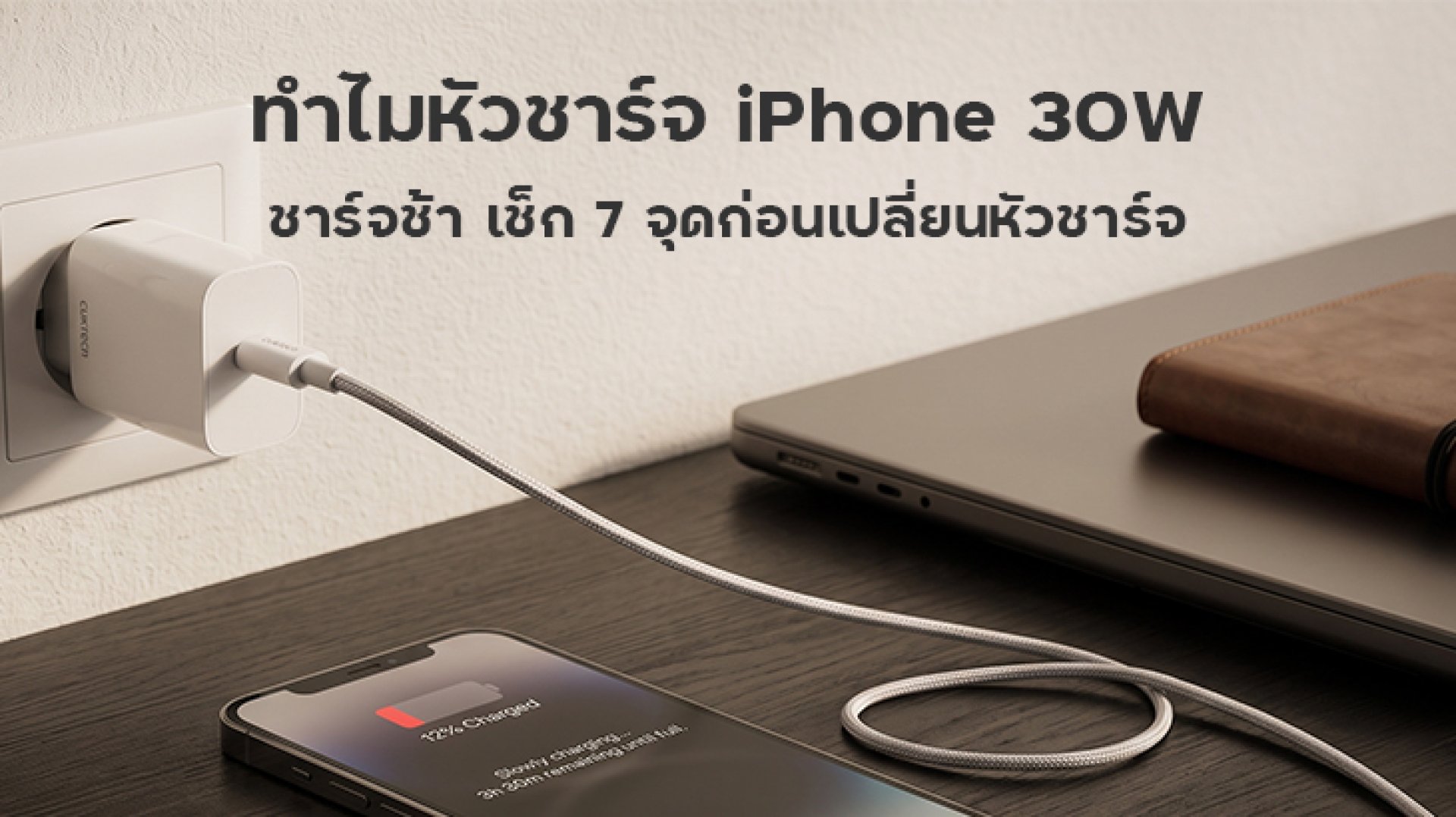
Why Is an iPhone Charging Slowly with a 30W Charger?
If you are using a 30W charger with your iPhone but feel that charging is slower than expected, do not immediately assume that the charger is defective.
The 30W number printed on a charger does not mean that your iPhone will continuously draw 30W throughout the entire charging session.
Actual charging speed depends on several factors, including the iPhone model, the charger's power-delivery standard, the charging cable, the phone's temperature, battery level, and whether the device is being used while charging.
Apple states that compatible iPhone models can use USB Power Delivery (USB-PD) for faster wired charging. A charger with a higher wattage does not mean that the iPhone will continuously draw its maximum rated power.
So, if your iPhone seems slow to charge with a 30W charger, check these 7 points before buying a replacement.
1. How Fast Can Your iPhone Model Actually Charge?
The first thing to check is the charging capability of your specific iPhone model. Different iPhone models can have different fast-charging requirements and capabilities.
For example, Apple currently states that iPhone 17e and iPhone Air can charge up to 50% in around 30 minutes when used with a 20W or higher adapter. iPhone 17, iPhone 17 Pro, and iPhone 17 Pro Max can charge up to 50% in around 20 minutes when used with a 40W or higher USB-C adapter, under Apple's testing conditions.
This means that if you use a 30W charger with an iPhone that can benefit from a higher power level, moving to a higher-wattage charger may help. However, you should consider the specific iPhone model and charging conditions rather than looking at the wattage number alone.
Bottom line: Check your iPhone model's charging specifications before replacing the charger.
2. Does Your 30W Charger Support USB Power Delivery?
A charger rated at 30W does not necessarily mean that it supports every charging protocol required for fast charging.
For faster wired charging, Apple recommends a power adapter that supports USB Power Delivery, or USB-PD.
Check the charger's specifications and look for USB-PD support rather than relying only on the 30W rating.
A charger may advertise 30W maximum output but still provide a different charging experience depending on its supported protocols and output profiles.
For a deeper explanation, see ZMI Thailand and the ZMI article about USB Power Delivery and how it works with fast charging.
3. Could the Charging Cable Be the Limiting Factor?
Another commonly overlooked factor is the charging cable.
Even if your charger supports 30W or more, a damaged, unsuitable, or poor-quality cable can affect charging performance.
For iPhone 15 and later models, Apple uses USB-C for wired charging. Earlier Lightning-equipped iPhone models can use a USB-C to Lightning cable with a USB-C power adapter.
If your 30W charger appears to work normally but charging is slow, try another known-good, certified or compliant cable before replacing the charger.
You can also explore ZMI Thailand for more information about high-power USB-C charging cables and their power capabilities.
4. Are You Using Multiple Ports at the Same Time?
If your charger has multiple ports, remember that the available power may be distributed between connected devices.
For example, a charger advertised with a maximum output of 30W may allocate power differently when your iPhone and another device are connected at the same time.
This can result in the iPhone receiving less power than it would when connected by itself.
The easiest test is simple: disconnect the other devices and charge the iPhone alone. If charging becomes faster, the issue may be related to power distribution rather than a faulty iPhone or cable.
5. Is Your iPhone Getting Too Hot?
Temperature is another important factor that can affect charging speed.
An iPhone can become warmer while charging, especially when running demanding games, recording video, streaming content, or performing other intensive tasks at the same time.
Apple states that when a device becomes too hot, the system may reduce or temporarily pause charging to manage its temperature.
For a simple test, lock the screen, stop demanding applications, remove a case if it significantly restricts heat dissipation, and charge the iPhone in a well-ventilated location.
Do not use extreme cooling methods or expose the iPhone to sudden temperature changes. Apple recommends operating the device within an appropriate ambient temperature range.
6. Is Charging Slower Because the Battery Is Nearly Full?
Charging does not necessarily operate at maximum speed throughout the entire charging session.
As the battery approaches a high charge level, the charging system can adjust the charging behavior to help manage temperature and battery longevity.
Therefore, if your iPhone charges quickly at a low battery percentage but becomes noticeably slower as it approaches a high percentage, this does not automatically mean that the charger is defective.
iPhone also includes features such as Charge Limit and Optimized Battery Charging, which can affect how and when the device reaches a full charge depending on the settings and usage pattern.
7. Is 30W Actually Enough for Your Usage?
The final question is simple: Is 30W enough for the way you use your iPhone?
In some situations, a 30W charger is not faulty. It may simply be less suitable for your particular charging setup.
This is especially relevant if you use the same charger for an iPhone, iPad, AirPods, or MacBook. If you regularly charge multiple devices, a higher-output charger with appropriate power distribution may be more convenient.
On the other hand, if you mainly charge a single iPhone, a 30W USB-PD charger with a suitable cable may be sufficient for many users.
7-Point Checklist: Should You Replace the Charger?
| What to Check | Possible Issue | What to Do |
|---|---|---|
| iPhone model | Charging capabilities vary by model | Check the charging specifications for your iPhone |
| USB-PD | Charger does not support the appropriate standard | Choose a charger with USB-PD support |
| Charging cable | Cable is damaged or unsuitable | Test with another compliant cable |
| Multiple ports | Power is being shared | Disconnect other devices and test again |
| Temperature | iPhone is too warm | Stop intensive use and charge in a well-ventilated area |
| Battery level | Charging naturally slows at higher levels | Do not judge charger performance only near full charge |
| Power requirement | 30W may not suit the entire setup | Choose a charger based on the devices and charging needs |
Conclusion: Slow Charging Does Not Automatically Mean Your 30W Charger Is Broken
If your iPhone is charging slowly with a 30W charger, do not immediately buy a new charger. Check all 7 factors first: your iPhone model, USB-PD support, charging cable, power distribution, temperature, battery level, and whether the charger's output is appropriate for your setup.
Most importantly, remember that 30W is the charger's maximum rated output under specified conditions. It does not mean that the iPhone will continuously draw 30W throughout the entire charging process.
If you have checked all seven points and the charger is genuinely the limiting factor, then consider replacing it with a USB-PD charger that provides an appropriate power level for your iPhone and other devices. This is a much better approach than replacing the charger simply because charging feels slow.
References