Power Bank 100W vs 140W vs 240W: What's the Difference?
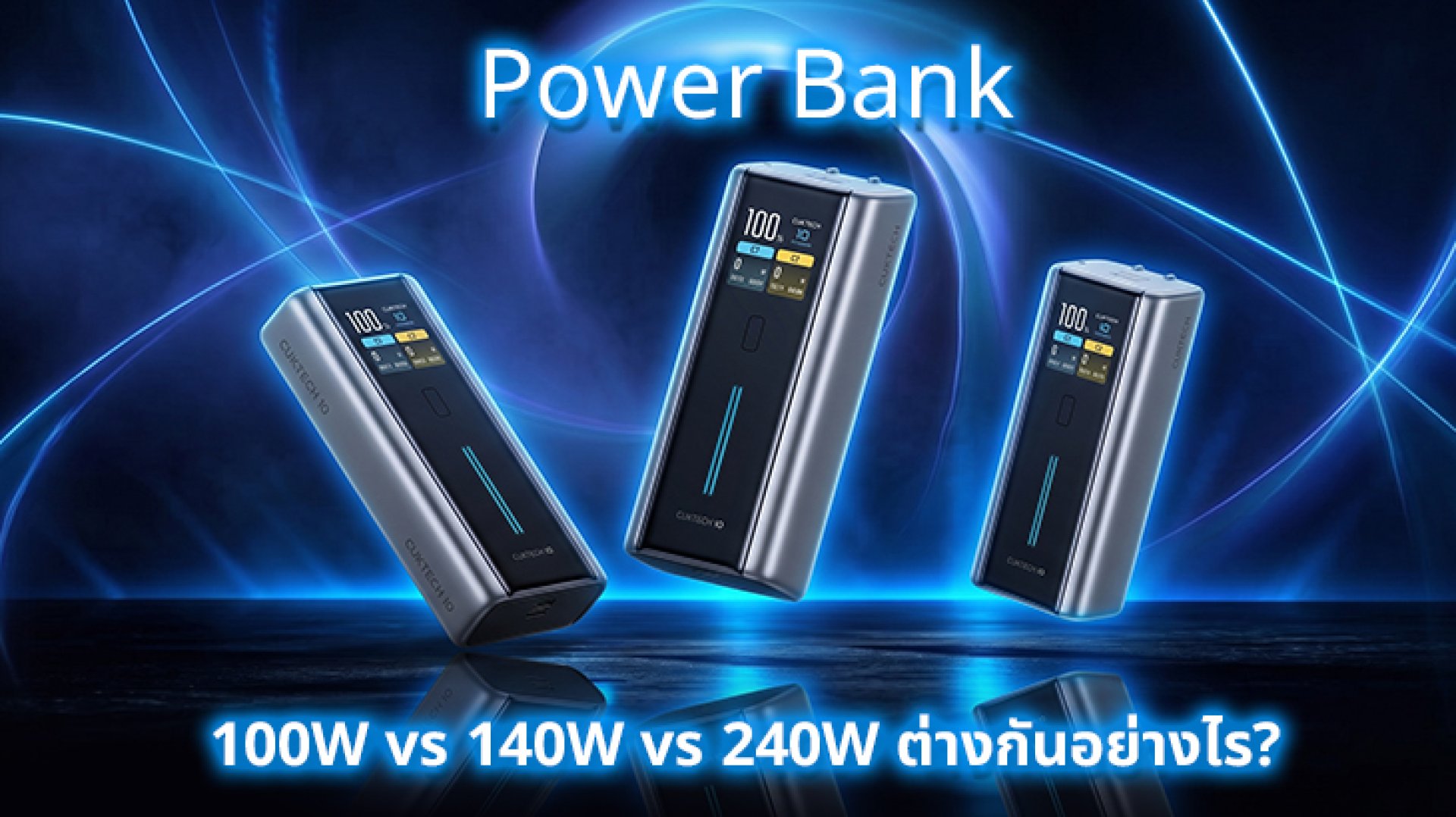
Power Bank 100W vs 140W vs 240W what's actually different, and does a higher Watt rating always mean faster charging? If you're choosing a Power Bank for a smartphone, tablet, or laptop, you'll find models rated at 100W, 140W, and even 240W.
But a higher number does not automatically mean your device will charge faster. What matters is how much power your device can accept, which USB Power Delivery standard the Power Bank supports, and how much power each port can actually deliver.
This guide compares 100W vs 140W vs 240W Power Banks and explains which power level makes sense for smartphones, tablets, and laptops.
Power Bank 100W vs 140W vs 240W: What's the Difference?
The main difference is the maximum output power the Power Bank can provide. However, the maximum Watt rating does not mean that every connected device will automatically receive that amount of power.
| Power Rating | Example Voltage / Current | Best For | Main Advantage |
|---|---|---|---|
| 100W | 20V × 5A | Phones / Tablets / Many Laptops | Enough for a wide range of devices |
| 140W | 28V × 5A | Higher-power Laptops | More headroom for demanding laptops |
| 240W | 48V × 5A | High-performance Laptops / EPR-compatible devices | Highest USB PD EPR power level |
According to the USB Implementers Forum (USB-IF), USB Power Delivery 3.1 introduced Extended Power Range (EPR), enabling USB-C power delivery up to 240W. The specification introduced fixed voltages of 28V, 36V, and 48V for power levels up to 140W, 180W, and 240W respectively.
Why Is 100W Based on 20V × 5A?
The basic power equation is:
Power (W) = Voltage (V) × Current (A)
For example:
- 20V × 5A = 100W
- 28V × 5A = 140W
- 48V × 5A = 240W
Before USB PD 3.1, USB Power Delivery supported power levels up to 100W using a 20V and 5A configuration. USB PD 3.1 expanded the range with EPR, allowing compatible systems to reach up to 240W.
So, 140W and 240W are not simply larger numbers printed on a Power Bank. They are associated with higher USB PD power capabilities, higher voltage levels, compatible devices, and appropriate USB-C cables.
Who Should Choose a 100W Power Bank?
A 100W Power Bank is a practical choice for users who need one Power Bank for several USB-C devices, especially smartphones, tablets, and compatible laptops.
Typical Use Cases
- Fast charging smartphones
- Charging tablets
- Charging USB-C Ultrabooks and laptops
- Charging compatible MacBook models
- Providing backup power while traveling
The advantage of 100W is that it covers many everyday use cases without requiring the higher EPR power levels associated with 140W and 240W.
However, a laptop that comes with a 100W power adapter does not necessarily mean it will always draw 100W from every Power Bank. The actual charging power depends on the laptop's charging requirements and the USB PD power profile negotiated between the devices.
Who Should Choose a 140W Power Bank?
A 140W Power Bank becomes more useful when moving from everyday devices to laptops that can accept more than 100W through USB-C Power Delivery.
USB PD 3.1 EPR introduced a 28V fixed-voltage level that can support up to 140W when the source, sink, and cable are compatible.
Typical Use Cases
- Higher-power USB-C laptops
- Compatible MacBook models that support higher charging power
- Users who want more power headroom than 100W
- Users who want one Power Bank for phones, tablets, and higher-power laptops
However, a 140W Power Bank does not automatically make every laptop charge faster. If a laptop accepts a maximum of 65W or 100W, it will not suddenly draw 140W just because the Power Bank supports it.
Who Should Choose a 240W Power Bank?
A 240W Power Bank represents the highest power level supported by USB Power Delivery EPR. The 240W level is associated with a 48V and 5A configuration under USB PD.
This level is mainly relevant to devices that can actually take advantage of high-power USB PD EPR. For many smartphone and tablet users, 240W provides far more output capability than the device needs.
It becomes more interesting for users with high-performance laptops or other USB-C devices designed to accept higher power levels.
A 240W Power Bank Does Not Mean Your Laptop Always Gets 240W
This is one of the most common misunderstandings.
If a Power Bank can provide up to 240W but your laptop supports only 100W USB PD input, the laptop will not receive 240W simply because the Power Bank has a higher rating.
USB Power Delivery uses communication between the power source and the powered device to establish an appropriate power contract. USB-IF describes USB PD as a system that allows devices to negotiate the power they require and manage power across connected devices.
100W vs 140W vs 240W Power Bank in Real-World Use
| Use Case | 100W | 140W | 240W |
|---|---|---|---|
| Smartphone | More than enough | Usually unnecessary | Usually unnecessary |
| Tablet | More than enough | More than enough | More than enough |
| Ultrabook | Suitable | Suitable | Often unnecessary |
| MacBook / USB-C Laptop | Suitable for many models | Useful for higher-power models | Useful when EPR is supported |
| Gaming Laptop | May be insufficient for some models | More suitable depending on the model | Useful for compatible high-power models |
| Future-proofing | Good | Higher | Highest |
What Should You Check Besides Wattage?
Choosing a Power Bank based only on the maximum Watt number can be misleading. Check these specifications as well.
1. Which USB PD Standard Does It Support?
If you want more than 100W, check whether the Power Bank supports USB PD 3.1 and Extended Power Range (EPR).
USB-IF introduced EPR with USB PD 3.1 to extend USB-C power delivery beyond the previous 100W level. As of 2026, USB-IF's document library also lists newer USB PD 3.2 specifications, so it is better to check the actual supported power profiles of a product rather than relying only on a generic "PD" label.
USB-IF: USB Power Delivery Specification
2. Check the Output of Each Port
A Power Bank may advertise a total output of 240W, but that does not necessarily mean every USB-C port can deliver 240W.
For example, a Power Bank could have:
- USB-C1: up to 240W
- USB-C2: up to 100W
- USB-A: up to 30W
Always check the output rating of the specific port you plan to use.
3. Multi-Port Power Sharing
If you charge a laptop and smartphone at the same time, some Power Banks redistribute available power between their ports.
Therefore, a Power Bank rated at 240W may not deliver the full 240W to a laptop when other devices are connected.
4. The USB-C Cable Matters Too
A 140W or 240W Power Bank does not mean every USB-C cable can deliver those power levels.
For high-power charging, check the cable's power rating and compatibility. USB-IF's current certification program uses 60W and 240W power markings for certified USB-C-to-USB-C cable categories.
USB-IF: USB Type-C Cables and Connectors
Does a 240W Power Bank Need a 240W Cable?
If you want to actually use a 240W USB-C power path, the Power Bank, device, and cable all need to support the appropriate USB PD EPR capabilities.
USB-IF states that its certified 240W USB-C cable designation applies to cables rated for 240W and tested against the relevant USB Power Delivery 3.1 EPR and USB Type-C requirements.
So, buying a 240W Power Bank and pairing it with an unsuitable USB-C cable may prevent the system from operating at the full 240W level.
USB-IF: USB Type-C Cable Power Rating Guidelines
Should You Buy a 100W, 140W, or 240W Power Bank?
Start with the devices you actually need to charge, rather than simply choosing the highest Watt rating.
| Typical Usage | Power Level to Consider |
|---|---|
| Mostly smartphones | 65W100W |
| Smartphone + Tablet | 65W100W |
| Smartphone + Tablet + Laptop | 100W |
| Laptop requiring more than 100W | 140W |
| High-performance laptop with EPR support | 140W240W |
| High-power devices and maximum power headroom | 240W |
This is only a general guide. Always check the maximum charging input and supported USB PD profiles of the specific device.
Power Bank 100W vs 140W vs 240W: Final Verdict
A 100W Power Bank is suitable for a wide range of smartphones, tablets, and USB-C laptops. It offers enough power for many everyday charging situations.
A 140W Power Bank makes more sense for users with laptops that can benefit from more than 100W and support the appropriate USB PD EPR power profile.
A 240W Power Bank is aimed at high-power USB-C devices that can take advantage of USB PD EPR at higher power levels. It is not automatically faster for smartphones or tablets.
The key point is simple: higher Wattage does not automatically mean faster charging. The actual charging power depends on the Power Bank, USB PD power profiles, cable, connected device, and negotiated power contract.
FAQ: Power Bank 100W vs 140W vs 240W
Does a 240W Power Bank charge a smartphone faster than a 100W Power Bank?
Not necessarily. The smartphone determines how much charging power it can accept. A phone limited to 45W will not receive 240W simply because the Power Bank is rated at 240W.
Is a 140W Power Bank better than a 100W Power Bank?
It depends on the device. If your laptop accepts only 65W or 100W, a 140W Power Bank may not increase charging speed. Its advantage becomes more relevant when the connected device supports higher power.
Do I need a 240W Power Bank?
Most smartphone and tablet users do not need 240W. The higher power level is more relevant to compatible high-power laptops and other USB-C devices that support USB PD EPR.
Can a 100W Power Bank charge a laptop?
Yes, if the laptop supports USB-C Power Delivery and its charging requirements are within the Power Bank's capabilities. Always check the laptop's USB-C charging input specification.
Does a 240W Power Bank require USB PD 3.1?
USB PD 3.1 introduced Extended Power Range (EPR), which enables USB-C power delivery up to 240W. To use 240W, the source, device, and cable must support the appropriate EPR capabilities.
Related Articles
References