What Is an E-Marker? Why Do 100W and 240W USB-C Cables Need It?
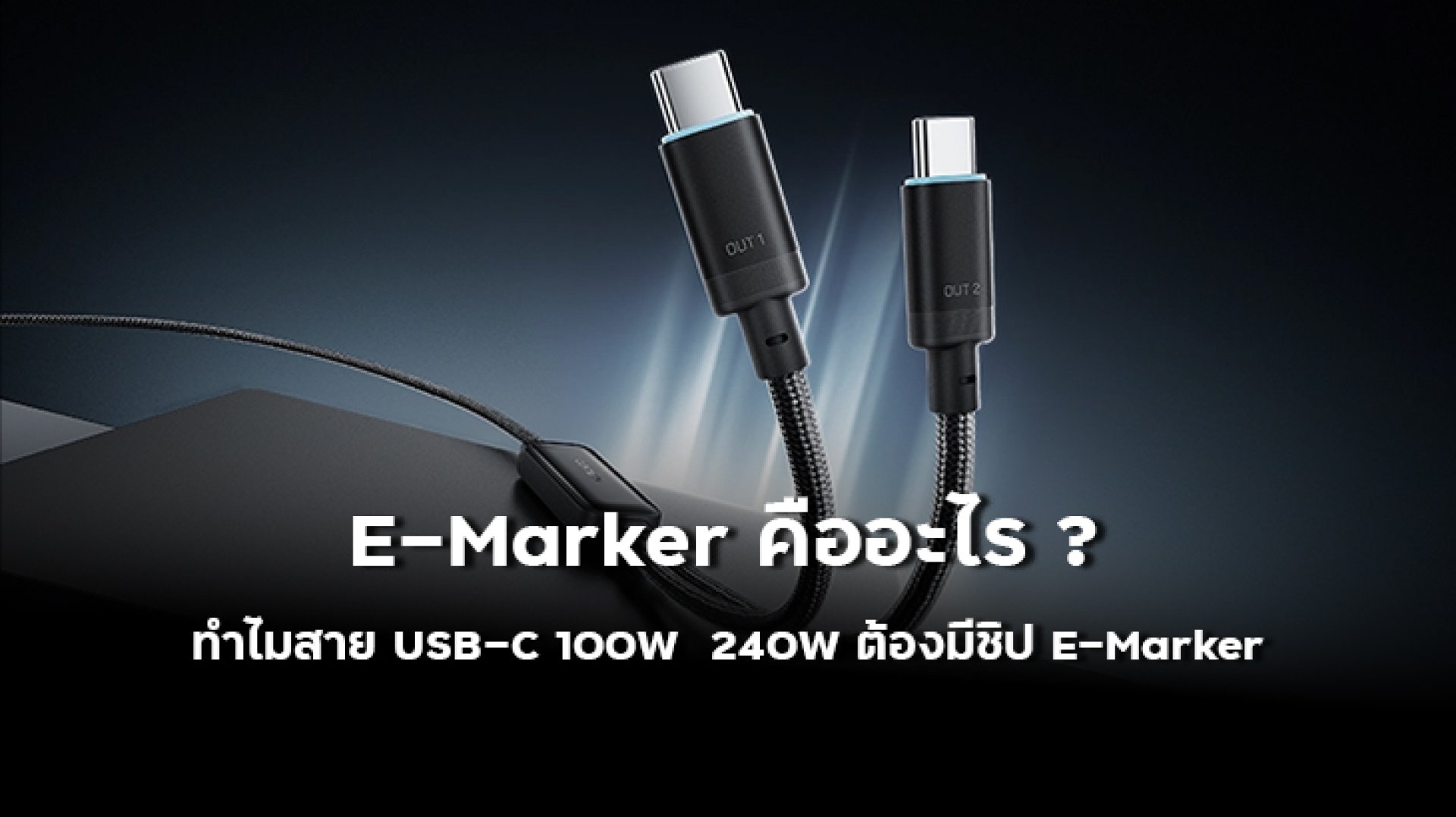
What Is an E-Marker? Why Do 100W and 240W USB-C Cables Need an E-Marker Chip?
Have you ever wondered why two USB-C cables can look almost identical, yet one supports 60W, another supports 100W, and another can deliver up to 240W?
One of the technologies behind high-power USB-C cables is the E-Marker, short for Electronically Marked Cable. An E-Marker is an electronic component used to communicate information about a cable's capabilities to connected devices.
The important thing to understand is that an E-Marker does not create more power or directly make a device charge faster. Instead, it helps the USB-C system identify what the cable is designed to support, including relevant power and capability information.
This becomes especially important when discussing 100W USB-C cables and 240W USB PD 3.1 cables. With USB Power Delivery 3.1, supported systems can extend power delivery up to 240W through Extended Power Range, or EPR.
In this article, we will explain what an E-Marker chip is, how it works, why it matters for 100W and 240W USB-C cables, and what you should check before buying a high-power USB-C cable.
What Is an E-Marker?
E-Marker refers to an electronically marked cable. It uses an electronic component within a compatible USB-C cable to store and communicate information about the cable's capabilities.
When the cable is connected to compatible USB-C devices, the system can obtain information about the cable and use that information as part of determining how the connection should operate.
Depending on the cable and its specifications, this information can relate to power capability, current capability, USB Power Delivery support, data capabilities, cable type, and other relevant characteristics.
A simple way to think about an E-Marker is this: it acts like an identification system that tells compatible devices what the cable is capable of.
What Does an E-Marker Chip Do?
The primary role of an E-Marker is to help communicate the capabilities of a USB-C cable.
Depending on the cable and its implementation, the information may include:
| Cable Information | Why It Matters |
|---|---|
| Current Capability | Helps indicate the current capability of the cable |
| Power Capability | Helps identify the power range the cable is designed to support |
| USB Power Delivery Support | Relevant to USB PD power negotiation |
| EPR Capability | Relevant to higher-power USB PD 3.1 applications |
| Data Capability | Can identify relevant data and connection capabilities |
| Cable Type | Can distinguish characteristics such as passive or active cable designs |
This is why it is incorrect to think of an E-Marker as a "fast charging chip."
It does not increase the charging speed by itself. Instead, it helps compatible devices understand what the cable can support.
Why Do 100W USB-C Cables Need an E-Marker?
One important thing to remember is that not all USB-C cables are designed for the same power level.
Some USB-C cables support lower current levels, while high-power cables can support up to 5A under the applicable USB-C and USB Power Delivery specifications.
Using the basic power equation:
Power = Voltage × Current
A 100W charging configuration can be expressed as:
20V × 5A = 100W
For a USB-C system to operate at higher current levels, the system needs to be able to identify the cable's supported capability. This is where electronically marked cables become important.
Therefore, when choosing a 100W USB-C cable, you should not rely only on the USB-C connector type. Check the cable's stated power rating and supported specifications.
Why Does a 240W USB-C Cable Need an E-Marker?
USB Power Delivery 3.1 introduced Extended Power Range, or EPR, expanding USB-C Power Delivery beyond the previous 100W range.
Under the applicable USB PD 3.1 specifications, EPR supports higher voltage levels that allow compatible systems to reach power levels up to 240W.
| Voltage | Example Current | Maximum Power | Power Range |
|---|---|---|---|
| 20V | 5A | 100W | SPR |
| 28V | 5A | 140W | EPR |
| 36V | 5A | 180W | EPR |
| 48V | 5A | 240W | EPR |
A 240W USB-C cable is therefore not simply an ordinary USB-C cable with a larger wattage number printed on the package.
The cable must be designed and specified for the appropriate high-power USB PD 3.1 EPR operation, including the required capability identification and power requirements.
Does Having an E-Marker Mean a Cable Supports 240W?
No.
This is one of the most common misunderstandings.
E-Marker does not automatically mean 240W.
An E-Marker communicates information about a cable's capabilities, but different electronically marked cables can support different power levels and features.
| Cable Type | E-Marker | Power Capability | What to Check |
|---|---|---|---|
| Standard USB-C Cable | Depends on the cable design | May support a lower power level | Check the actual specifications |
| 100W USB-C Cable | Used for applicable high-current capability | Up to 100W | Check the 5A and USB PD specifications |
| 240W USB-C Cable | Supports the appropriate EPR capability | Up to 240W | Check USB PD 3.1 and EPR support |
In other words, seeing the words E-Marker on a product does not automatically tell you whether the cable supports 100W, 140W, 180W, or 240W.
Always check the cable's actual rated power and specifications.
100W vs 240W USB-C Cables: What Is the Difference?
The difference between a 100W and a 240W USB-C cable is not simply the presence of an E-Marker. It involves the cable's overall power capabilities and supported specifications.
| Feature | 100W USB-C Cable | 240W USB-C Cable |
|---|---|---|
| Power Range | Standard Power Range | Extended Power Range |
| Maximum Power | Up to 100W | Up to 240W |
| Example Maximum Voltage | 20V | 48V |
| Example Current | Up to 5A | Up to 5A |
| USB PD | Supports the applicable SPR range | Designed for USB PD 3.1 EPR applications |
| Typical Use | Phones, tablets, and many laptops | High-power laptops and compatible EPR devices |
Both cable types can support up to 5A, but the maximum supported voltage differs.
That is why:
- 20V × 5A = 100W
- 48V × 5A = 240W
Therefore, 5A does not automatically mean 240W. The voltage level also determines the total power.
How Does an E-Marker Work with USB Power Delivery?
When compatible USB-C devices are connected, the charging system identifies the capabilities of the connected equipment and negotiates an appropriate power level.
A simplified version of the process looks like this:
- A USB-C cable is connected between devices.
- The system detects the connection.
- The relevant cable capabilities can be identified.
- The charger and receiving device negotiate a supported power level.
- Power is delivered according to the capabilities supported by the system.
This is why an E-Marker should not be viewed as something that simply "turns on 240W charging."
Instead, it is part of the overall USB-C ecosystem that helps compatible equipment understand what the cable is capable of supporting.
Does an E-Marker Make Charging Faster?
Not by itself.
An E-Marker does not increase the maximum charging capability of your smartphone, tablet, or laptop.
For example, if your smartphone supports a maximum charging power of 45W, connecting it to a 240W charger with a 240W cable does not automatically make the phone charge at 240W.
The actual charging power depends on multiple factors, including:
- The maximum power supported by the device
- The charging protocol supported by the device
- The capabilities of the charger
- The capabilities of the cable
- The power level negotiated by the system
The E-Marker helps communicate cable capabilities, but it does not override the charging limits of the connected device.
Does a 240W USB-C Cable Also Mean Faster Data Transfer?
Not necessarily.
Power delivery capability and data transfer speed are different specifications.
A cable can support high charging power while offering only basic data speeds. On the other hand, another cable may support high-speed data transfer, video output, USB4, or other advanced features.
| Feature | What You Need to Check |
|---|---|
| 100W Charging | Power rating and current capability |
| 240W Charging | USB PD 3.1 / EPR capability and power rating |
| Fast File Transfer | USB data transfer specification |
| External Display | DisplayPort Alt Mode, USB4, Thunderbolt, or other supported technology |
A 240W rating tells you about power capability, not necessarily maximum data speed.
Why Do USB-C Cables Look the Same but Perform Differently?
USB-C describes the connector interface, but it does not guarantee that every cable supports the same features.
Two USB-C cables can use the same connector while having completely different capabilities.
USB-C cables may be designed for:
- Basic charging
- 60W charging
- 100W charging
- 240W charging
- USB 3.x high-speed data
- USB4
- Display output
- Active cable applications
This is why you should never choose a cable based only on the fact that it has a USB-C connector.
How to Choose a 100W USB-C Cable
If you need a cable for 100W charging, start by checking the requirements of your device.
- Check whether your device supports USB Power Delivery.
- Check the maximum charging power required by the device.
- Choose a cable with a clearly stated power rating.
- For higher-power 5A applications, choose a cable designed for the required current capability.
- Check data transfer specifications separately if you need fast file transfers or display output.
Do not choose a cable based only on the words "Fast Charging." Check the actual wattage, supported current, and USB PD compatibility.
How to Choose a 240W USB-C Cable
If you need more than 100W of USB-C charging power, choosing the correct cable becomes even more important.
- Check whether your device actually supports USB PD 3.1 EPR.
- Choose a cable clearly rated for 240W if that power level is required.
- Check that the charger also supports the required USB PD 3.1 EPR power level.
- Verify the cable specifications and manufacturer information.
- Check data transfer speed separately from charging capability.
A 240W cable is most useful when the entire charging system, including the charger and the receiving device, supports the corresponding power level.
Is a 240W USB-C Cable Worth Buying?
It depends on the devices you use.
If you only charge a smartphone that supports 25W or 45W, buying a 240W cable will not automatically make your phone charge faster.
However, a 240W cable can be useful for users who own compatible high-power laptops or want a cable with greater power flexibility for future devices.
Just remember that power capability is only one part of the equation. You should also consider cable length, durability, connector quality, data transfer speed, and the features you actually need.
E-Marker Explained in 6 Simple Points
- An E-Marker is used to communicate information about a USB-C cable's capabilities.
- An E-Marker does not directly increase charging speed.
- High-power USB-C applications require cables designed for the appropriate current and power capabilities.
- 240W USB-C charging is associated with USB PD 3.1 Extended Power Range.
- Having an E-Marker does not automatically mean a cable supports 240W.
- Charging power and data transfer speed are separate specifications.
Frequently Asked Questions About E-Marker Chips
What is an E-Marker chip?
An E-Marker chip is an electronic component used in compatible USB-C cables to store and communicate information about the cable's capabilities to connected devices.
Do all 100W USB-C cables need an E-Marker?
USB-C cables designed for higher-current 5A operation use electronically marked cable technology to communicate their capabilities. Always check the cable's actual specifications rather than relying only on the wattage printed on the package.
Do 240W USB-C cables need an E-Marker?
USB PD 3.1 Extended Power Range applications require cables designed and identified for the appropriate EPR power capabilities. A cable must support the relevant specifications for 240W operation.
Does an E-Marker make a phone charge faster?
No. An E-Marker does not directly increase charging speed. It helps compatible systems identify the cable's capabilities, while the actual charging speed depends on the charger, cable, device, and supported charging protocols.
Does every cable with an E-Marker support 240W?
No. Different electronically marked cables can support different power levels and features. Always check the actual wattage and supported specifications.
Does a 240W USB-C cable guarantee fast data transfer?
No. A 240W rating refers to power capability. Data transfer speed must be checked separately through the cable's USB data specification.
Related Articles
- What Is USB PD? How Does Power Delivery Work and Why Does It Matter for Fast Charging?
- USB-C PD 3.0 vs PD 3.1: What Is the Difference Between 100W and 240W?
- What Is PPS 5A? Why Does Samsung 45W Charging Need PPS?
- Is a 100W USB-C Cable Necessary? How to Choose the Right Charging Cable
- Can High-Wattage Charging Cables Damage Your Phone?
References
Conclusion
An E-Marker is an important part of the USB-C ecosystem because it helps compatible systems identify the capabilities of a cable.
This becomes increasingly important as USB-C charging moves beyond traditional power levels toward 100W, 140W, 180W, and 240W through USB Power Delivery 3.1 and Extended Power Range.
However, the most important thing to remember is that an E-Marker is not a chip that magically increases charging speed.
When choosing a USB-C cable, look beyond the largest wattage number on the package. Check the cable's actual power rating, supported USB PD version, EPR compatibility where relevant, current capability, data speed, and whether those specifications match the devices you actually use.