Wet Charger Adapter: What to Do and How to Check It Safely Before Using
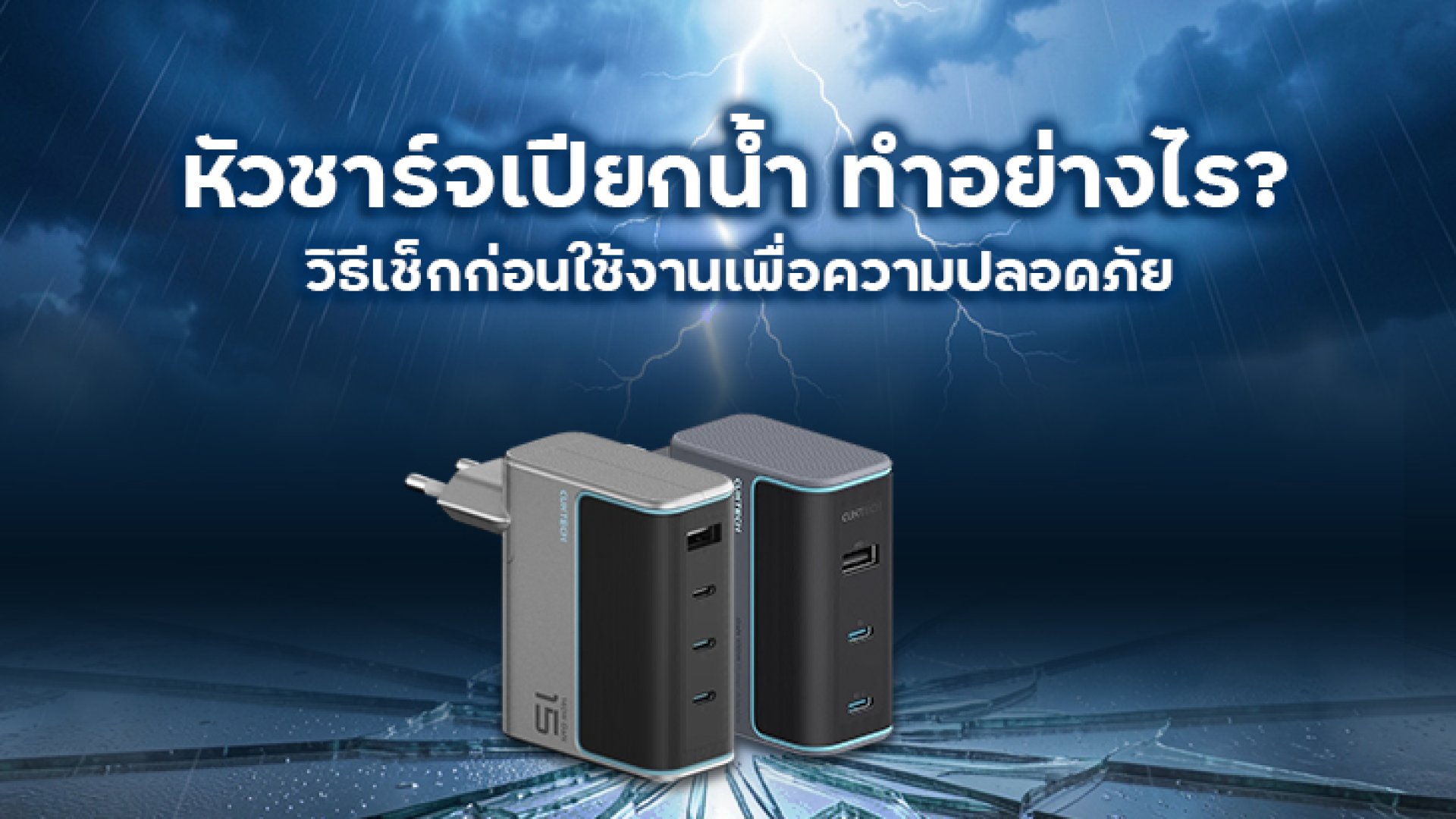
A wet charger adapter is a common issue during rainy seasons, while traveling, or when liquids are accidentally spilled. Although the adapter may appear dry on the outside, moisture trapped inside can create serious electrical hazards.
One of the most common questions users ask is: Can you use a charger adapter after it gets wet? The safest answer is Nonot immediately. Before reconnecting it to a power outlet, the charger should be thoroughly inspected and completely dried to reduce the risk of electrical shock, short circuits, or permanent damage.
Why Is a Wet Charger Adapter Dangerous?
A power adapter converts high-voltage AC electricity into the low-voltage DC power required by smartphones, tablets, laptops, and many other electronic devices. Water or excessive moisture inside the adapter can interfere with this conversion process and damage sensitive electronic components.
Potential risks include:
- Electrical short circuits caused by moisture.
- Overheating due to damaged internal components.
- Permanent failure of the adapter.
- Electric shock hazards.
- Damage to the connected smartphone, tablet, laptop, or other devices.
Even if the charger appears to work normally after getting wet, corrosion may continue developing inside the adapter over time, eventually leading to unexpected failure or unsafe operation.
Can You Use a Charger Adapter After It Gets Wet?
The short answer is: No.
If your charger adapter gets wet, avoid plugging it into a wall outlet immediately. Moisture inside the housing may not be visible and could create an electrical path between components, increasing the risk of sparks, overheating, or permanent damage.
Instead, disconnect the adapter from any power source and allow it to dry completely before performing a careful inspection.
How to Check a Wet Charger Adapter Before Using It
1. Inspect the Exterior
Begin with a careful visual inspection.
- Look for visible water droplets.
- Check for discoloration.
- Inspect for cracks or deformation.
- Notice any unusual odor such as burnt plastic.
- Ensure the housing has not swollen.
If you notice any physical damage, discontinue use immediately and replace the adapter.
2. Check the Plug Prongs and USB Port
Pay close attention to the electrical contacts.
- Look for moisture inside the USB-C or USB-A port.
- Check for corrosion or green oxidation.
- Inspect the metal plug prongs for rust or discoloration.
- Ensure no dirt or debris has mixed with water.
Corrosion on electrical contacts can increase resistance, generate excess heat, and reduce charging performance.
3. Allow the Adapter to Dry Completely
Place the adapter in a dry, well-ventilated location for at least 24 to 48 hours. Natural air drying is generally safer than applying direct heat.
Avoid placing the adapter in direct sunlight or using high-temperature heating devices, as excessive heat may damage internal insulation or plastic components.
4. Perform a Safe Functional Check
After the adapter has completely dried:
- Plug it into a wall outlet without connecting your phone.
- Listen for unusual sounds such as buzzing.
- Smell for signs of overheating or burning.
- Touch the adapter carefully to check for excessive heat.
If everything appears normal, test it briefly with a lower-value electronic device before using it to charge expensive equipment.
How to Dry a Wet Charger Adapter Safely
If your charger adapter has been exposed to rain, splashes, or accidental spills, drying it properly is essential before attempting to use it again. Improper drying methods may cause additional damage or create safety risks.
- Unplug the charger immediately. Never leave it connected to a power outlet after it gets wet.
- Wipe off visible moisture. Use a clean, lint-free microfiber cloth to remove water from the exterior surface.
- Place it in a dry, well-ventilated area. Allow natural airflow to evaporate any remaining moisture trapped inside the housing.
- Wait at least 2448 hours. Drying time depends on how much water entered the adapter and the surrounding humidity.
- Inspect the adapter again before use. Make sure there is no remaining moisture, corrosion, unusual odor, or visible damage.
What You Should Never Do
Many charger failures occur not because of the water itself, but because users try to reuse the adapter too quickly.
- Do not plug it in immediately after it gets wet.
- Do not use a high-temperature hair dryer or heat gun.
- Do not microwave the adapter.
- Do not shake or hit the charger to remove water.
- Do not test it by charging an expensive smartphone or laptop first.
- Do not continue using the adapter if it becomes unusually hot, smells burnt, or makes abnormal noises.
How to Prevent Your Charger Adapter from Getting Wet
Prevention is always easier and less expensive than replacing damaged electronic accessories.
- Store your charger inside a waterproof pouch during travel.
- Keep charging accessories away from sinks, beverages, and bathrooms.
- Avoid placing adapters directly on wet floors.
- Use cable organizers or waterproof travel cases to reduce moisture exposure.
- During rainy seasons, keep charging accessories inside your backpack instead of external pockets.
If you frequently travel, commute by motorcycle, or work outdoors, a waterproof storage pouch can significantly reduce the risk of accidental water damage.
When Should You Replace a Wet Charger Adapter?
Even after drying, some adapters may no longer be safe to use. Replace the charger immediately if you notice any of the following:
- The housing is cracked or deformed.
- There is visible corrosion on the USB port or plug prongs.
- The charger overheats unusually fast.
- You notice a burning smell.
- The charging connection repeatedly disconnects.
- The adapter produces buzzing or clicking sounds.
- The charger no longer delivers stable charging power.
Continuing to use a damaged charger adapter may increase the risk of electrical failure and could potentially damage the connected device.
Conclusion
A wet charger adapter should never be used immediately after exposure to water. Always disconnect it from power, allow it to dry completely, inspect it carefully, and test it safely before reconnecting your electronic devices.
If you observe any signs of damage, corrosion, overheating, or unusual operation, replacing the adapter is the safest option. The cost of a new charger is far lower than the potential cost of repairing a damaged smartphone, tablet, or laptopor dealing with an electrical safety incident.
Protect Your Charging Accessories
Protect your charging equipment from unexpected rain and accidental spills by choosing a high-quality charger adapter with built-in safety protection and storing it inside a waterproof pouch when traveling or commuting. A small investment in protection can help extend the lifespan of your electronics and improve everyday safety.
Frequently Asked Questions (FAQ)
1. Can I use a charger adapter after it gets wet?
No. Disconnect it from power immediately and allow it to air dry for at least 2448 hours. Inspect it for corrosion, unusual odors, overheating, or physical damage before using it again.
2. How long should I let a wet charger adapter dry?
Air dry the charger naturally for approximately 2448 hours in a dry, well-ventilated location. If it was completely submerged, replacing it is generally the safest option.
3. How do I know if a charger adapter has water damage?
Common signs include overheating, a burning smell, corrosion, unstable charging, buzzing noises, cracked housing, or failure to charge devices properly.
4. Can rain permanently damage a charger adapter?
Yes. Moisture can corrode internal electronic components and increase the risk of electrical failure, even if the charger appears to work normally at first.
5. Is it safe to dry a charger adapter with a hair dryer?
No. High temperatures may damage internal insulation and plastic components. Natural air drying is the safest method.
6. How can I prevent my charger adapter from getting wet?
Store your charger inside a waterproof pouch, avoid placing it near liquids, and keep charging accessories in a dry compartment of your backpack or travel bag.
References
- U.S. Food & Drug Administration (FDA). Tips to Help Charge Devices Safely and Avoid Overheating.
https://www.fda.gov/medical-devices/consumer-products/tips-help-charge-medical-devices-safely-and-avoid-overheating - Electrical Safety First (UK). Electrical Safety Advice Around the Home.
https://www.electricalsafetyfirst.org.uk/ - Apple Support. If Liquid Is Detected in the USB-C Connector.
https://support.apple.com/ - Samsung Support. Moisture Detected in USB Port: Safety Recommendations.
https://www.samsung.com/support/ - Belkin Support. Charging Safety and Power Adapter Care.
https://www.belkin.com/support/