Does USB-C Cable Length Affect Charging Speed? 1m vs 2m
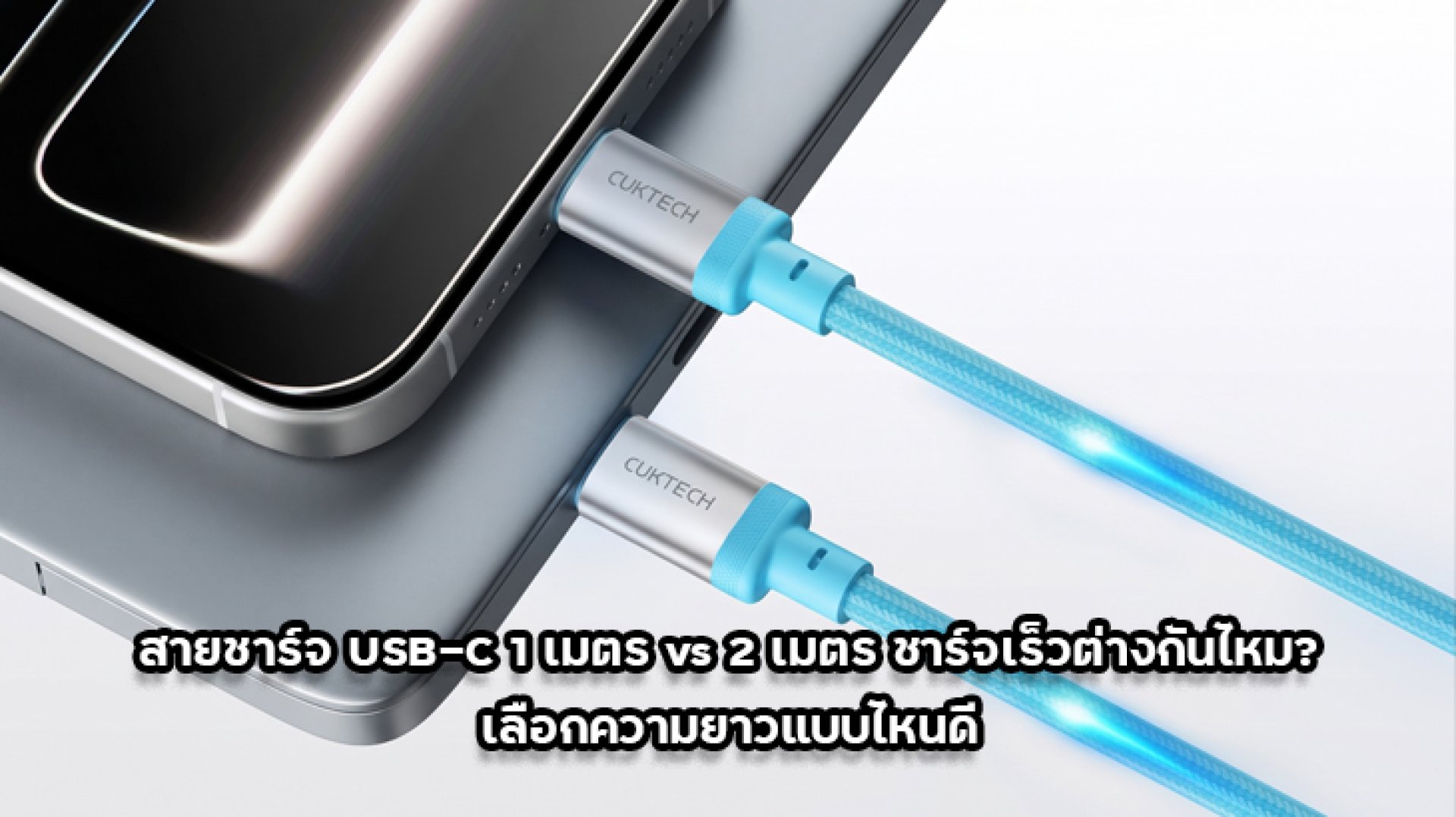
Does USB-C Cable Length Affect Charging Speed? This is a common question when choosing between a 1-meter and a 2-meter charging cable. Some people believe that a longer cable always charges a phone more slowly, while others assume that cable length makes no difference. The truth is somewhere in between. Does USB-C Cable Length Affect Charging Speed? Yes, it can, but the actual impact depends on electrical resistance, conductor quality, cable construction, and supported charging power.
When comparing a 1m vs 2m USB-C cable, length is only one factor. A well-designed 2-meter cable can deliver charging performance close to a 1-meter cable. On the other hand, a short cable with poor internal construction may perform worse. Let's look at the technical reasons and learn how to choose the right USB-C cable for smartphones, tablets, and laptops.
Does USB-C Cable Length Affect Charging Speed? 1m vs 2m Explained
The short answer is that a longer USB-C cable can have higher electrical resistance, but it does not automatically mean slower charging. When comparing cables with the same conductor material and cross-sectional area, the longer cable generally has greater total resistance. However, cable quality and charging specifications also play important roles.
Think of a charging cable like a water pipe. A longer pipe can create more resistance to water flow, but its diameter and construction matter too. Electrical cables work in a similar way. To understand whether USB-C Cable Length Affects Charging Speed, we need to look at resistance, current, and voltage loss along the cable.
1. Does USB-C Cable Length Affect Charging Speed Through Electrical Resistance?
Inside a USB-C cable are electrical conductors that carry power from the charger to your device. Every conductor has some electrical resistance. When the conductor becomes longer, its total resistance generally increases if the material and cross-sectional area remain unchanged.
This means that when comparing a 1m vs 2m USB-C cable with otherwise identical construction, the 2-meter cable will generally have higher conductor resistance. This is one reason why USB-C Cable Length Can Affect Charging Speed. However, the difference may not be noticeable in everyday use, especially when the cable is designed to handle the required power.
Several factors influence cable resistance:
- Conductor material: Materials with good electrical conductivity help reduce resistance.
- Conductor cross-sectional area: A larger conductor cross-section generally reduces electrical resistance.
- Manufacturing quality: Internal construction and connector quality affect overall performance.
- Charging current: Higher current makes resistance-related losses more significant.
2. Does USB-C Cable Length Affect Charging Speed Through Voltage Drop?
Another important electrical concept is Voltage Drop. It refers to the reduction in voltage that occurs when electrical current flows through a conductor with resistance.
When a charger sends power through a cable to your phone, some voltage is lost across the cable. If the cable has high resistance and carries a large current, the voltage drop can become more significant. This explains why cable construction matters when considering whether USB-C Cable Length Affects Charging Speed.
The basic formula is:
Voltage Drop = Current (I) × Resistance (R)
Or simply:
V = I × R
For example, if a cable has a certain amount of resistance, a current of 3A will produce a greater voltage drop than a current of 1A under the same conditions.
This is why cable quality becomes especially important when using high-power fast charging. However, USB Power Delivery (USB PD) systems use communication between the charger and device to negotiate a supported power level. The charger does not simply send its maximum voltage at all times.
Therefore, a longer cable does not automatically make your phone charge slowly. The actual result depends on the cable, charger, and device working together.
3. Does USB-C Cable Length Affect Charging Speed? 1m vs 2m Comparison
When two cables use similar materials and internal construction, the longer cable generally has higher total conductor resistance. However, real-world charging performance depends on more than cable length alone.
| Comparison | 1-Meter Cable | 2-Meter Cable |
|---|---|---|
| Conductor length | Shorter | Longer |
| Total resistance | Generally lower with identical conductors | Generally higher with identical conductors |
| Voltage drop | Generally lower under identical conditions | May be higher under identical conditions |
| Charging speed | Depends on cable quality and charging system | Depends on cable quality and charging system |
| Practical use | Easy to carry and store | Provides more distance from the power outlet |
Important: This comparison assumes similar conductor materials and construction. It does not mean every 1-meter cable charges faster than every 2-meter cable. A well-designed 2-meter cable may outperform a poorly made 1-meter cable.
4. Does USB-C Cable Length Affect Charging Speed With 3A and 5A Cables?
Besides cable length, you should also check how much current the cable can safely support. This is particularly important if you use a fast charger or charge a laptop through USB-C. When asking whether USB-C Cable Length Affects Charging Speed, it is equally important to understand the cable's current rating.
How Much Power Can a 3A USB-C Cable Support?
A USB-C cable rated for 3A can support up to 60W at 20V, based on the electrical power formula P = V × I.
Here are a few examples:
- 20V × 3A = 60W
- 15V × 3A = 45W
- 9V × 3A = 27W
A 3A cable is suitable for many everyday devices. However, if your device requires more than 60W, a cable limited to 3A may become a charging bottleneck.
How Much Power Can a 5A USB-C Cable Support?
A 5A USB-C cable can support up to 100W at 20V. With a cable specifically designed for USB Power Delivery 3.1 Extended Power Range (EPR), the supported power can reach up to 240W at 48V and 5A when used with compatible chargers and devices.
For example:
- 20V × 5A = 100W
- 28V × 5A = 140W
- 48V × 5A = 240W
USB-C cables designed to carry more than 3A require an E-Marker chip to communicate their capabilities to the connected equipment. However, not every 5A cable supports 240W. To reach 240W, the cable must specifically support USB PD 3.1 EPR.
This distinction matters because even a 1-meter cable may fail to deliver the expected fast-charging performance if its power rating is insufficient. Cable length alone cannot tell you whether a cable supports the charging power your device needs.
5. Why Can Some 2-Meter USB-C Cables Charge as Fast as 1-Meter Cables?
The answer comes down to cable engineering. Length is only one factor affecting electrical resistance. Manufacturers can design the internal conductors and cable structure to deliver suitable performance at different lengths. This is why USB-C Cable Length Does Not Always Determine Charging Speed on its own.
For example, a 2-meter cable with high-quality conductors and an appropriate cross-sectional area may deliver power efficiently. Meanwhile, a 1-meter cable with thinner conductors or poor connector construction may have higher resistance.
Here are the key specifications to check:
- Internal conductor size: Cable length is not everything. The conductor's cross-sectional area also matters.
- Conductor material: Good conductive materials help reduce electrical losses.
- Power rating: Check whether the cable supports 60W, 100W, or 240W.
- E-Marker chip: Required for USB-C cables supporting currents above 3A.
- Connector quality: Proper contact design and manufacturing help maintain reliable connections.
So, if you find a 2-meter USB-C cable rated for 100W or 240W, it does not automatically mean that it will charge more slowly because of its length. Check the actual specifications and make sure they match your device and charger.
6. How to Choose a USB-C Cable for Fast Charging
Now that you understand how USB-C Cable Length Affects Charging Speed, it is time to choose a cable that matches your devices. Do not focus only on length or price. Check these five points to avoid buying a cable that cannot deliver the charging performance you expect.
1. Check Your Device's Maximum Charging Power
Find out how much charging power your smartphone, tablet, or laptop supports. Common examples include 25W, 45W, 65W, and 100W. Choose a cable with a sufficient power rating so the cable does not limit your charging setup.
2. Choose the Right Current Rating
For everyday charging, a 3A cable rated for up to 60W may be sufficient. If you need to charge a laptop or use a high-power charger, consider a 5A cable with an E-Marker chip. Always check the cable's actual supported power rating.
3. Check USB Power Delivery Compatibility
If you want fast charging through USB-C, make sure your cable, charger, and device support compatible charging standards. This is particularly important when using USB PD 3.1 EPR for power levels up to 240W.
4. Choose a Practical Cable Length
A 1-meter cable may be convenient for a desk setup or when the power outlet is nearby. A 2-meter cable provides more flexibility when your phone or laptop needs to sit farther away. There is no need to avoid longer cables simply because you are worried about slower charging.
5. Buy from a Manufacturer with Clear Specifications
Choose cables with clearly stated power ratings, current ratings, and supported standards. Be careful with products advertised as fast-charging cables without specifying their wattage or current capacity. Clear specifications make it easier to check whether a cable is suitable for your device.
7. Frequently Asked Questions About USB-C Cable Length and Charging Speed
Does a 2-meter USB-C cable charge slower than a 1-meter cable?
Not necessarily. If both cables use the same conductor material and cross-sectional area, the longer cable generally has higher total resistance. However, a well-designed 2-meter cable can deliver charging performance close to a 1-meter cable. Cable quality and supported power ratings matter.
Do shorter USB-C cables always charge faster?
Not always. Under otherwise identical conditions, a shorter cable generally has lower resistance and less voltage drop. However, conductor quality, cable construction, and charging compatibility also affect performance.
Can a 2-meter USB-C cable support a 100W charger?
Yes. A 2-meter cable can support 100W if it is rated for 5A and includes the required E-Marker functionality. The charger and connected device must also support the appropriate USB Power Delivery specifications.
Do all 5A USB-C cables support 240W?
No. A conventional 5A USB-C cable may support up to 100W at 20V. To support 240W, the cable must specifically comply with USB PD 3.1 EPR requirements.
Is it safe to use a 2-meter USB-C cable for daily phone charging?
Yes. A quality cable with the correct power rating is suitable for everyday charging. Using a 2-meter cable does not automatically damage your phone battery. The important factors are cable quality, charger compatibility, and proper use.
Conclusion: Does USB-C Cable Length Affect Charging Speed?
So, does USB-C Cable Length Affect Charging Speed? The answer is yes, it can affect electrical resistance and voltage drop, but length is not the only factor that determines charging performance. A 2-meter cable is not automatically slower, and a 1-meter cable is not guaranteed to charge faster.
Here is a simple guide to remember:
- 1-meter cable: A compact option that is easy to carry and convenient for use near a power outlet.
- 2-meter cable: Offers more flexibility when your device needs to be farther from the outlet, without necessarily sacrificing charging speed.
- 3A cable: Supports up to 60W at 20V.
- 5A cable: Supports up to 100W at 20V and requires an E-Marker chip.
- 240W cable: Must specifically support USB PD 3.1 EPR.
Ultimately, do not choose a cable based only on its length or a fast-charging label on the packaging. Check its power rating, conductor quality, and supported standards. The right cable helps your charger and device work together efficiently, whether you choose 1 meter or 2 meters.