Power Bank Charging Slowly? 8 Common Causes and How to Fix Them
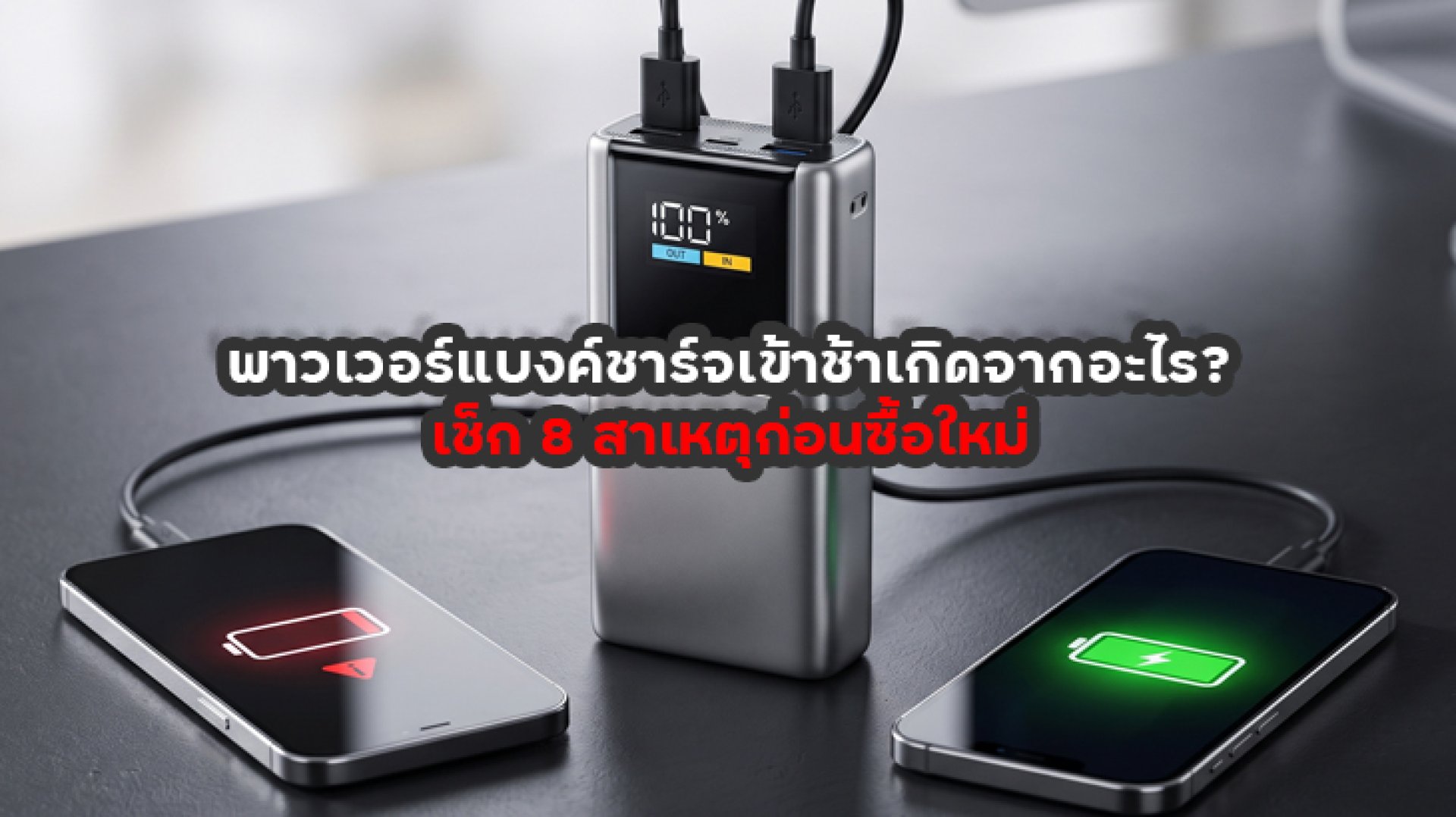
Power bank charging slowly is a frustrating problem, especially when you need a fully charged portable charger before leaving home. You may leave it plugged in for several hours, only to find that the battery percentage has increased very little. Sometimes, it may even take all night to reach 100%, despite charging much faster when it was new.
The good news is that a slow-charging power bank does not necessarily mean the battery is damaged. The problem could be caused by a low-wattage wall charger, an unsuitable USB-C cable, an input port limitation, or even high operating temperatures.
Before replacing your power bank, check these eight common causes. In some cases, simply changing the cable or using a compatible wall charger can improve charging performance.
Why Is Your Power Bank Charging Slowly? 8 Common Causes
1. Your Wall Charger Has a Low Power Output
One of the first things to check when your power bank is charging slowly is the wall charger. Different power banks support different maximum input power levels. If your charger provides less power than the power bank can accept, charging may take significantly longer.
For example, imagine a power bank that supports up to 18W input. If you use a wall charger that provides only 5W or 10W, it may take longer to recharge than when using a compatible charger with sufficient output.
However, using a higher-wattage charger does not automatically make every power bank charge faster. The power bank only accepts power according to its supported input specifications and compatible charging protocols.
2. Your USB-C Cable Cannot Handle the Required Power
Another possible reason for power bank charging slowly is an unsuitable charging cable. Your wall charger may support fast charging, but the USB-C cable you use may have a lower current or power rating than the charging system requires.
USB-C cables have different electrical capabilities. For example, 3A and 5A cables do not have the same current limits. If your power bank requires more than 3A for a particular charging mode, a cable rated for only 3A cannot support that mode.
Try using another high-quality USB-C cable with a clearly specified power rating that matches your power bank's input requirements. This can help determine whether the cable is causing the problem.
3. You Are Using the Wrong Input Port
Some power banks have multiple USB-C and USB-A ports. Depending on the model, certain ports may be designed for power output, while others support power input. Some USB-C ports support both directions, but their input capabilities may differ.
If you connect the charger to a port with a lower input rating, the power bank may charge more slowly than expected, even when the wall charger and cable support higher power levels.
Check the labels printed next to the ports or consult the product manual to identify which port supports charging input and its maximum wattage. Do not assume that every USB-C port has the same capabilities simply because the connector looks identical.
4. The Charger and Power Bank Do Not Support the Same Fast-Charging Standard
Fast charging is not determined by wattage alone. The charger and power bank must also support compatible charging protocols, such as USB Power Delivery (USB PD).
For example, a wall charger may support USB PD, while a power bank may use a different input configuration or support only certain voltage and current combinations. In this situation, the devices may fall back to a lower charging mode that both can support.
Before buying a replacement charger, check your power bank's input specifications, including voltage, current, maximum wattage, and supported charging protocols. Do not rely on marketing terms such as "Fast Charging" alone.
5. High Temperature Causes Charging to Slow Down
Temperature can also affect charging performance. If a power bank becomes too warm during charging, its power management system may reduce the input power to control temperature and protect the battery.
This can happen when the power bank is placed in direct sunlight, near another heat-producing device, or in an area with poor ventilation.
To improve charging conditions, place the power bank in a cool, dry, well-ventilated area. Keep it away from direct sunlight and other heat sources.
If the device becomes unusually hot, swollen, damaged, or develops an unusual smell, stop using it. Do not continue charging or attempt to open the device. Contact the manufacturer or an authorized service provider.
6. A Higher Battery Capacity Takes Longer to Recharge
A 20,000mAh power bank generally stores more energy than a 10,000mAh model. As a result, it may take longer to recharge when both devices have the same input power rating.
For example, a 20,000mAh power bank with a 10W input may take longer to recharge than a 10,000mAh model that supports 30W input, even when both use the same wall charger.
When comparing charging times, consider both battery capacity and maximum input wattage. Looking at the mAh rating alone does not tell you how quickly a power bank can recharge.
7. Charging Slows Down as the Battery Gets Fuller
Charging speed does not remain constant throughout the entire charging process. When the battery level is relatively low, the power bank may accept higher charging power. As the battery approaches full capacity, its charging system gradually reduces the current.
This means charging from 20% to 60% may take less time than charging from 80% to 100%. This behavior is generally normal and does not necessarily indicate a fault.
8. The Charging Port Is Dirty or the Battery Is Aging
If you have checked the charger and cable but your power bank is still charging slowly, inspect the USB-C or other input port. Dust and debris can interfere with the connection and affect charging performance.
Battery aging or an internal fault may also affect charging behavior. If the power bank takes much longer to recharge than before and also shows other symptoms, such as unusual heat, inconsistent battery readings, or significantly reduced capacity, it may need professional inspection.
Do not insert metal objects into the charging port or attempt to dismantle the power bank. If cleaning does not resolve the issue, contact the manufacturer or an authorized service center.
How to Troubleshoot a Slow-Charging Power Bank
If you are unsure what is causing your power bank charging slowly, follow these checks in order before buying a replacement.
- Check the input rating: Find out the maximum input wattage supported by your power bank.
- Check the wall charger: Confirm that its output voltage, current, and charging protocol are compatible.
- Try another cable: Use a properly rated USB-C cable in good condition.
- Check the input port: Make sure you are using a port that supports the required charging input.
- Move it to a cooler location: Charge the device in a dry, well-ventilated area.
- Observe the battery percentage: Compare charging behavior at a low battery level and near full capacity.
- Look for warning signs: Stop using the device if it becomes unusually hot, swollen, damaged, or develops an unusual smell.
Does a 10,000mAh Power Bank Charge Faster Than a 20,000mAh Model?
In general, a 20,000mAh power bank stores more energy than a 10,000mAh model, so it may take longer to recharge when both support the same input wattage. However, battery capacity is only one factor that determines charging time.
| Factor | Effect on Charging Time |
|---|---|
| Battery capacity | Higher capacity generally requires more energy to recharge. |
| Input wattage | Higher supported input power may reduce charging time when the system is compatible. |
| Wall charger | Must support the voltage, current, and charging protocol required by the power bank. |
| Charging cable | Must support the current and power required by the charging system. |
| Temperature | Excessive heat may cause charging power to decrease. |
| Battery level | Charging may slow down as the battery approaches full capacity. |
To estimate charging time, check the manufacturer's stated charging time and the conditions under which it was measured. Simply dividing the battery capacity in mAh by the charger's current rating may produce an inaccurate estimate because of energy losses and changes in charging power throughout the process.
How to Choose a Power Bank That Recharges Faster
If you are planning to buy a new power bank and want to avoid slow recharging, consider these features before making a purchase.
- Check the input wattage: Look for the maximum input power supported by the power bank.
- Choose a suitable USB-C input: If fast recharging is important, check whether the model has a USB-C input port with the required power rating.
- Look for USB PD support: If you already use a USB PD wall charger, choosing a compatible power bank can make charging more convenient.
- Check cable compatibility: Use a cable rated for the power level required by the power bank.
- Choose the right battery capacity: Select 10,000mAh or 20,000mAh based on your devices and daily charging needs.
- Check safety features: Look for appropriate temperature management and electrical protection features specified by the manufacturer.
Conclusion: A Slow-Charging Power Bank Is Not Always Defective
Power bank charging slowly can have several causes, including a low-wattage wall charger, an unsuitable USB-C cable, an input port limitation, incompatible charging standards, high temperatures, or an aging battery.
Before replacing your power bank, check its input specifications, try a compatible charger and cable, and make sure you are using the correct input port. Also inspect the device for unusual heat, swelling, or physical damage. Stop using it if you notice any of these warning signs.
Remember that choosing a power bank is not just about battery capacity in mAh. You should also consider its input wattage. A high-capacity power bank with a low input rating may take much longer to recharge than you expect.
Frequently Asked Questions About Power Bank Charging Slowly
Why is my power bank charging slowly?
Common causes include a low-wattage charger, an incompatible USB-C cable, a limited input port, high temperature, large battery capacity, or battery aging. Check the charger and cable before assuming the power bank is defective.
Can I use a 65W charger with a power bank?
Yes, if the charger and power bank support compatible charging standards. However, the power bank only draws power up to its supported input limit. It does not automatically use the charger's full 65W output.
Is it normal for a power bank to remain uncharged after being plugged in overnight?
It may be related to high battery capacity, low input power, or an incompatible charging setup. However, if charging takes significantly longer than the manufacturer's stated time, check the charger, cable, and input port. Stop using the device if it shows signs of damage or unusual heating.
Does a USB-C cable affect power bank charging speed?
Yes. Different cables support different current and power ratings. If a cable cannot support the power required by the charging system, charging may be limited. Choose a cable with clear specifications that match your devices.
Does a 20,000mAh power bank take longer to charge than a 10,000mAh model?
Generally, yes, when both models have the same input wattage, because the larger battery stores more energy. Actual charging time also depends on input power, charger compatibility, cable specifications, temperature, and battery management.