How Does a 65W Multi-Port Charger Distribute Power? Does Wattage Drop When Charging Multiple Devices?
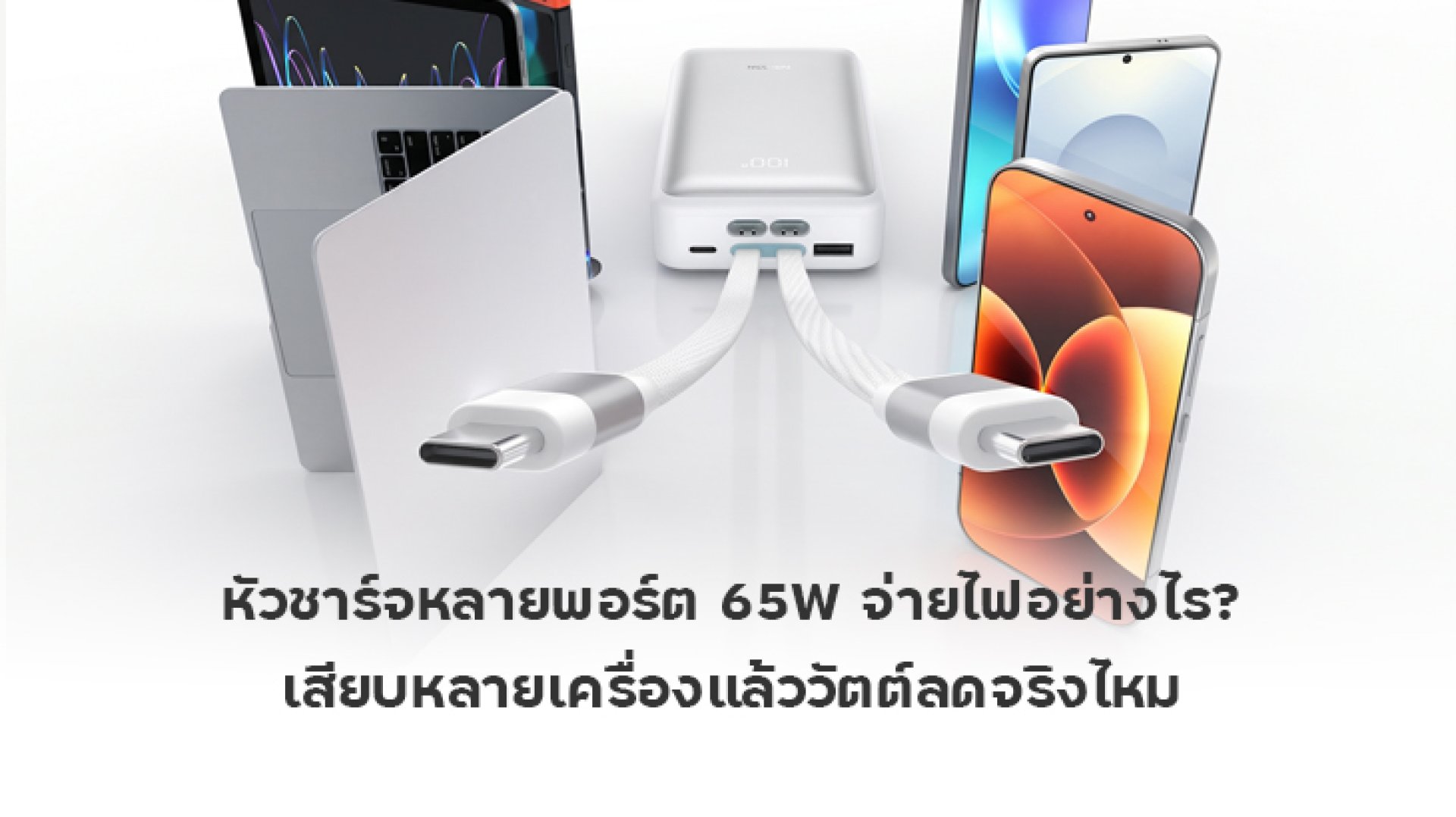
A 65W multi-port charger is a convenient choice for people who need to charge a smartphone, tablet, earbuds, or laptop at the same time. Instead of carrying several power adapters, you can use a single charger with multiple ports. However, a common question arises: why does a laptop or smartphone sometimes charge more slowly after another device is connected? Can a charger rated at 65W deliver 65W to every port simultaneously?
The short answer is that the available charging power can decrease when multiple ports are used, and this does not necessarily mean the charger is faulty. In most cases, the 65W rating refers to the charger's maximum combined output under specified conditions, not 65W for every port at the same time. The actual power distribution depends on the charger's internal design and output specifications.
This article explains how a 65W multi-port charger distributes power, why charging speeds may change when you connect additional devices, and what to check before buying one.
What Does 65W Mean on a Multi-Port Charger?
Before choosing a 65W multi-port charger, it is important to distinguish between the charger's maximum total output and the maximum output available from each individual port. These two specifications are not necessarily the same.
- 65W maximum total output: The charger can deliver up to 65W of combined output under the conditions specified by the manufacturer.
- Maximum output per port: An individual USB-C port may support up to 65W when used alone, while other ports may have lower limits.
- Output when multiple ports are used: The charger may redistribute its available power depending on the combination of connected ports and devices.
For example, one charger may deliver up to 65W through a USB-C port when used alone. When two USB-C ports are active, its output might change to 45W for the first port and 20W for the second, giving a combined output of 65W.
This is only an example of one possible power distribution arrangement, not a universal specification. Always check the manufacturer's output table to see how a particular model behaves when multiple ports are used simultaneously.
How Does a 65W Multi-Port Charger Distribute Power?
A 65W multi-port charger may use predefined power allocation profiles for different port combinations or adjust its output according to the connected devices' requirements. The distribution depends on the charger's design, the available ports, and the charging protocols supported by both the charger and the devices.
With USB Power Delivery (USB PD), the charger and connected device communicate to establish a supported voltage and current level. A device draws power according to its own capabilities and charging requirements; it does not automatically consume the charger's maximum rated output.
When another device is connected, however, some chargers may recalculate their power allocation. An existing device could receive less power, and charging may briefly pause on certain models while the charger renegotiates its output.
Examples of Power Distribution on a 65W Charger
| Charging Setup | Example Power Output | What to Know |
|---|---|---|
| One laptop | Up to 65W | The laptop and selected port must support this power level. |
| One laptop and one smartphone | 45W + 20W | The combined output equals 65W. |
| Two smartphones | Depends on the charger | The two ports may not receive equal amounts of power. |
| One laptop, one smartphone, and earbuds | Depends on the active port combination | The laptop's available power may decrease. |
These figures illustrate the principle of power sharing. They are not guaranteed output combinations for every 65W charger. If you plan to charge a laptop alongside other devices, check the manufacturer's specifications for two-port and three-port operation.
Does Wattage Really Drop When You Connect Multiple Devices?
Yes, it can, but the amount of power available to each device varies by charger model. Some chargers use fixed output profiles for different port combinations, while others adjust power allocation according to the connected devices' requirements and supported charging protocols.
Imagine that your laptop is drawing 60W from a 65W charger through USB-C. You then connect a smartphone to another port. The charger may redistribute its available power to supply both devices. As a result, the laptop might receive less power and charge more slowly, particularly if the remaining output is insufficient for its current power requirements.
On the other hand, charging a smartphone and a pair of earbuds may have little noticeable impact on everyday use because these devices generally require less power than a laptop. The actual result still depends on the charger's specifications and the devices' charging behavior.
Why Does Charging Sometimes Pause When You Connect Another Device?
Some multi-port chargers briefly interrupt charging when a new device is connected or disconnected. This can happen because the charger needs to detect the new connection and renegotiate the available power profiles.
If charging resumes normally after a brief interruption, it may be part of the charger's intended operation. However, repeated disconnections, unusually high temperatures, or other abnormal behavior should be investigated. Stop using the charger if you suspect an electrical fault, and inspect the charger, cable, and connected devices before using them again.
Is a 65W Multi-Port Charger Enough for a Laptop and Smartphone?
A 65W multi-port charger can be suitable for charging a laptop and smartphone simultaneously, but the key question is whether each device receives enough power after the charger distributes its output. The total wattage printed on the packaging is only one part of the decision.
For example, suppose your laptop supports USB-C PD charging at 45W and your smartphone can use 20W. A charger that supports a simultaneous 45W + 20W output may be suitable for this combination, provided that both devices support the charger's charging protocols.
However, if your laptop requires 65W for its intended charging performance and the charger supplies only 45W to the laptop when another device is connected, the laptop may charge more slowly. Its battery could even continue to drain during demanding tasks while the charger is connected.
Power consumption also changes over time. Smartphones and laptops may reduce their charging power as the battery approaches full capacity or when temperature and other charging conditions change. Consequently, actual power delivery can be lower than the maximum output listed in the specifications.
How to Choose the Right 65W Multi-Port Charger
1. Check the Power Distribution Table
Two chargers with the same 65W rating can behave differently when multiple ports are used. Check the output table for combinations such as USB-C1 + USB-C2 or USB-C + USB-A. The table should show the maximum power available from each port under those conditions. If the information is missing, ask the seller or manufacturer before buying.
2. Match the Port to Your Device
If you mainly charge a laptop, choose a USB-C port that supports USB Power Delivery and provides enough power for your laptop. You can then use the remaining ports for a smartphone or smaller accessories. Do not assume that every port supports the same maximum output.
3. Check Charging Protocol Compatibility
A charger may support 65W output but still fail to provide a smartphone's fastest possible charging speed if the phone relies on a proprietary fast-charging system. Check whether the charger and device support compatible charging protocols before purchasing.
4. Use a Cable Rated for the Required Power
The cable also affects charging performance, especially when charging laptops or other devices at higher power levels. A USB-C cable that does not support the required power level may limit the available output. Choose a cable with clearly stated power specifications and check whether an E-Marker chip is required for the intended charging configuration.
5. Choose the Number of Ports Based on Your Needs
If you usually charge a smartphone and earbuds, a two-port charger may be sufficient. If you regularly charge a laptop, smartphone, and tablet together, choose a model with clearly documented power distribution for multiple devices. More ports do not automatically mean more total power because the charger remains subject to its overall output limit.
Can a 65W Multi-Port Charger Damage Your Battery Faster?
Using a multi-port charger does not automatically cause faster battery degradation. When the charger meets relevant safety requirements and is compatible with the connected devices and cables, the devices' power-management systems help regulate charging according to their design.
However, heat is one factor that can affect battery longevity. If a device becomes excessively hot while charging, avoid demanding tasks during charging, check the charger and cable, and keep the device in a well-ventilated area.
A charger with appropriate protection features and compliance with relevant safety standards is worth considering. However, a 65W rating or GaN technology alone does not guarantee overall safety or indicate the quality of every protection circuit.
Frequently Asked Questions About 65W Multi-Port Chargers
Can a 65W charger deliver 65W to two smartphones simultaneously?
It depends on the charger's specifications. If 65W is the maximum combined output, charging two devices must stay within that total limit and the charger's supported power distribution profiles. Do not assume that each device can receive 65W simultaneously.
Will leaving cables connected to every port reduce the available wattage?
This depends on the charger's design. Some models may change their maximum output when another port is connected, even if the connected cable is not actively charging a device. If you need the charger's maximum output, check the manufacturer's instructions and the conditions stated in its specifications.
Can every laptop use a 65W multi-port charger?
No. The laptop must support charging through the port and protocol being used, such as USB-C Power Delivery, and the charger must provide an adequate power level. If the laptop requires more power than the charger can deliver, it may charge slowly or fail to charge properly. Check your laptop's charging requirements before using a replacement charger.
Should I disconnect other devices to charge my laptop faster?
If you want your laptop to receive the highest available power, use the appropriate port and check whether connecting other devices reduces its output. If you need to charge several devices simultaneously, choose a charger that provides enough power to the laptop even when the other ports are in use.
Conclusion: What Should You Check Before Buying a 65W Multi-Port Charger?
A 65W multi-port charger is a convenient solution for people who need to charge several devices, but the 65W rating does not mean every port can deliver its maximum power simultaneously. When additional devices are connected, the charger may redistribute its available output, causing some devices to charge more slowly. This can be normal behavior, depending on the charger's design.
Before buying, check the maximum combined output, the power distribution table for multiple-port operation, supported charging protocols, and cable compatibility. If you primarily charge a laptop, make sure the laptop can still receive sufficient power when other devices are connected. This approach will help you choose a charger that matches your actual needs rather than relying on the wattage printed on the packaging alone.