USB-C 100W Cable Charging Slowly? 7 Causes and How to Fix Them
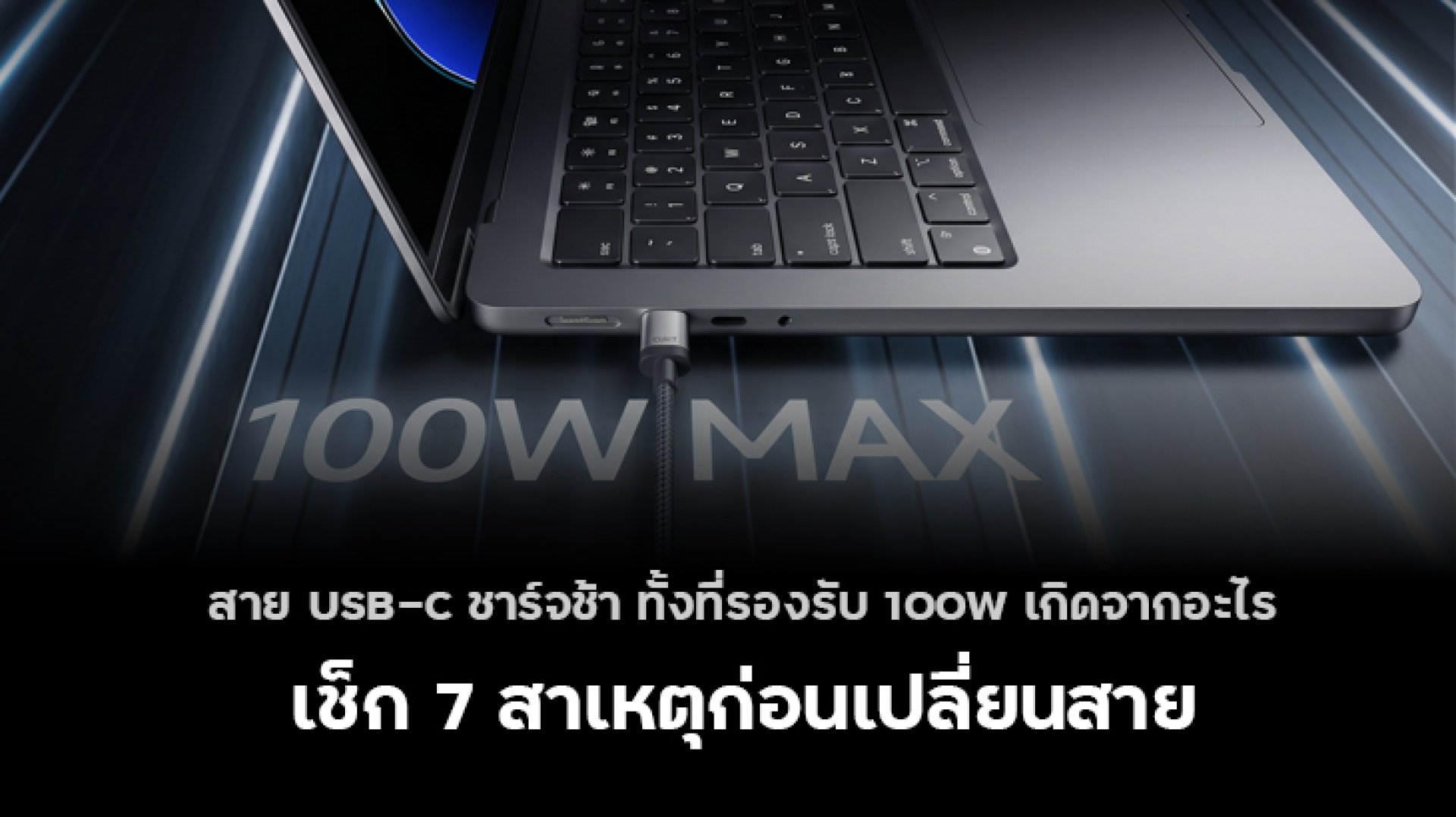
Have you ever bought a USB-C cable rated for 100W, expecting fast charging, only to find that your phone, tablet, or laptop still charges slowly? Before replacing the cable, it is worth checking the entire charging setup.
A 100W USB-C cable does not guarantee 100W charging. The actual charging speed depends on the power adapter, the connected device, supported charging protocols, cable specifications, and operating conditions.
Let's look at seven common reasons why a USB-C cable rated for 100W may charge slowly, along with practical ways to troubleshoot the problem.
1. Your Charger Cannot Deliver Enough Power
The first thing to check is the power adapter. Even if your USB-C cable supports 100W, your device cannot draw more power than the charger and device support together.
For example, if you connect a 100W-rated cable to a 20W charger, the charger will remain the limiting factor. The cable's higher power rating does not increase the charger's output.
How to fix it:
- Check the charger's maximum output wattage.
- Confirm that it supports the charging standard required by your device, such as USB Power Delivery (USB-PD).
- Check the charger's output specifications at the voltage and current levels your device needs.
2. A 100W Cable Rating Does Not Mean Your Device Will Charge at 100W
The wattage printed on a USB-C cable indicates its supported power capability under the appropriate conditions. It does not mean that every connected device will charge at that power level.
Actual charging speed depends on the device's maximum charging input, the charger's output, the supported charging protocol, and the battery's current condition.
For example, a smartphone designed for a lower charging wattage will not automatically charge at 100W just because you connect it to a 100W charger using a compatible cable.
How to fix it:
- Look up your device's maximum supported charging power.
- Check whether the charger supports the device's required charging protocol.
- Compare the charger and cable specifications with the device manufacturer's recommendations.
3. The Cable May Not Meet Its Advertised Specifications
Not all USB-C cables offer the same power capability. Some cables support only lower power levels, even if their product listings use terms such as fast charging or high power.
For USB-C cables intended to carry more than 3A under USB Power Delivery, an appropriate electronically marked cable (E-Marker) is generally required. The E-Marker communicates important cable capabilities to compatible equipment.
However, an E-Marker alone does not guarantee that a cable is high quality or that every charging setup will reach its maximum rated wattage. The cable must also meet the relevant specifications.
How to fix it:
- Buy cables from reputable brands and sellers.
- Check the stated power rating and supported specifications.
- For high-power charging, choose a cable designed and rated for the power level you need.
- Avoid relying on cable thickness or appearance as proof of charging performance.
Learn more about USB-IF cable and connector specifications.
4. The Charger and Device Do Not Support the Same Charging Protocol
USB-C describes the connector type, not a guarantee that every charger and device will use the same fast-charging technology.
USB Power Delivery (USB-PD) allows compatible devices and chargers to negotiate suitable voltage and current levels. Some devices also rely on additional requirements, such as Programmable Power Supply (PPS) or other supported charging features.
If the charger does not support the protocol or power profile required by the device, charging may fall back to a lower power level.
How to fix it:
- Check the charging standards supported by your device.
- Choose a charger that explicitly supports the required standard.
- Do not assume that a higher wattage rating automatically means better compatibility.
Read more about USB Power Delivery technology.
5. Your Multi-Port Charger May Be Sharing Its Power
If your charger has multiple USB ports, its advertised maximum wattage may apply only under certain conditions. When you connect a second device, the charger may redistribute its available power between ports.
For example, a charger rated for 100W total output may provide less power to your laptop when another device is connected. The exact result depends on the charger's power-sharing design.
Using a low-power USB hub or an unsuitable adapter in the charging path may also affect charging performance.
How to fix it:
- Check the charger's output specifications for single-port and multi-port use.
- Disconnect other devices temporarily and test the charging speed again.
- Connect the cable directly to the charger when troubleshooting.
6. Your Device Is Too Hot or Its Battery Is Nearly Full
Charging speed does not remain constant throughout the charging cycle. Phones, tablets, and laptops may reduce charging power when the battery level is high or when the device becomes too hot.
Heavy workloads, gaming, direct sunlight, and charging in a poorly ventilated area can increase device temperature. The device may reduce power to manage heat.
This means slow charging is not necessarily a cable problem.
How to fix it:
- Move the device to a cooler, well-ventilated area.
- Close demanding applications while charging.
- Avoid covering the device during charging.
- Test charging speed again when the device has cooled down.
7. The Cable or Charging Port May Be Damaged
A damaged cable, loose connector, or dirty charging port can cause intermittent charging or unreliable connections. A cable may still charge a device even when it no longer performs consistently.
Look for visible damage, bent connectors, loose connections, or debris in the charging port. Do not force a connector into the port or insert metal objects to clean it.
How to fix it:
- Test with another known-good cable that supports the required power level.
- Try a compatible charger and wall outlet.
- Inspect the cable and connectors for damage.
- If the port appears damaged or the connection remains unreliable, have the device checked by a qualified technician.
Stop using a cable that is frayed, has exposed wires, or becomes unusually hot.
USB-C 100W vs. 240W Cables: Will a Higher Rating Charge Faster?
A 240W-rated USB-C cable supports a higher power capability than a 100W-rated cable under compatible conditions. However, using a 240W cable does not automatically make a phone or laptop charge faster.
| Feature | 100W USB-C Cable | 240W USB-C Cable |
|---|---|---|
| Rated power capability | Up to 100W | Up to 240W |
| Typical use | Compatible phones, tablets, and many laptops | Compatible high-power laptops and other supported devices |
| Guarantees faster charging? | No | No |
| What determines actual speed? | Charger output, device limits, charging protocol, cable capability, and operating conditions | |
Choose a cable based on the power requirements of your device and charger, not simply the largest number on the packaging.
Quick Checklist: How to Troubleshoot Slow USB-C Charging
- Check the charger's maximum output wattage.
- Confirm that the device supports the charger's charging protocol.
- Verify that the cable's specifications match your power requirements.
- Test the charger with only one device connected.
- Let the device cool down if it feels unusually warm.
- Test with another compatible cable and charger.
- Inspect the cable and charging port for damage.
Frequently Asked Questions (FAQ)
Why does my 100W USB-C cable charge slowly?
The charger may provide insufficient power, the device may support a lower charging rate, or the cable, charging protocol, temperature, or connection may be limiting performance.
Does a 100W USB-C cable need an E-Marker?
USB-C cables designed to support more than 3A under USB Power Delivery generally require appropriate electronic marking. Check the cable's specifications and compliance information rather than relying only on its advertised wattage.
Will a 240W USB-C cable charge my phone faster than a 100W cable?
Not necessarily. If the phone's charging capability is already supported by the 100W cable, switching to a 240W cable may not increase charging speed.
Can a multi-port charger make USB-C charging slower?
Yes. Some multi-port chargers redistribute available power when multiple devices are connected. Check the charger's power allocation specifications and test one device at a time.
How can I tell whether the cable or charger is causing slow charging?
Test the device with a known-good compatible cable and charger, changing one component at a time. This helps identify which part of the setup may be limiting performance.
References
- USB Implementers Forum (USB-IF): USB Power Delivery
- USB Implementers Forum (USB-IF): Cables and Connectors
- Apple Support: Fast charge your iPhone
- Apple Support: Use the USB-C connector with your iPhone
For more charging guides and compatible accessories, visit ZMI Thailand.