Which iPhone Charging Cable Is Fast and Safe?
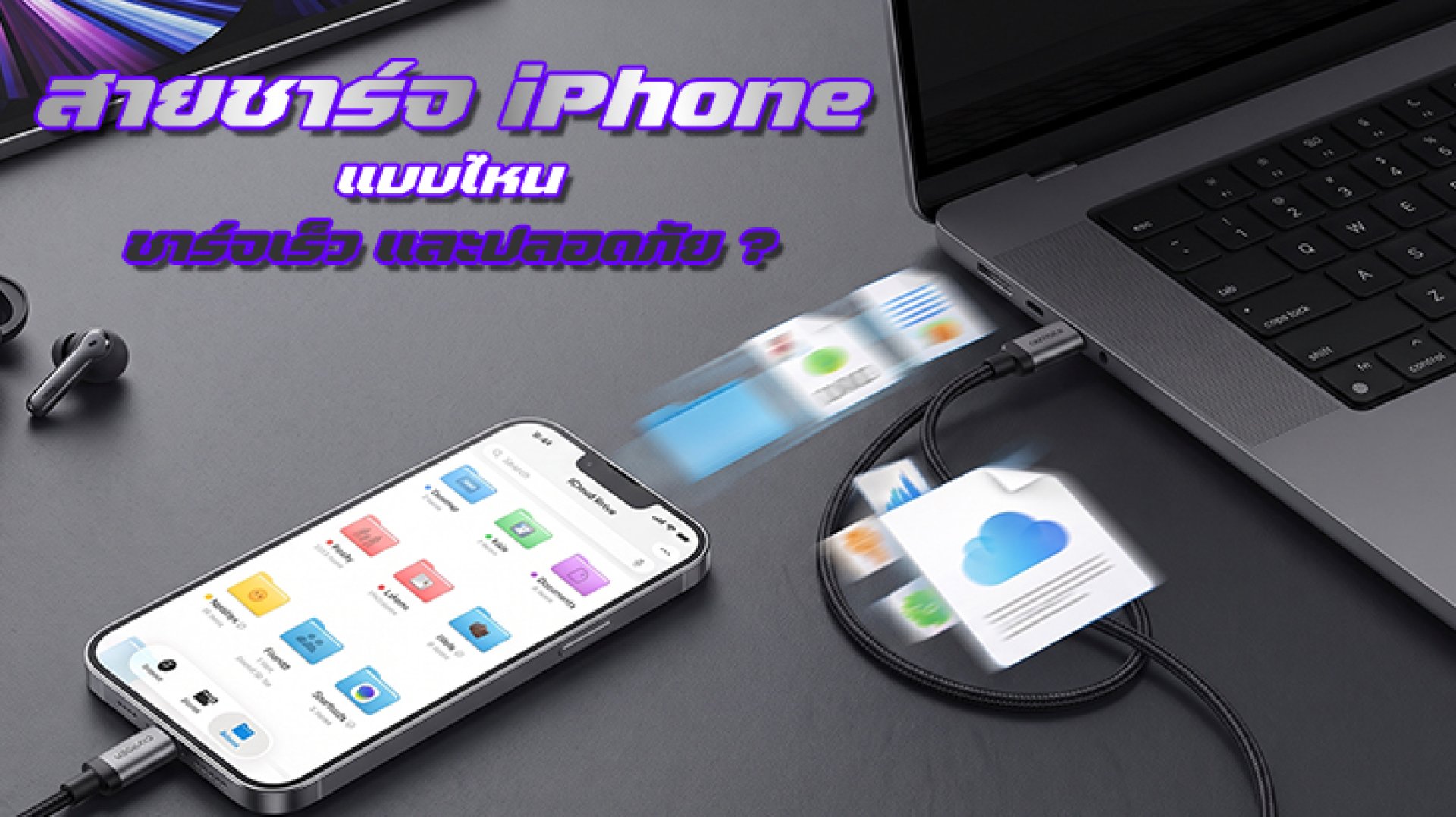
Choosing the wrong iPhone charging cable can limit charging performance, even if you already have a 30W, 40W, or higher-power charger. Fast charging does not depend on the charger alone. The iPhone model, charging adapter, cable, and charging standard all need to work together.
The easiest rule to remember is this: iPhone 15 and later models use USB-C to USB-C cables, while iPhone 14 and earlier models with a Lightning port can use a USB-C to Lightning cable for fast charging when paired with a suitable USB-C Power Delivery (USB-PD) charger.
Which iPhone Charging Cable Is Best for Fast Charging?
The right cable depends mainly on the iPhone model you use.
| iPhone Model | Recommended Cable | Fast Charging Setup |
|---|---|---|
| iPhone 15 and later | USB-C to USB-C | Use with a USB-C charger that supports USB Power Delivery |
| iPhone 14 and earlier | USB-C to Lightning | Use with a USB-C charger that supports USB Power Delivery |
| Older iPhone models with USB-A chargers | USB-A to Lightning | Works for charging, but is generally not the best option for upgrading to fast charging |
Apple states that iPhone 15 and later models can charge through USB-C and support compatible USB-C power adapters, including USB Power Delivery. Earlier iPhone models with Lightning can use a USB-C to Lightning cable for fast charging with a suitable USB-C power adapter.
1. iPhone 15 and Later: Choose USB-C to USB-C
If you use an iPhone 15, iPhone 16, iPhone 17, or a later model, a USB-C to USB-C cable is the most straightforward choice.
Apple states that iPhone 15 and later models can be charged using a USB-C cable and a compatible USB-C power adapter, including adapters that support USB Power Delivery. This means you do not necessarily need to buy an Apple-branded cable. A high-quality third-party cable that complies with the relevant standards can also be a suitable option.
If you only need a cable for charging, you do not necessarily need the cable with the highest possible data-transfer speed. Charging capability and data-transfer capability are separate specifications.
2. iPhone 14 and Earlier: USB-C to Lightning
If your iPhone still uses a Lightning port and you want fast charging, a USB-C to Lightning cable is the appropriate option when paired with a compatible USB-C Power Delivery charger.
Apple states that USB-C to Lightning cables can be used to charge iPhones and other Apple devices with Lightning ports, and compatible iPhone models can support fast charging when used with an appropriate USB-C power adapter.
So, if you are still using an iPhone 14 or earlier and want to upgrade from an older USB-A charging setup, replacing both the USB-C power adapter and USB-C to Lightning cable can be more useful than simply buying another Lightning cable.
3. A More Powerful Charger Does Not Automatically Mean Faster Charging
This is one of the most common misunderstandings.
For example, you may have a 100W USB-C charger, but that does not mean your iPhone will charge at 100W. The iPhone manages how much power it draws based on the device's capabilities and charging conditions.
Likewise, buying a cable rated for very high power does not automatically make an iPhone charge faster if the iPhone or charger does not support that level of power.
In simple terms: a high-wattage cable does not force high-wattage power into your iPhone.
4. How Many Watts Does an iPhone Charging Cable Need?
You should not use the cable's wattage rating as the only factor when choosing an iPhone charging cable. The actual charging requirements depend on the iPhone model and Apple's charging system.
For example, Apple states that the iPhone 17e and iPhone Air can reach up to 50% charge in around 30 minutes with a 20W or higher adapter, while iPhone 17, iPhone 17 Pro, and iPhone 17 Pro Max can reach up to 50% in around 20 minutes with a 40W or higher USB-C adapter, under Apple's stated testing conditions.
Therefore, do not assume that a 100W cable will automatically charge an iPhone faster than a 60W cable. What matters is whether the cable, charger, and iPhone support the appropriate charging standards together.
5. Does a More Expensive Cable Mean It Is Safer?
Not necessarily.
Price alone does not guarantee charging safety. More important factors include cable construction, connector quality, manufacturer reliability, and compliance with relevant standards.
Apple allows compatible third-party charging accessories that meet the applicable standards, so a high-quality third-party cable can also be a suitable choice.
6. Are All USB-C Cables the Same?
No.
Although USB-C is the same connector type, USB-C cables can have very different capabilities for power delivery, data transfer, and supported protocols.
Some cables are primarily designed for charging, while others also support high-speed data transfer. If you are buying a cable specifically for charging an iPhone, check its power-delivery specifications and applicable standards instead of looking only at the USB-C connector.
7. Can You Still Use a USB-A to Lightning Cable?
Yes, if your iPhone has a Lightning port and your charger has a USB-A output.
However, if your goal is to upgrade to a more modern charging setup, switching to a USB-C power adapter and USB-C to Lightning cable is generally more suitable. Apple states that USB-C to Lightning cables can support fast charging with compatible USB-C power adapters.
For iPhone 15 and later, a USB-C to USB-C cable is the direct match for the device's USB-C port.
8. Does a Thicker Charging Cable Always Charge Faster?
Not necessarily.
A thicker cable may be designed to handle higher current or provide better durability, but cable thickness alone does not determine charging speed.
The more important factors are the cable's actual specifications and supported standards. Two cables that look almost identical can have very different power and data capabilities.
9. Which Charging Cables Should You Avoid?
- Cables from unknown sources where the manufacturer or specifications cannot be verified
- Cables with loose connectors or unusually poor connections
- Cables with damaged insulation, exposed sections, or visible wear
- Cables that repeatedly disconnect or charge inconsistently
- Cables with unclear specifications, especially when used with high-power chargers
It is better to replace a damaged cable rather than continue using it until it completely fails, because the cable is part of the power-delivery system.
10. Can You Use a 100W or 240W Cable with an iPhone?
Yes, provided the cable is compliant with the appropriate standards and is compatible with the devices being used. However, this does not mean the iPhone will receive 100W or 240W.
A 100W or 240W rating represents the cable's maximum supported power capability under the applicable conditions and standards. It does not mean that the cable forces that amount of power into the phone.
So, if you already have a high-power USB-C cable, you can use it with a USB-C iPhone as long as the cable and connected devices support the appropriate standards.
11. What Makes an iPhone Charging Cable Fast and Safe?
If you want a simple checklist, use the following guide:
| Situation | Recommended Cable |
|---|---|
| iPhone 15 and later | Standard-compliant USB-C to USB-C cable |
| iPhone 14 and earlier | Standard-compliant USB-C to Lightning cable |
| Want fast charging | Pair it with a USB-C charger that supports USB Power Delivery |
| Need high-speed data transfer | Check the cable's data-transfer specifications |
| Using a high-power charger | Choose a cable with clearly stated power-delivery specifications |
Conclusion: How to Choose the Right iPhone Charging Cable
If you use an iPhone 15 or later, start with a USB-C to USB-C cable that complies with the appropriate standards. For iPhone 14 and earlier, choose a USB-C to Lightning cable if you want fast charging, and pair it with a compatible USB-C Power Delivery charger.
Most importantly, do not judge a cable only by labels such as Fast Charge, 100W, or 240W. Real-world charging performance depends on how the entire system works together.
In simple terms: a quality cable + the right charger + an iPhone that supports the charging standard = a better and more reliable charging setup.
If you are buying a new cable for your iPhone, check the connector on your device first. Choosing between USB-C and Lightning correctly can immediately eliminate many unsuitable options.
Related Articles
References
- Apple Support: About iPhone charging speeds
- Apple Support: Fast charge your iPhone
- Apple Support: Charge and connect with the USB-C connector on your iPhone
- Apple Support: About Apple USB-C to Lightning cables
Focus Keyword: iPhone charging cable
SEO Keywords: iPhone charging cable, best iPhone charging cable, fast charging iPhone cable, USB-C iPhone cable, USB-C to Lightning cable, iPhone 15 charging cable, iPhone 17 charging cable, safe iPhone charging cable, USB-C PD iPhone