What Cable Do You Need for a 100W Power Bank? How to Choose the Right USB-C Cable
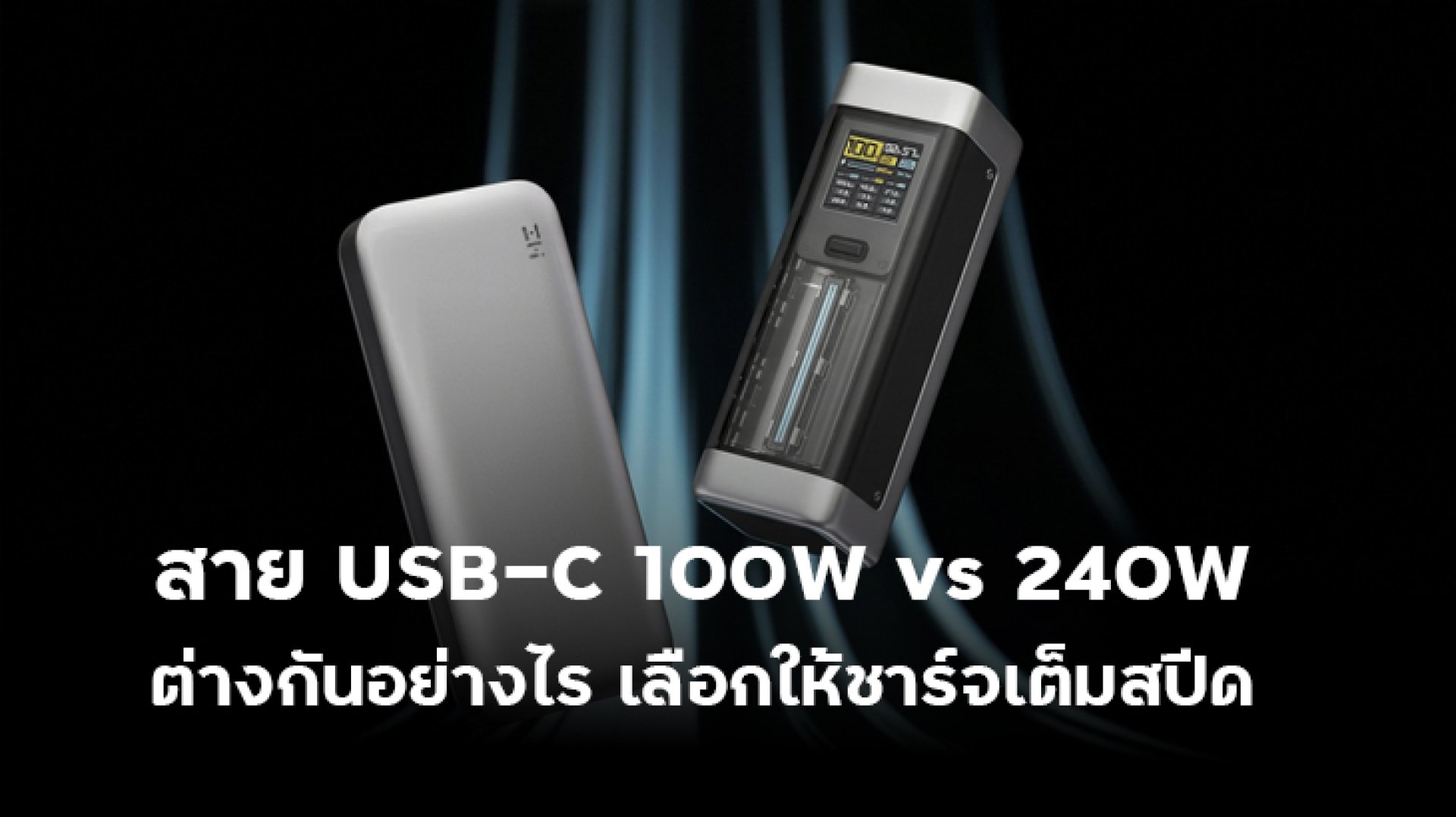
What cable do you need for a 100W Power Bank? This is an important question because even if a Power Bank is rated for up to 100W output, that does not mean every USB-C cable can deliver 100W. To reach the maximum charging power, the Power Bank, USB-C cable, and connected device all need to support the required power level.
This is especially important when using a 100W Power Bank with a laptop, tablet, or other device that supports USB Power Delivery (USB PD). A USB PD system capable of 100W can use up to 20V/5A, so the cable needs to support the required electrical capability as well.
What Cable Do You Need for a 100W Power Bank?
The short answer is: choose a USB-C to USB-C cable rated for at least 100W and capable of supporting 5A if you want to take advantage of a 100W Power Bank through USB Power Delivery.
However, there is an important detail to understand. Seeing 100W on the packaging does not tell you everything about a USB-C cable. Different USB-C cables can have different power and data capabilities.
Before buying a cable for a 100W Power Bank, check these four points:
- Supports 100W or higher power delivery
- Supports 5A current when 100W operation is required
- Supports the USB Power Delivery capabilities required by your devices
- Clearly states the cable's specifications and capabilities
Why Does a 100W Power Bank Need a 5A Cable?
The basic electrical formula is simple:
Power (W) = Voltage (V) × Current (A)
For example:
20V × 5A = 100W
USB-IF explains that USB Power Delivery before USB PD 3.1 supported up to 100W using a 20V power level and 5A capability. USB PD 3.1 introduced Extended Power Range (EPR), allowing compatible systems to go beyond 100W and reach up to 240W.
Therefore, if your Power Bank can provide 100W through USB PD, the cable also needs to have the necessary current and power capability to support that level.
What Is the Difference Between a 60W and 100W USB-C Cable?
This is where many users get confused. USB-C cables can look almost identical, but their power capabilities can be very different.
| Cable Type | Rated Power | Suitable for a 100W Power Bank? | Typical Use |
|---|---|---|---|
| USB-C 60W | Up to 60W | Not suitable if you need 100W | Phones, tablets, and general devices |
| USB-C 100W | Up to 100W | Yes | Laptops, tablets, and USB PD devices |
| USB-C 240W | Up to 240W | Yes | Higher-power systems and future-ready setups |
However, the cable's power rating does not mean the connected device will automatically charge at that power level. Actual charging power still depends on the Power Bank and the device being charged.
Can You Use a 240W Cable with a 100W Power Bank?
Yes. A 240W-rated USB-C cable can be used with a 100W Power Bank as long as the connectors and devices are compatible.
A 240W cable does not force the Power Bank to output 240W. USB Power Delivery negotiates power according to the capabilities of the connected devices.
For example:
- Power Bank: up to 100W output
- USB-C cable: up to 240W
- Laptop: accepts up to 65W
In this situation, the cable can handle more power than the system requires, but the Power Bank and laptop determine the actual charging limit. The laptop will not suddenly charge at 240W.
A 240W cable can still be a useful choice if you want one cable that can handle higher-power USB-C devices in the future.
What Is E-Marker and Why Does It Matter for 100W Cables?
E-Marker, or Electronic Marker, is an electronic component found in certain USB-C cables. It stores and reports information about the cable's capabilities so that the USB-C and USB Power Delivery system can identify what the cable supports.
The important point is that E-Marker does not make a cable charge faster by itself. It does not increase the output power of a Power Bank. Instead, it is part of the system used to identify the capabilities of compatible cables.
For higher-power USB-C applications, it is therefore a good idea to choose a cable with clearly stated specifications from a reputable manufacturer and to check the relevant certification or product information where available.
Why Doesn't a 100W Power Bank Always Charge at 100W?
Even if you have a 100W Power Bank and a 100W cable, you should not expect 100W charging all the time.
There are several possible reasons.
1. The Device Does Not Accept 100W
If your laptop supports a maximum of 65W USB Power Delivery, a 100W Power Bank will not make it charge at 100W.
2. The Power Bank Has Output Limitations
Some Power Banks advertise 100W as the maximum output of a particular port. The available output can also depend on battery level, temperature, or whether multiple ports are being used simultaneously.
3. The Cable Does Not Support Enough Power
If the cable is limited to 60W, you should not expect it to deliver 100W simply because the Power Bank is rated at 100W.
4. The USB PD Profiles Do Not Match
The Power Bank and connected device need to support compatible USB PD power profiles. If the device requests a power level that the Power Bank cannot provide, the system will negotiate a power level that both sides support.
5. Multiple Ports Are Being Used
Some Power Banks distribute available power between ports when multiple devices are connected. As a result, a port that can provide 100W on its own may provide less when other ports are being used.
What USB-C Cable Should You Choose for a 100W Power Bank?
If you want to use a 100W Power Bank with USB PD devices, the following guide can help:
| Use Case | Recommended Cable | Reason |
|---|---|---|
| Standard smartphone | USB-C cable rated for the phone's requirements | A 100W cable is not always necessary |
| Tablet | USB-C 60W or higher, depending on the device | Usually sufficient for many tablets |
| 65W laptop | USB-C 100W | Provides suitable capacity for 65W charging |
| 100W laptop | USB-C 100W / 5A | Suitable for 100W-class power delivery |
| Multiple USB-C devices | USB-C 100W or 240W depending on the system | Choose according to the highest required power |
Should You Only Look at the Wattage Rating?
No. Wattage is only one part of the specification.
When choosing a USB-C cable for a 100W Power Bank, you should also check the connector type, current capability, USB Power Delivery support, data-transfer capability, and the manufacturer's specifications.
This matters because USB-C describes the connector format. It does not mean every USB-C cable has the same electrical or data capabilities.
USB-IF specifications distinguish between different types of USB-C cables and their capabilities, so choosing a cable based only on the appearance of the connector can be misleading.
Does a 100W Cable Always Charge Faster Than a 60W Cable?
No.
The cable is not the only factor that determines charging speed. The actual charging power depends on the power source and the device receiving the power.
For example, if a Power Bank can output only 30W and your smartphone can accept a maximum of 30W, switching from a 60W cable to a 100W cable will not make the phone charge at 100W.
A 100W cable becomes more useful when both the Power Bank and the connected device can actually use higher power levels.
Who Should Consider a 100W Power Bank?
A 100W Power Bank becomes particularly useful when you need more than smartphone charging and want portable power for higher-power devices.
- People who carry USB-C laptops
- Users of high-performance tablets
- Travelers who want one Power Bank for multiple devices
- Users who need USB-C Power Delivery for several types of devices
- People who want additional power capacity for newer USB-C devices
However, if you only use a smartphone that supports 20W45W charging, a 100W Power Bank will not automatically make it charge faster. The phone's own charging capability and supported charging protocols still determine the actual speed.
Conclusion: What Cable Do You Need for a 100W Power Bank?
If you want to take full advantage of a 100W Power Bank, a good starting point is a USB-C to USB-C cable rated for 100W and capable of 5A, while also checking the manufacturer's specifications.
Do not choose a cable based only on the words USB-C or Fast Charge. USB-C refers to the connector format, while the cable's power and data capabilities can vary significantly.
Most importantly, remember that a 100W Power Bank + a 100W cable does not mean every device will charge at 100W. Actual power is determined by the capabilities and power requirements of the connected devices and the USB Power Delivery negotiation.
If you are choosing a cable for a 100W Power Bank, remember these four things: Wattage + 5A current capability + USB PD support + the cable's actual specifications. Then check how much power your device can accept. This simple approach can help you avoid buying the wrong USB-C cable.
FAQ: 100W Power Banks and USB-C Cables
Can I use a 60W cable with a 100W Power Bank?
Yes, if the connected device requires no more than the cable's supported power. However, if you want to use 100W output, a cable limited to 60W is not appropriate.
Does a 100W Power Bank require a 5A cable?
If you want to support 100W operation using a 20V × 5A power configuration, choose a cable capable of supporting 5A and clearly rated for the required power level.
Can I use a 240W cable with a 100W Power Bank?
Yes. A 240W cable can support higher power than the Power Bank requires, but it will not make a 100W Power Bank output more than 100W.
Does E-Marker make charging faster?
Not by itself. E-Marker is related to identifying and reporting cable capabilities. It does not increase the Power Bank's output power.
Can a 100W USB-C cable charge a laptop?
Yes, provided that the laptop supports USB-C Power Delivery and the required charging power is within the capabilities of both the Power Bank and the cable.
Related Articles
- Power Bank 100W vs 140W vs 240W: What's the Difference?
- USB-C 100W vs 240W Cable: What's the Difference?
- USB PD 3.0 vs PD 3.1: What's the Difference?
- Can a Power Bank Charge a Laptop? How Many Watts Do You Need?