Power Bank Won't Charge? 8 Things to Check Before Replacing It
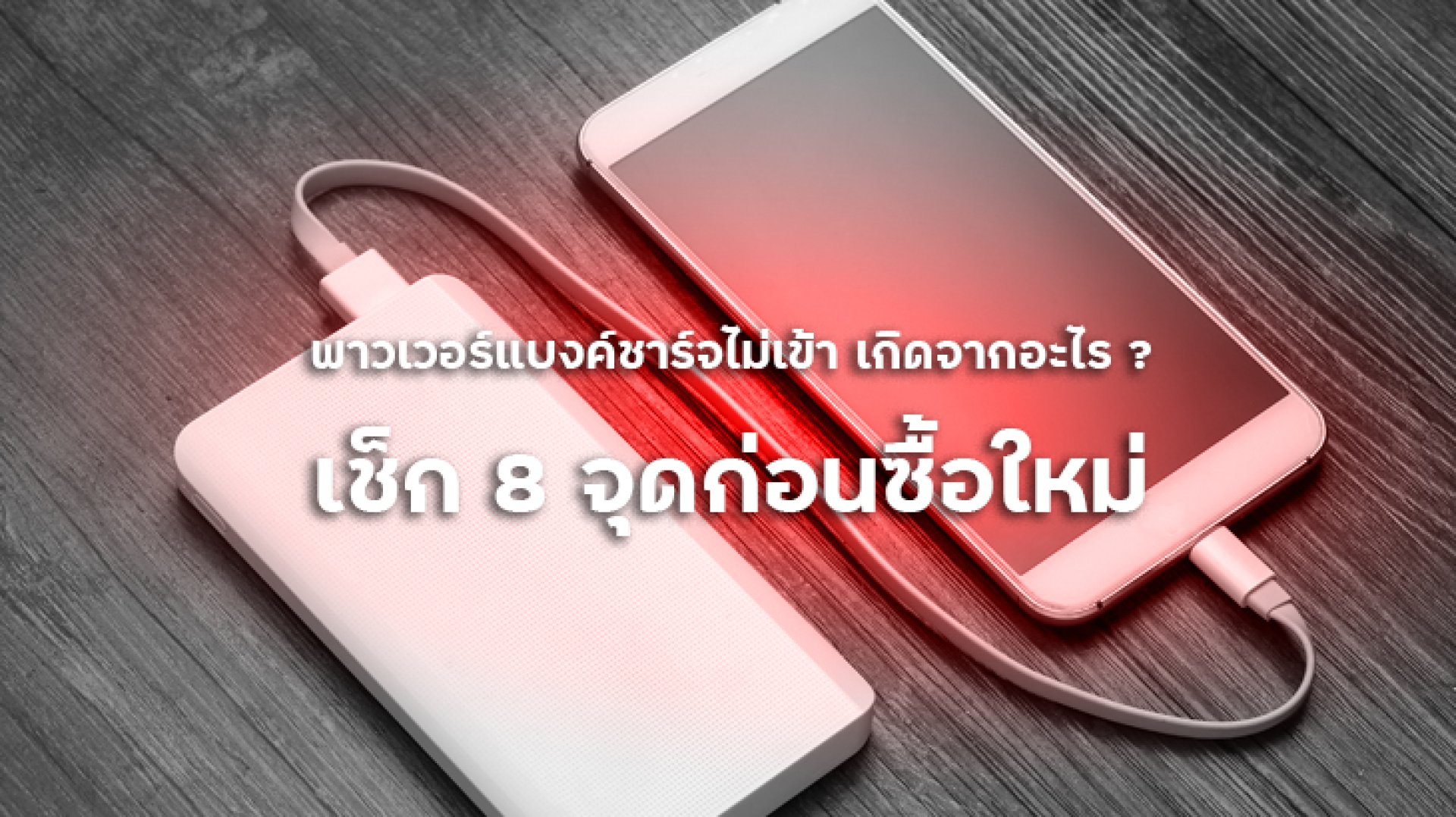
If your power bank won't charge, don't assume that the battery is dead right away. The problem could be something as simple as a faulty charging cable, an unsuitable power adapter, a dirty USB-C port, or even connecting the cable to the wrong port.
Before buying a replacement, it is worth checking the basic components one by one. This guide covers eight common causes of charging problems and explains how to identify whether the issue is related to the cable, charger, charging port, battery, temperature, or internal circuitry.
Why Won't My Power Bank Charge?
A power bank can stop charging for many different reasons. Some problems are external and relatively easy to identify, while others may be caused by battery degradation or an internal circuit fault.
The best approach is to start with the simplest possibilities first. Check the charging cable and power adapter before assuming that the power bank itself has failed.
8 Things to Check When Your Power Bank Won't Charge
1. Check the Charging Cable
The charging cable should be the first thing you check. A cable can look perfectly normal on the outside while its internal conductors have been damaged by repeated bending, pulling, or long-term use.
Try a different compatible cable that you know works properly. If the power bank starts charging normally, the original cable may be the source of the problem.
For USB-C power banks that support fast charging, use a cable with specifications appropriate for the charging power supported by the device.
2. Try a Different Power Adapter
The wall charger or power adapter can also cause charging problems. If the adapter is damaged or does not provide the expected charging protocol, the power bank may not begin charging normally.
Try another compatible and reliable power adapter. If the power bank starts charging, the original adapter may be the problem.
Keep in mind that wattage alone does not determine compatibility. Different power banks support different charging standards, such as USB Power Delivery (PD) or PPS.
3. Make Sure You Are Using the Correct Input Port
Some power banks have several USB ports, and not every port necessarily performs the same function. For example, a USB-C port may support both input and output, while another port may be designed primarily for output.
If you connect the charging cable to an output-only port, the power bank will not charge.
Check the labels around the ports or consult the manufacturer's specifications to determine which port supports Input.
4. Inspect the USB-C Port for Dust or Debris
Dust, lint, or other debris can accumulate inside a charging port and prevent the connector from making proper contact.
Inspect the port carefully. If you see visible debris, clean it carefully without forcing sharp or metallic objects into the connector, as this can damage the contacts.
If the USB-C connector feels unusually loose or the cable disconnects easily, the port itself may have suffered physical damage.
5. Check the LED Indicators or Battery Display
Power banks use different methods to indicate their charging status. Some use multiple LEDs, while others have a digital display showing the remaining battery percentage.
After connecting the charger, check whether the indicator responds normally. Depending on the model, you may see a flashing LED, a charging animation, or an increasing battery percentage.
If there is no response at all after testing a known-good cable and compatible charger, the problem may be inside the power bank.
6. Check the Power Bank's Temperature
Lithium-ion batteries can become warm during charging and discharging. However, a power bank that becomes unusually hot should not be ignored.
If the device becomes too hot to handle, stop using it and disconnect it from the charger. Excessive heat may indicate a problem with the battery or internal electronics.
Extremely hot or cold environments can also affect battery charging performance. Allow the device to return to a suitable operating temperature before attempting normal use again.
7. The Battery May Be Degraded
If the power bank has been used for a long time and has gradually developed charging problems, the battery itself may have reached the later stages of its service life.
Rechargeable lithium-ion batteries naturally lose capacity over time. Factors such as charging cycles, age, operating temperature, and usage conditions can affect battery performance.
In this situation, replacing the cable or charger may not solve the problem because the underlying issue is the battery itself.
8. The Internal Circuit or Protection System May Have a Fault
A power bank contains more than just a battery. It also includes electronic circuits responsible for controlling charging, power delivery, and various protection functions.
If the internal electronics detect an abnormal condition, the power bank may stop charging or shut down certain functions as a protective measure.
If you have already tested a compatible cable, charger, and input port but the power bank still does not respond, professional inspection may be necessary. Do not attempt to open or repair the battery yourself.
Why Is My Power Bank Not Charging but Still Charging My Phone?
This situation can be confusing because the power bank can still provide power to another device but cannot recharge its own battery.
The problem may be related to the input port, charging circuit, battery management system, or another internal component.
If changing the charging cable and power adapter does not solve the problem, the power bank may require professional inspection or replacement.
What If the Power Bank Shows No Charging Light?
Start by checking the charging cable, power adapter, and correct input port. Make sure the charger itself works properly with another compatible device.
If there is still no charging indicator or response, the battery, charging circuit, or port may have a fault.
If the power bank is swollen, unusually hot, physically damaged, or producing an unusual smell, stop using it rather than repeatedly attempting to charge it.
Do You Need to Replace a Power Bank That Won't Charge?
Not necessarily. If the problem is caused by a damaged cable, unsuitable charger, or a dirty connection, replacing or correcting the affected component may solve the problem.
However, replacement is usually the safer option when the power bank has a swollen battery, physical damage, signs of water exposure, excessive heat, unusual odor, or an internal electronic fault.
A power bank containing a rechargeable lithium-ion battery should not be opened or repaired by an unqualified person.
When Should You Stop Using a Power Bank?
Stop using the power bank if you notice any of the following warning signs:
- The casing is swollen or deformed.
- The device becomes unusually hot.
- You notice a burning or unusual chemical smell.
- You see smoke or sparks.
- The charging port is visibly damaged or burnt.
- The power bank has been exposed to water or significant moisture.
- The casing has serious physical damage.
- The device behaves unpredictably during charging.
These symptoms may indicate damage to the battery or internal electronics. Do not attempt to disassemble the device yourself.
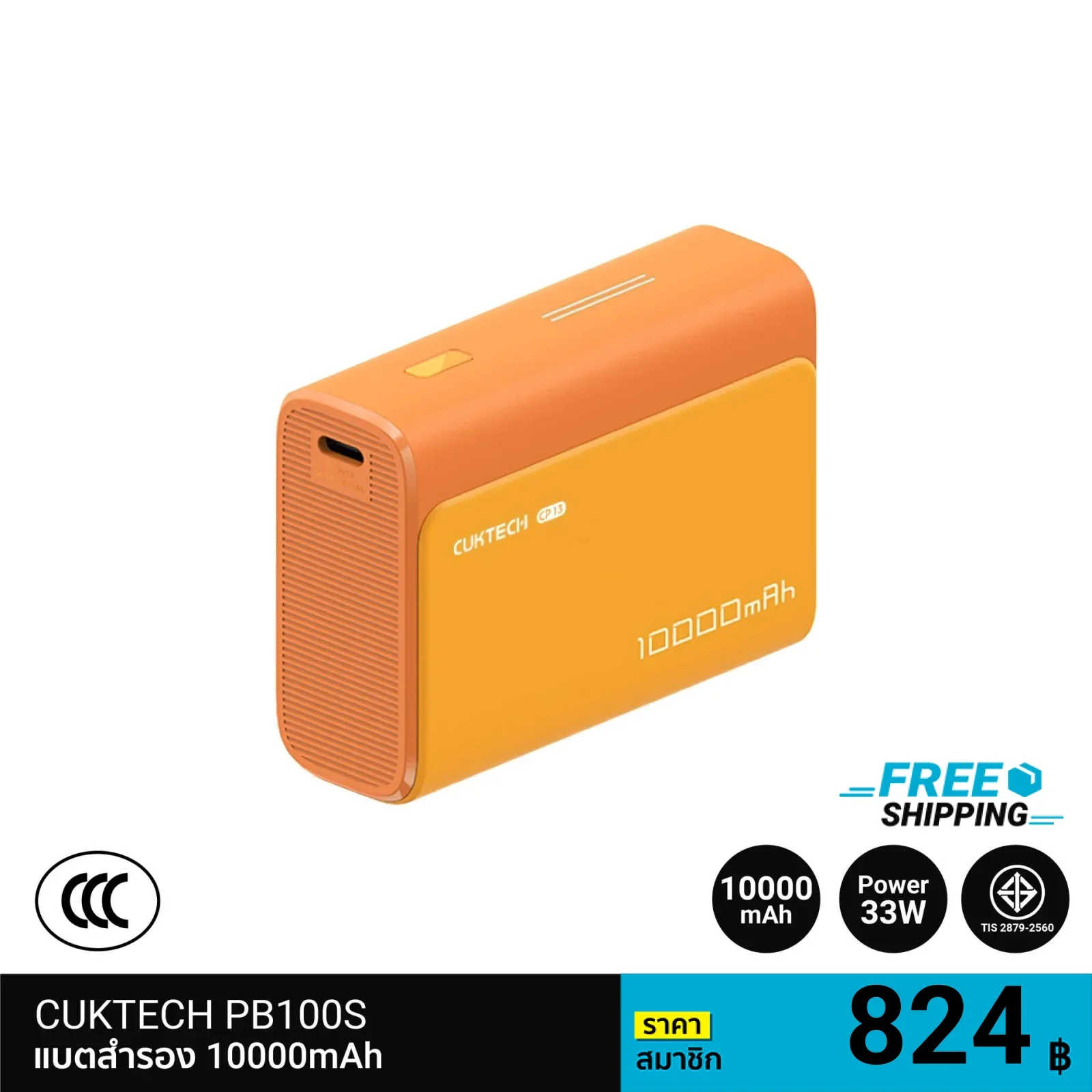
How to Choose a New Power Bank After the Old One Fails
If your existing power bank has reached the end of its useful life, choosing a replacement should involve more than simply looking at the mAh rating.
Choose the Right Capacity
A 10,000mAh power bank is generally convenient for everyday portability, while a 20,000mAh model may be more suitable for travel or users who need more backup power throughout the day.
Check the Charging Standards
If you use a modern smartphone, tablet, or laptop, check whether the power bank supports the charging standards required by your device, such as USB Power Delivery (PD) or PPS.
Look for Safety Protection
Choose a power bank from a reputable manufacturer with appropriate safety features. Depending on the product, these may include protection against overcurrent, overvoltage, overheating, overcharging, and short circuits.
Don't Choose Based on Wattage Alone
A power bank rated at 100W or more is not automatically the best choice for every device. Check the supported charging protocols and the actual power requirements of your smartphone, tablet, or laptop.
Conclusion: Don't Replace Your Power Bank Too Quickly
A power bank that won't charge may have a simple problem with its cable, charger, or charging port. However, it can also indicate battery degradation or an internal electronic fault.
Start with the easiest checks: test another compatible cable, try another charger, verify the correct input port, and inspect the charging connector. If the problem remains, consider whether the battery or internal circuitry may be responsible.
Most importantly, do not continue using a power bank that is swollen, excessively hot, damaged, smells unusual, or has been exposed to water. In these situations, safety should take priority over trying to recover the device.
When replacing a power bank, look for a reputable manufacturer, appropriate charging standards, suitable capacity, and comprehensive safety protection. Choosing the right power bank can make everyday charging more reliable and safer.