Genuine iPhone Charging Cable vs Non-Certified Cable: Differences and the Role of CUKTECH E-Marker
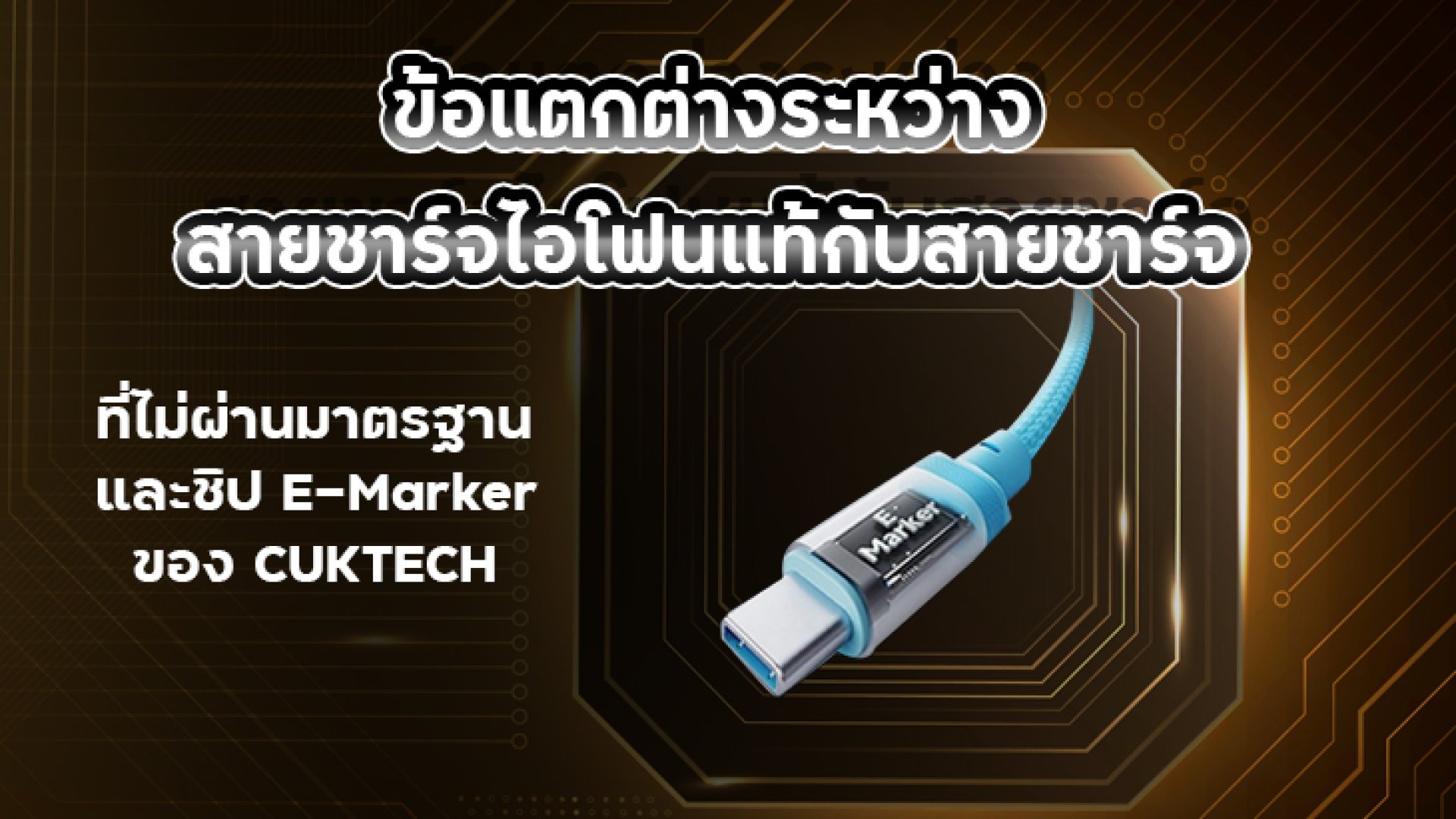
A charging cable may seem like a simple accessory, but it plays a crucial role in charging performance, device safety, and battery longevity. Choosing the wrong cable can lead to slower charging speeds, unstable power delivery, overheating, or even compatibility issues with your smartphone, tablet, or laptop.
As more devices adopt USB-C and USB Power Delivery (USB PD), selecting a high-quality charging cable has become more important than ever. While Apple's Lightning cables rely on MFi (Made for iPhone) certification, modern USB-C cables use technologies such as the E-Marker chip to communicate their capabilities to connected devices.
In this guide, we'll explain the differences between genuine iPhone charging cables, uncertified alternatives, and USB-C cables equipped with CUKTECH's E-Marker technology. You'll also learn how these technologies improve charging efficiency, safety, and long-term reliability.
Why Does the Quality of a Charging Cable Matter?
Many people focus on choosing a fast charger but overlook the charging cable. In reality, the charger and cable work together. Even if you own a powerful USB-C charger, using a low-quality cable can prevent your device from reaching its maximum charging speed.
A charging cable is responsible for transferring both electrical power and, in many cases, data between your charger and device. If the cable is poorly manufactured or doesn't meet industry standards, you may experience problems such as:
- Slower charging speeds than expected
- Power loss caused by high electrical resistance
- Excessive heat during charging
- Unstable charging connections
- Reduced charging efficiency
- Shorter cable lifespan
- Potential damage to charging ports over time
For modern devices like the iPhone 15 series, iPads, MacBooks, Android smartphones, gaming handhelds, and USB-C laptops, the charging cable is no longer just a wireit has become an intelligent component that actively participates in power negotiation.
What Is an Apple MFi Certified Charging Cable?
For iPhones that use the Lightning connector, Apple introduced the MFi (Made for iPhone / iPad) certification program to ensure compatibility and safety. Manufacturers that join this program must meet Apple's hardware and quality requirements before they can legally produce compatible accessories.
An MFi-certified Lightning cable contains an authentication chip that communicates directly with Apple devices. This chip verifies that the cable is approved by Apple, helping ensure stable performance even after future iOS updates.
Benefits of an MFi-Certified Cable
- Reliable compatibility with Apple devices
- Reduced risk of "Accessory Not Supported" warnings
- Stable charging and data transfer
- Better long-term compatibility with future iOS versions
- Tested for Apple's quality and safety standards
Although MFi-certified cables are generally more expensive than generic alternatives, they provide greater reliability and peace of mind, especially for users who charge their iPhone every day.
What Are the Risks of Using a Non-Certified Charging Cable?
Not all charging cables are built to the same standard. Some inexpensive cables may look identical to genuine products, but they often use lower-quality materials and lack proper certification. As a result, their real-world performance can vary significantly.
Common issues associated with non-certified charging cables include:
- Poor-quality copper conductors
- Higher electrical resistance
- Voltage drop during charging
- Reduced Fast Charging performance
- Excessive heat buildup
- Shorter product lifespan
- Compatibility problems with smartphones and tablets
For example, connecting a low-quality cable to a 65W or 100W USB-C charger does not guarantee fast charging. In many cases, the charging system automatically reduces power output to protect both the cable and the connected device.
What Is the CUKTECH E-Marker Chip?
As USB-C technology continues to evolve, more charging cables now support high-power charging such as 100W, 140W, and even 240W. To safely handle this level of power, many premium USB-C cablesincluding selected CUKTECH modelsare equipped with an E-Marker (Electronically Marked Cable) chip.
An E-Marker is a small integrated chip embedded inside a USB-C cable. It stores information about the cable's capabilities and communicates this information to both the charger and the connected device before power is delivered.
Rather than increasing charging speed by itself, the E-Marker helps ensure that every device in the charging chain understands exactly what the cable can safely support.
How Does an E-Marker Work?
When you connect a USB-C charger to a smartphone, tablet, laptop, or power bank, the charging process doesn't begin immediately. Instead, the charger, cable, and device first communicate through a process known as USB Power Delivery (USB PD) negotiation.
During this negotiation, the E-Marker chip provides important information about the cable, allowing the charger to determine the safest and most efficient power level.
An E-Marker Can Report Information Such As:
- Maximum supported charging power
- Maximum current rating (3A or 5A)
- Supported voltage range
- USB specification compatibility
- Data transfer capability
- USB Power Delivery support
This information enables the charging system to deliver the appropriate amount of power without exceeding the cable's design limits, improving both charging efficiency and overall safety.
Does an E-Marker Make Charging Faster?
This is one of the most common misconceptions.
The answer is no. An E-Marker chip does not increase charging speed on its own.
Instead, it allows the charger and connected device to verify that the cable can safely handle higher power levels. If all three componentsthe charger, cable, and devicesupport high-power USB PD charging, the system can safely deliver the maximum supported output.
Without an E-Marker, many chargers automatically limit power output as a safety precaution, even if both the charger and the device support higher charging speeds.
Real-World Example
Imagine the following setup:
- 140W USB-C PD Charger
- MacBook that supports up to 100W charging
- CUKTECH USB-C to USB-C cable with a 240W E-Marker
After connecting the devices, the charger reads the cable's E-Marker and confirms that it supports up to 240W. Since the MacBook only requires 100W, the charger safely supplies the maximum 100W supported by the laptop.
Now replace that cable with a generic USB-C cable that lacks an E-Marker or only supports 3A current. In this case, the charging system may automatically reduce power to around 60Wor even lessto prevent overheating or cable damage.
This demonstrates why the cable itself can become the limiting factor, even when using a high-performance charger.
Apple MFi vs. USB-C E-Marker: What's the Difference?
Although both technologies improve charging reliability, they serve completely different purposes.
| Feature | Apple MFi | USB-C E-Marker |
|---|---|---|
| Standard Organization | Apple | USB Implementers Forum (USB-IF) |
| Designed For | Lightning cables | USB-C cables |
| Main Purpose | Authenticates Apple accessories | Identifies cable capabilities |
| Supports USB Power Delivery | Limited by Lightning specifications | Designed specifically for USB PD |
| Supports High-Power Charging | Limited | Up to 100W, 140W, or 240W depending on the cable |
| Improves Charging Reliability | Yes | Yes |
In simple terms, MFi verifies that a Lightning cable is approved by Apple, while E-Marker tells USB-C devices exactly what the cable is capable of handling. They are different technologies designed for different connector standards, but both contribute to safer and more reliable charging.
How to Choose the Right Charging Cable
Choosing a charging cable isn't just about price. The right cable should match your device, charging adapter, and power requirements. A high-quality cable not only delivers faster and more stable charging but also helps protect your devices over the long term.
For iPhone with a Lightning Connector
- Choose an Apple MFi-certified Lightning cable.
- Make sure it supports USB Power Delivery (PD) Fast Charging if you use a USB-C charger.
- Look for durable materials such as braided nylon and reinforced connectors.
- Avoid cables from unknown manufacturers with no certification or warranty.
For iPhone 15 Series, Android Phones, iPads, and MacBooks
- Choose a USB-C to USB-C cable that supports USB Power Delivery (USB PD).
- If you regularly use high-power chargers or laptops, select a cable with an E-Marker chip.
- For charging above 60W, choose a cable rated for 5A current.
- Purchase products from reputable brands that clearly state their specifications.
If you own multiple USB-C devices, investing in a high-quality cable with an E-Marker can simplify your setup. A single cable can safely charge smartphones, tablets, laptops, power banks, gaming handhelds, and many other USB-C devices.
What to Check Before Buying a Charging Cable
Not every cable advertised as "100W" or "240W" actually meets those specifications. Some inexpensive products may use lower-quality materials or omit the E-Marker chip entirely while still claiming to support high-power charging.
Before purchasing, verify the following:
- Clearly states USB Power Delivery (USB PD) compatibility.
- Supports 5A current for high-power charging.
- Includes an E-Marker chip if rated for 100W or higher.
- MFi certification for Lightning cables.
- Clear product specifications and warranty information.
- Sold by a trusted manufacturer or authorized retailer.
Paying slightly more for a certified cable is often far less expensive than replacing a damaged smartphone, tablet, or laptop caused by unreliable charging accessories.
Conclusion
Although all charging cables perform the same basic function, not all are built to the same standard.
Apple MFi-certified Lightning cables are designed to provide reliable compatibility with Apple devices through built-in authentication, helping prevent charging errors and ensuring long-term support for future iOS updates.
Non-certified charging cables may be less expensive, but they often compromise on safety, durability, charging efficiency, and overall reliabilityespecially when used with Fast Charging adapters.
USB-C cables equipped with an E-Marker chip, such as selected CUKTECH models, allow chargers and devices to accurately identify the cable's capabilities. This enables USB Power Delivery to operate safely and efficiently, making them an excellent choice for high-performance devices including the iPhone 15 series, iPads, MacBooks, Windows laptops, and other USB-C products.
Choosing a certified, high-quality charging cable is a smart long-term investment that improves charging performance while helping protect your valuable devices.
Frequently Asked Questions (FAQ)
What is the difference between a genuine iPhone cable and a non-certified cable?
A genuine Apple MFi-certified cable includes an authentication chip approved by Apple, ensuring reliable compatibility, stable charging, and improved safety. Non-certified cables may lack these features and can result in slower charging, compatibility warnings, or reduced durability.
Do I need an E-Marker cable?
If you charge smartphones only, an E-Marker may not always be necessary. However, if you use USB-C laptops, tablets, high-power chargers, or power banks, an E-Marker cable is strongly recommended for safe and efficient power delivery.
Can a USB-C cable work without an E-Marker?
Yes. Many USB-C cables function normally without an E-Marker. However, for high-power charging above 60W, an E-Marker is generally required to allow USB Power Delivery to negotiate higher power levels safely.
Does the iPhone 15 require an MFi cable?
No. Since the iPhone 15 series uses USB-C instead of Lightning, MFi certification is no longer required for charging cables. Instead, choose a high-quality USB-C cable that supports USB Power Delivery. For high-power applications, an E-Marker-equipped cable is recommended.
Who should choose a CUKTECH cable with an E-Marker?
CUKTECH E-Marker cables are ideal for users who regularly charge multiple USB-C devices such as iPhones, iPads, MacBooks, Windows laptops, power banks, gaming handhelds, and USB-C accessories using fast USB Power Delivery chargers.
References
- USB Implementers Forum (USB-IF). USB Type-C® Cable and Connector Specification.
https://www.usb.org/ - USB Implementers Forum (USB-IF). USB Power Delivery (USB PD) Specification.
https://www.usb.org/usb-charger-pd - Apple Support. Identify Counterfeit or Uncertified Lightning Connector Accessories.
https://support.apple.com/ - Apple MFi Licensing Program.
https://mfi.apple.com/ - USB-IF Certified Product Search.
https://www.usb.org/products - CUKTECH Official Website.
https://www.cuktech.com/
Key Takeaways
- Apple MFi certification is designed specifically for Lightning cables, ensuring compatibility, safety, and reliable communication with Apple devices.
- Non-certified charging cables may cause slower charging, overheating, unstable power delivery, and reduced compatibility with smartphones, tablets, and laptops.
- The E-Marker chip is part of the USB-C standard. It identifies a cable's capabilitiesincluding supported power, current, and data transfer speedto enable safe USB Power Delivery.
- If you use USB-C laptops, tablets, power banks, or high-wattage chargers, choosing an E-Marker-equipped cable helps maximize charging performance while maintaining safety.
- Selected CUKTECH USB-C cables include E-Marker technology, making them suitable for high-power charging applications up to the cable's rated specification (such as 100W or 240W, depending on the model).
- Investing in a certified, high-quality charging cable provides better long-term reliability, improved charging efficiency, and enhanced protection for your devices.