USB-C vs MagSafe MacBook Charger: What's the Difference?
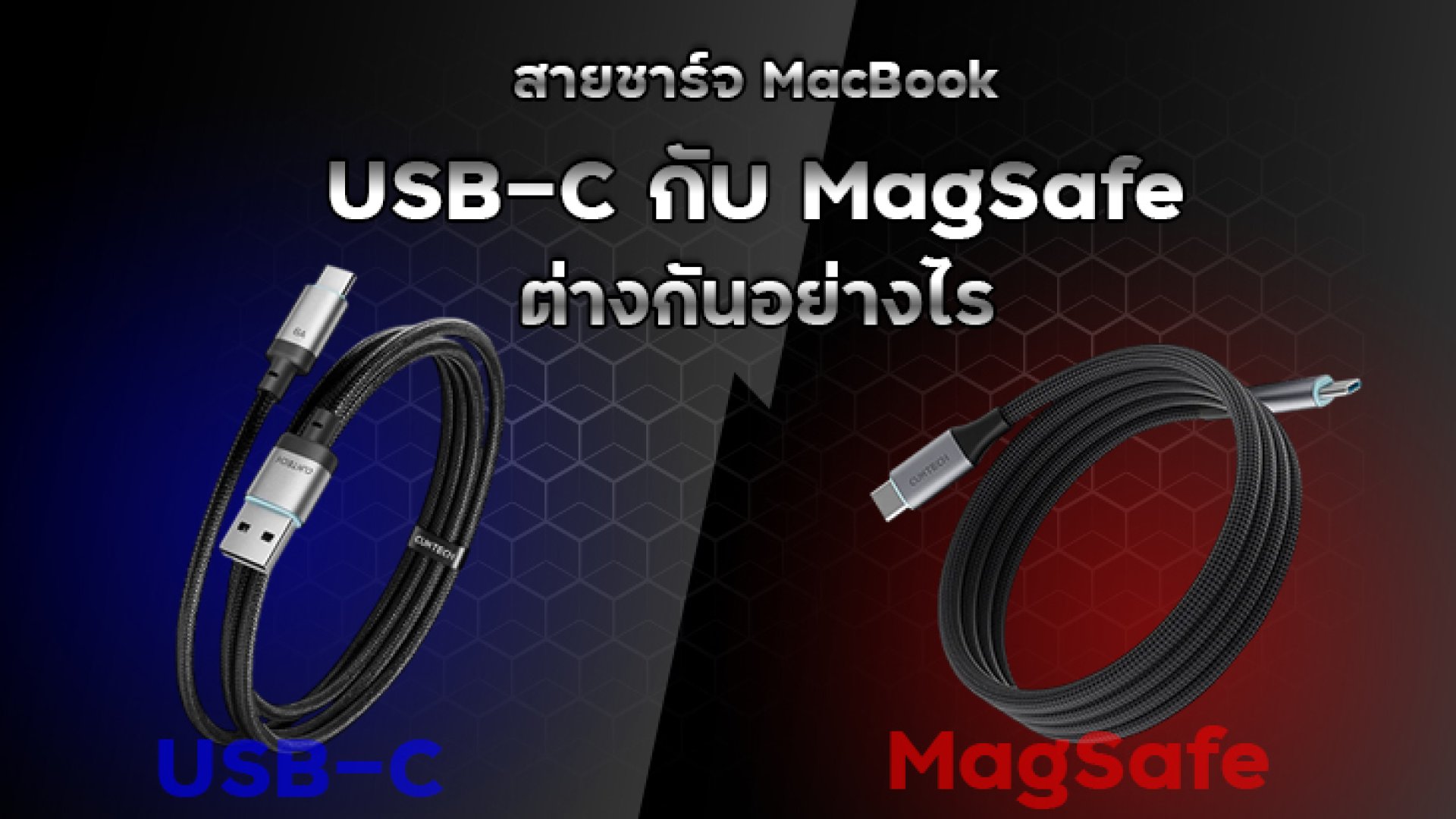
Many MacBook users wonder whether they should use a USB-C charger or MagSafe charging cable. Since modern MacBook models often support both charging methods, understanding their differences can help you choose the most suitable option for your needs.
What Is MagSafe?
MagSafe is Apple's magnetic charging technology designed specifically for MacBook devices. The charging connector attaches to the MacBook magnetically, allowing it to disconnect easily if someone accidentally trips over the cable.
Apple reintroduced MagSafe in newer MacBook Air and MacBook Pro models because of its convenience and enhanced safety.
What Is USB-C Charging?
USB-C is a universal connectivity standard used for charging, data transfer, and connecting external devices. A single USB-C cable can often charge multiple devices, including laptops, smartphones, tablets, and accessories.
Most modern MacBooks support charging via USB-C using the USB Power Delivery (USB PD) standard.
USB-C vs MagSafe: Key Differences
| Feature | USB-C | MagSafe |
|---|---|---|
| Connection Type | Physical plug-in connection | Magnetic attachment |
| Safety if Cable Is Pulled | May pull the MacBook off a desk | Disconnects easily to prevent accidents |
| Data Transfer Support | Yes | No |
| Compatibility | Works with many devices | Compatible only with supported MacBooks |
| Ease of Use | Requires manual insertion | Automatically snaps into place |
| Fast Charging Support | Supported on many models | Supported on select MacBook models |
Advantages of USB-C Charging
- Compatible with a wide range of devices.
- Supports both charging and data transfer.
- Easy to find and available at various price points.
- Works with standard USB-C PD chargers.
- Ideal for travelers who prefer carrying a single cable.
Disadvantages of USB-C Charging
- Accidental cable pulls can cause the laptop to fall.
- Frequent plugging and unplugging may wear out the port over time.
- Less convenient compared to magnetic attachment.
Advantages of MagSafe Charging
- Magnetic design helps prevent accidental drops.
- Quick and easy to connect.
- Keeps USB-C ports free for accessories and peripherals.
- Designed specifically for MacBook devices.
Disadvantages of MagSafe Charging
- Does not support data transfer.
- Only works with compatible MacBook models.
- Official replacement cables can be more expensive.
- Cannot be used with most non-Apple devices.
Which MacBook Models Support MagSafe?
Many recent MacBook Air and MacBook Pro models, particularly those introduced from 2021 onward, feature MagSafe charging. However, these models also continue to support charging via USB-C.
Should You Choose USB-C or MagSafe?
The best option depends on your usage habits:
- Choose USB-C if you need maximum versatility, want to use a single cable for multiple devices, or frequently transfer data.
- Choose MagSafe if safety, convenience, and preventing accidental drops are your top priorities.
Conclusion
Both USB-C and MagSafe charging methods offer unique advantages. USB-C excels in versatility and universal compatibility, while MagSafe stands out for its safety and ease of use. If your MacBook supports both options, using each for different situations may provide the best overall experience.
Frequently Asked Questions (FAQ)
Can a MacBook with MagSafe still charge via USB-C?
Yes. Most modern MacBooks that support MagSafe can also be charged through their USB-C ports.
Is MagSafe faster than USB-C?
Charging speed depends on the MacBook model, power adapter wattage, and cable specifications. Some MacBook models support fast charging through MagSafe.
Can I use any USB-C cable to charge my MacBook?
Yes, provided the cable supports USB Power Delivery (USB PD) and delivers sufficient power for your specific MacBook model.
Does using MagSafe help preserve USB-C ports?
Yes. Since charging occurs through the dedicated MagSafe connector, it reduces wear and tear on the USB-C ports.
References
- Apple Support. "Use a power adapter with your Mac." https://support.apple.com/en-us/109509
- Apple Support. "Fast charge your MacBook Air or MacBook Pro." https://support.apple.com/en-us/102378
- Apple Support. "Identify your Mac power adapter." https://support.apple.com/en-us/109509
- Eaton. "USB Charging and Power Delivery." https://tripplite.eaton.com/products/usb-charging
- Macworld. "What wattage USB-C charger can you use to charge a MacBook?" https://www.macworld.com/article/2200902/what-wattage-usb-c-charger-can-you-use-to-charge-a-macbook.html